If you’re choosing between Wan and Kling, you’re probably not debating specs or brand names.
You’re standing at a creative crossroads—deciding how you want this shot to feel when someone watches it.
At its core, the question is simple but decisive:
- Do I want the most believable realism from a single image, where the motion feels almost invisible?
- Or do I want repeatable, choreographed movement that I can control shot-to-shot, like directing a performance?
That’s the heart of this Wan 2.6 vs Kling 2.6 comparison.
In this viewer-first guide, I’ll walk you through what each model does best, show you publish-ready comparison charts, and then give you a clean workflow for using both on FluxProWeb—plus prompts you can copy/paste.
Quick answer: how to choose in 10 seconds
- Pick Wan 2.6 for realistic image-to-video when you want the most “filmic” living-frame look—stable faces, coherent lighting, and natural micro-motion.
- Pick Kling 2.6 for motion control when you already know the movement you want and you want your image to mimic it (dance, gestures, choreography, camera moves).
If you’re still torn: draft your concept with Kling when motion is the story, then finalize your best take with Wan when realism is the finish.
What each model is best at (in plain English)
Wan is about realism
Wan is the model you reach for when you want viewers to stop and think, “Wait… is this real footage?” It’s a strong pick for:
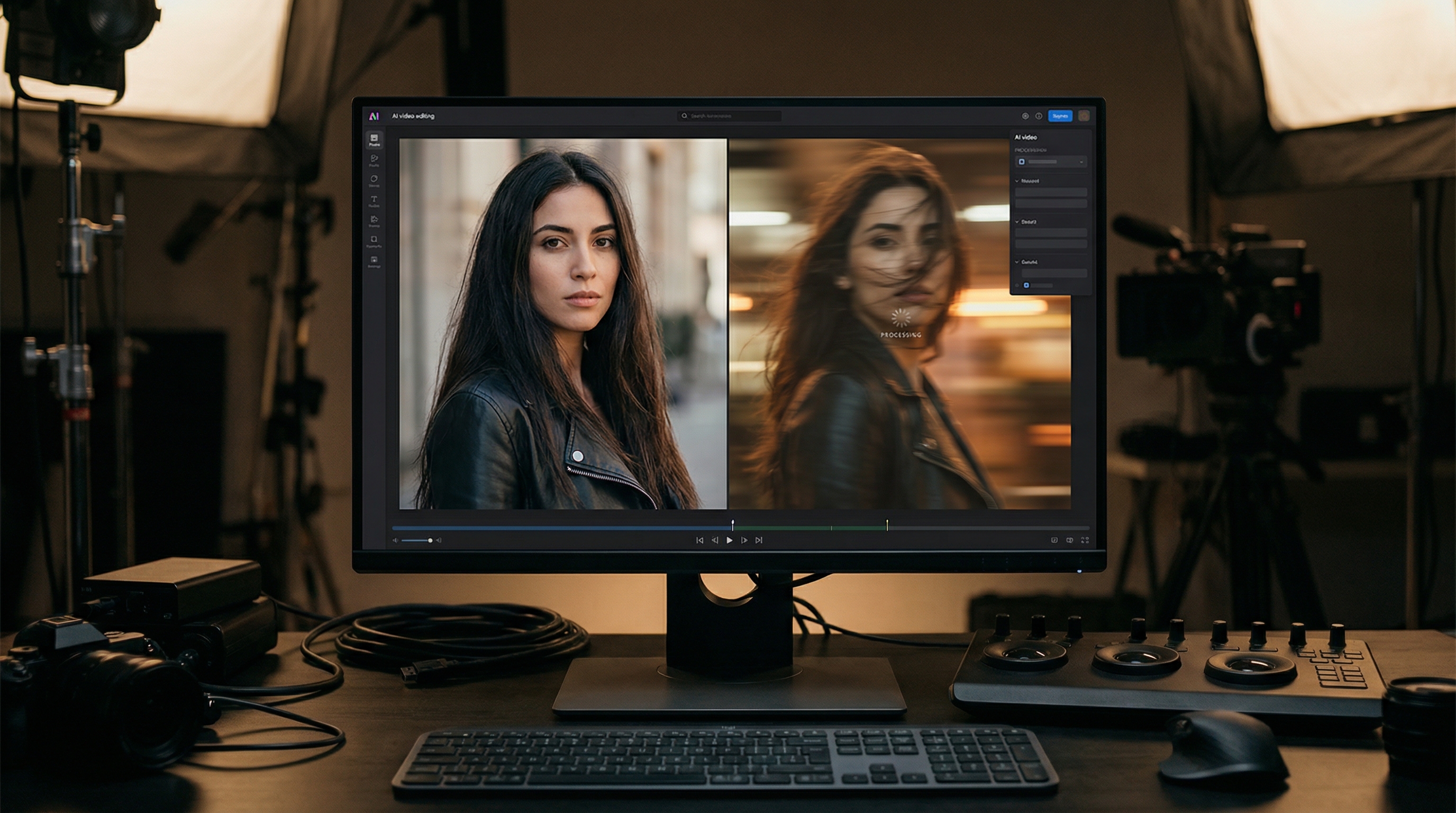
- Wan 2.6 for portraits (face stability + cinematic micro-motion)
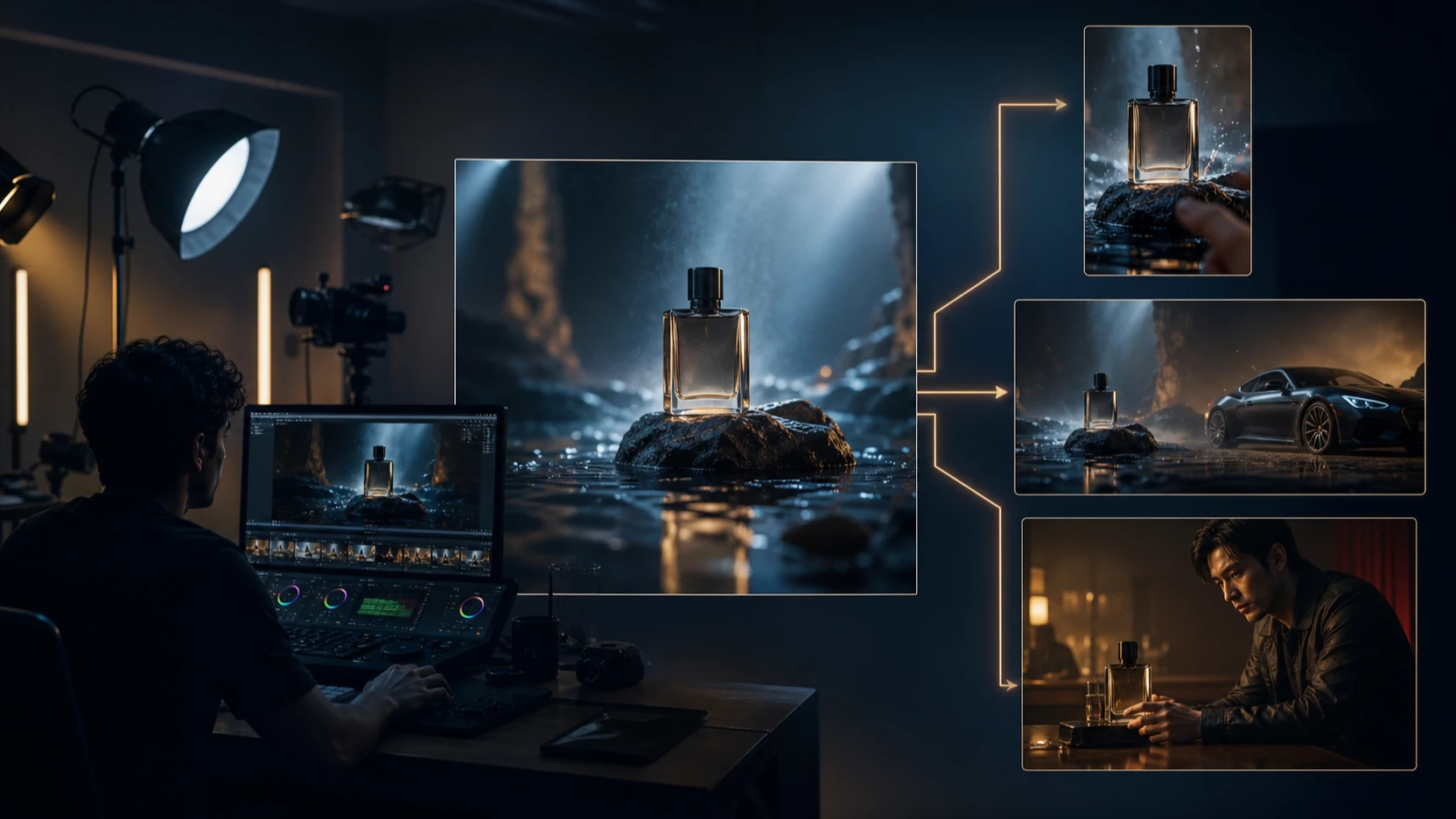
- Wan 2.6 for product ads (clean textures + believable light)
- any “living photo” shot where subtlety is the point
Kling is about control
Kling Motion Control is built for a different kind of win: you feed it a motion reference video, and your uploaded image follows that movement. It’s a great pick for:
- Kling 2.6 for action scenes (performance-style clips)
- repeatable motion across multiple characters/images
- “do this exact movement” needs (walk cycles, gestures, dance)
That’s why people search both directions: Kling 2.6 vs Wan 2.6—the best choice depends on whether your shot is motion-led or realism-led.
Comparison charts (publish-ready)
Chart 1 — Feature comparison: realism vs motion control
| Category | Wan 2.6 | Kling 2.6 |
|---|---|---|
| Core strength | Photoreal “living frame” realism | Motion-driven control via reference video |
| Best input | One strong image (clean subject + lighting) | Motion video (mp4) + image to animate |
| Control style | Prompt-led (camera + micro-motion cues) | Reference-led (movement comes from the video) |
| Best for | Portraits, lifestyle, product hero shots | Dance/gestures, action teases, repeatable choreography |
| Typical failure modes | Overdone motion can warp faces/backgrounds | Bad reference video causes jitter/awkward tracking |
| When it shines | Subtle motion + cinematic texture | “Do this movement” performance shots |
Chart 2 — Use-case match: what to use, when
| Use case | Best pick | Why it wins | Backup strategy |
|---|---|---|---|
| Close-up portraits / beauty | Wan 2.6 for portraits | Stable identity + natural micro-motion | Draft with Kling only if you need a specific gesture |
| Product hero ads | Wan 2.6 for product ads | Lighting and texture look commercial | Use Kling for “hands interacting” if you have a clean reference |
| Influencer-style performance | Kling 2.6 for motion control | Repeatable body/camera movement | Final polish take in Wan if you want cleaner realism |
| Action teaser / choreography | Kling 2.6 for action scenes | Motion is the story | Shorten duration / simplify camera if it gets chaotic |
| Cinematic “living photo” | Wan 2.6 for realistic image-to-video | Best coherence frame-to-frame | Reduce motion words if you see warping |
Chart 3 — Workflow planning: draft fast, finish clean
| Goal | Use this first | Then do this | Why it works |
|---|---|---|---|
| You don’t know the motion yet | Kling with a few reference videos | Keep the best reference + best frame | Motion control helps you explore quickly |
| You know the motion, need realism | Kling for the exact move | Recreate the best take in Wan | Kling locks movement, Wan polishes realism |
| Product ads that must look premium | Wan first | Iterate with small prompt changes | Wan tends to keep packaging/lighting coherent |
| Portraits with minimal artifacts | Wan first | Keep motion subtle, shorten duration if needed | Less motion = more stability |
How to use Wan 2.6 on FluxProWeb (step-by-step)
Start here: Wan 2.6.
1) Upload your image
Think like an editor choosing a shot:
- clear subject silhouette (face/product not tiny)
- one main light direction (window light, softbox, etc.)
- minimal background chaos
- sharp focus (no motion blur)
If the image is messy, the model “invents” structure—and invention is where warping starts.
2) (Optional) Upload audio
Wan supports audio upload (mp3). If your clip is meant for social, this can help you match mood—but it’s optional.
3) Choose your settings
From the UI:
- Resolution: 720p is fine for drafts; go higher when you have a winner
- Duration: start at 5s for stability, then go longer only when the shot truly needs it
- Video ratio: pick based on platform (16:9 for YouTube/banner, 9:16 for Reels/TikTok, 1:1 for feeds)
4) Write a prompt like a shot list
Wan responds best to prompts that feel like direction, not poetry:
Subject → Setting → Lighting → Camera → 1–2 motions → Style locks
Example “style locks” that reduce artifacts:
- “stable face, smooth motion, minimal flicker, realistic lighting, no warping”
5) Generate and iterate (one change at a time)
If you change camera, motion, lighting, and style all at once, you won’t know what fixed the problem.
Editor rule: change one variable per rerun.
How to use Kling 2.6 Motion Control on FluxProWeb (step-by-step)
Start here: Kling 2.6 for motion control.
Kling’s workflow is different because motion comes from a reference video.
1) Upload a motion reference video (mp4)
From the UI: mp4, 3–30 seconds.
Pick references that are:
- clearly lit
- stable camera (or intentionally stable movement)
- minimal occlusion (hands crossing face constantly can confuse tracking)
Bad reference in = awkward output out.
2) Upload the image you want to animate
Best results come when the image matches the reference:
- similar framing (full body vs half body vs close-up)
- similar pose orientation (facing camera vs profile)
- subject is easy to track (not tiny, not cluttered)
3) Prompt for style + constraints (not movement)
Because movement is in the video, your prompt should focus on:
- style (“cinematic, realistic, soft film grain”)
- environment (“studio background, city street at night”)
- constraints (“stable face, no warping, consistent outfit, realistic lighting”)
4) Generate, then iterate by swapping references first
If the motion looks wrong, don’t over-prompt your way out.
Swap the reference video first. Then tweak prompt second.
Prompt kit (copy/paste) for both models
Below is a practical Wan 2.6 comparison mindset: you’ll see how Wan prompts lean into micro-motion realism, while Kling prompts lean into constraints that keep motion clean.
Prompt template (reusable)
“A [shot type] of [subject] in [setting], [lighting], [camera move], [two subtle motions], [style], stable face, smooth motion, minimal flicker, no warping.”
1) Portrait realism (Wan-first)
Best for: Wan 2.6 for portraits
“A cinematic close-up portrait in soft window light, shallow depth of field, slow dolly-in, gentle breathing and natural blinking, subtle hair movement, filmic color, stable face, smooth motion, minimal flicker, realistic skin texture, no warping.”
2) Product hero ad (Wan-first)
Best for: Wan 2.6 for product ads
“Commercial product hero shot on a clean surface with softbox lighting, subtle camera push-in, slow turntable rotation, sharp readable label, crisp edges, realistic reflections, stable geometry, smooth motion, minimal flicker, no distortion.”
3) Action/performance (Kling-first)
Best for: Kling 2.6 for action scenes
“Cinematic performance shot, realistic lighting, consistent outfit and face, stable features, no warping, smooth motion, minimal flicker, filmic contrast, clean background, high detail.”
(Remember: the reference video is doing the movement. Keep the prompt focused on look + constraints.)
Negative prompt mini-list (artifact control)
“flicker, jitter, warped face, unstable eyes, extra limbs, distorted hands, melting edges, background warping, text artifacts, watermark”
Troubleshooting (fast fixes that save your shot)
If faces drift or “morph” (Wan or Kling)
- reduce motion intensity (especially facial motion)
- add “stable face, minimal expression change”
- shorten duration
If you get flicker/jitter
- simplify camera movement
- remove excessive particles/sparks
- keep lighting consistent (“soft window light” vs “flashing neon”)
If the background bends/warps
- add “static background, stable geometry”
- reduce parallax or “dynamic camera” phrases
If a product label distorts
- add “sharp label, readable packaging, no distortion”
- use a cleaner, higher-res start image
If Kling motion feels awkward
- swap to a cleaner reference video (clearer body motion, less occlusion)
- use a reference closer to your image framing (full body reference for full body image)
So… which is the best image-to-video AI?
People ask for the best image-to-video AI like it’s a single winner.
In real production, “best” is contextual:
- if the shot must look real: Wan is often your best finishing tool
- if the shot must move a certain way: Kling is often your best control tool
That’s why a hub approach matters. Using FluxProWeb as a multi-model workspace is a straightforward way to pick the best AI video generator per shot, not per brand.
Final verdict (editor’s recommendation)
If you’re making content where realism sells the moment—portraits, product hero shots, lifestyle “living frames”—start with Wan 2.6 for realistic image-to-video.
If you’re making content where motion is the moment—dance, gestures, performance, action teasers—start with Kling 2.6 for motion control.
And if you want the cleanest workflow:
- Use Kling to nail the movement.
- Use Wan to polish realism on your best concept.
That’s the practical way to win the Wan 2.6 vs Kling 2.6 decision without overthinking it.