도구: Flux Pro AI Image Generator + Flux Pro AI Video Generator 포함 모델: Nano Banana Pro, Seedream 4.5 (images) • Wan 2.6, [VEO 3.1 (video)]
음력 설은 팬, 크리에이터, 브랜드, 친구들까지 모두가 게시물을 올리는 드문 시즌입니다. ACG(Anime • Comics • Games)를 좋아한다면, 직접 그림을 그리고 리깅하고 몇 시간씩 편집하지 않고도, 설 분위기와 트렌드를 동시에 살린 콘텐츠를 만들기에 딱 좋은 시기죠.
이 가이드는 네 가지 인기 콘텐츠 유형을 위한, 간단하고 반복 가능한 워크플로를 설명합니다.
- ACG 팬아트 (포스터, 배경화면, 프로필 배너)
- 테마 숏폼 영상 (TikTok/Reels/Shorts 스타일 루프)
- 가족 & 친구용 인사 콘텐츠 (카드, 스토리, 스티커)
- 리얼한 굿즈 비주얼 (피규어 컨셉, 제품 목업, “콜렉터 샷”)
모든 흐름은 두 가지 도구를 중심으로 구성됩니다: Flux Pro AI Image Generator 와 Flux Pro AI Video Generator.
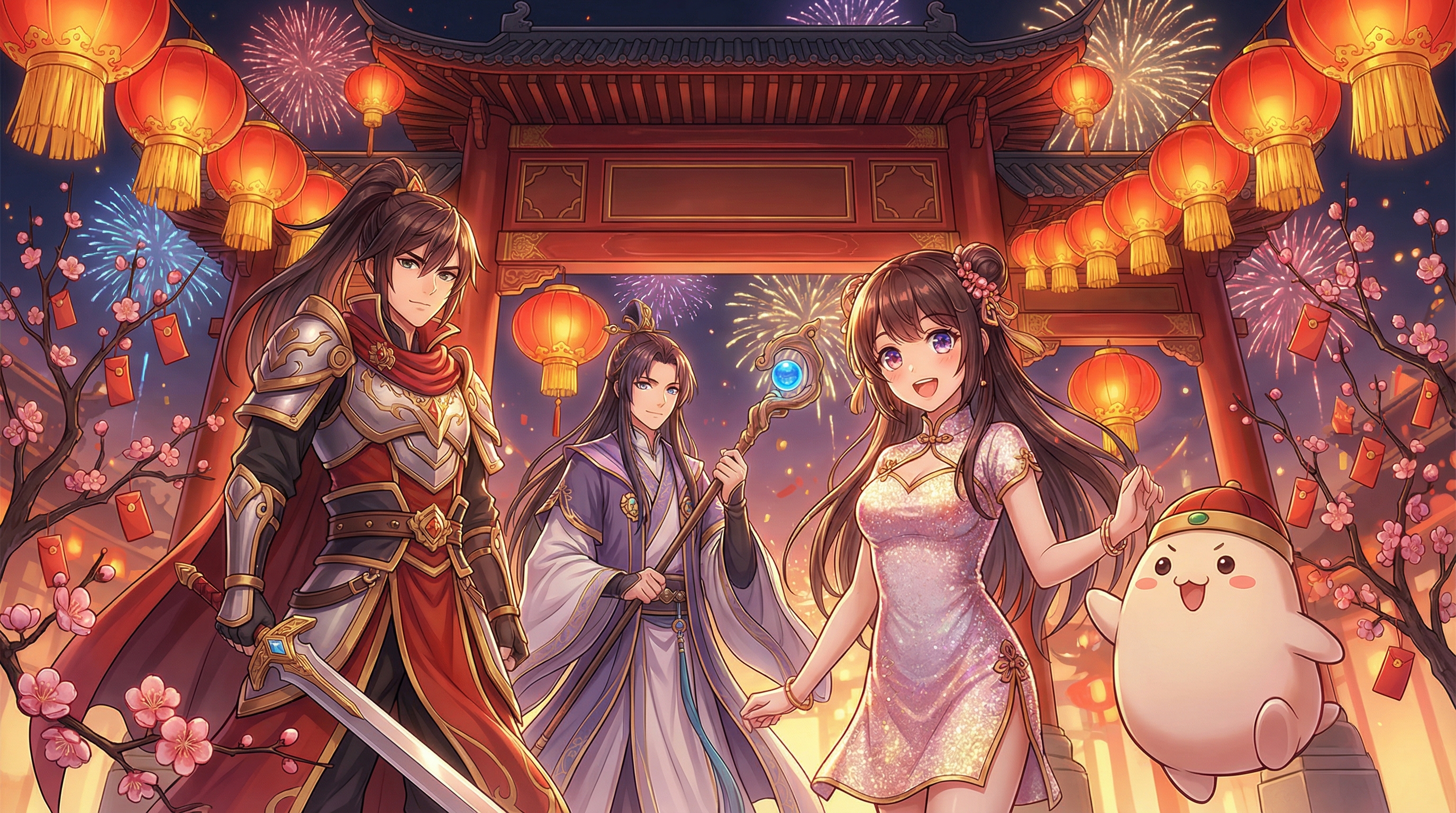
1) 무엇을 만들지 (그리고 무엇을 준비할지)
프롬프트 창에 손을 올리기 전에, 20초만 투자해서 “무엇을 만들지”를 먼저 정하세요. 이 한 가지 선택이 모델, 비율, 심지어 프롬프트를 어떻게 쓸지까지 다 쉽게 만들어 줍니다.
🎯 콘텐츠 목표 정하기
A. 팬아트 / 포스터 권장 용도: X/Twitter, 인스타그램, Pixiv 스타일 게시물, 배경화면.
B. 숏폼 비디오 루프 (3–6초) 권장 용도: Reels, TikTok, Shorts, 움직이는 인사 영상.
C. 인사 카드 / 가족 메시지 권장 용도: WhatsApp/WeChat 스티커, 스토리, 출력용 카드.
D. 리얼 굿즈 콘셉트 (피규어, 아크릴 스탠드, 배지 등) 권장 용도: “이 캐릭터가 설 한정 피규어로 나오면?” 같은 포스트.
📝 2–3개 정도의 참고 메모 모으기 (선택 사항이지만 매우 유용)
- 캐릭터 타입
(예: “긴 코트를 입은 ACG 히어로”, “귀여운 치비 마스코트”, “가챠 스타일 아이돌”) - 설 분위기
(따뜻한 가족 식사 vs. 화려한 축제 야경 vs. 현대 도시 네온) - 넣고 싶은 소품 3–6개
(등롱, 세뱃돈 봉투, 춘련/대련, 불꽃놀이, 사자춤, 매화 등)
이미지 레퍼런스가 없어도 시작하는 데 전혀 문제 없습니다—텍스트만으로도 충분합니다.
만약 레퍼런스 이미지(실루엣, 의상 스케치, 포즈 등)가 있다면, 이미지 → 영상 워크플로 전반에 재사용해서 캐릭터 일관성을 더 잘 유지할 수 있습니다.
2) 도구 개요: 어떤 모델을 언제 쓰면 좋은가
🖼️ Flux Pro AI Image Generator 에서
- Nano Banana Pro: 스타일라이즈된 ACG 팬아트에 최적 – 강한 선, 표정이 살아 있는 얼굴, 비비드한 색감, 포스터 느낌.
- Seedream 4.5: 리얼하고 디테일한 렌더에 최적 – 실제 굿즈 같은 이미지(피규어 사진, 스튜디오 제품 샷, PVC/레진/천 재질 표현 등)에 잘 어울립니다.
🎞️ Flux Pro AI Video Generator 에서
- Wan 2.6: 크리에이티브한 연출에 강함 (애니 느낌의 모션, 스타일화된 장면, 축제 분위기).
- VEO 3.1: 보다 시네마틱하고 사실적인 카메라 연출에 적합 (부드러운 모션, 자연스러운 조명, “영화 샷” 느낌).
잘 모르겠다면: ACG 중심 콘텐츠는 Nano Banana Pro → Wan 2.6 조합으로 시작하세요.
리얼한 굿즈 미학을 원한다면 Seedream 4.5 → VEO 3.1 조합을 사용하면 좋습니다.

3) 이미지 생성 단계별 가이드 (팬아트, 인사, 굿즈)
Flux Pro AI Image Generator 를 열면, 주로 이 네 가지를 건드리게 됩니다:
- 모델 (Nano Banana Pro 또는 Seedream 4.5)
- 비율 (게시할 플랫폼에 맞게 선택)
- 해상도 (SNS용이면 1k로 충분, 크롭/인쇄 계획이 있다면 더 높게)
- 프롬프트 (장면 + 스타일 + 디테일)
📐 플랫폼별 권장 비율
- 1:1: 거의 어디든 잘 어울리는 정방형 – 피드, 프로필 배너, 스티커 스타일 일러스트에 깔끔
- 9:16 (지원 시): Reels/TikTok/스토리용
- 16:9 (지원 시): 유튜브 썸네일, 와이드 배경화면, 시네마틱 샷
지금 UI에 1:1만 보여도 괜찮습니다—일단 정사각형으로 만들고, 업로드할 때 크롭하거나 여백을 추가해도 됩니다.

4) 정말 잘 통하는 프롬프트 시스템
완성도 높은 설 ACG 프롬프트는 보통 “무엇을 원하는지”를 한 문장으로 분명하게 적고, 이미지를 엇나가지 않게 잡아주는 짧은 디테일 리스트를 더해주는 식이면 충분합니다.
🧩 간단한 프롬프트 템플릿
아래 구조에 대괄호 부분만 채워서 쓰세요:
(테마 + 피사체 + 액션) + (배경/장소 + 소품) + (조명 + 색감) + (스타일 + 퀄리티)
예시 골격:
- “Lunar New Year **[캐릭터]**가 [액션] 하는 장면, [배경], [소품], 따뜻한 레드·골드 조명, 축제 분위기, [ACG 일러스트 스타일], 디테일 풍부.”
🎥 “카메라” 한 줄을 꼭 넣어두기
애니 스타일 아트에서도 카메라 표현이 큰 도움을 줍니다:
- 클로즈업 / 허리 위 샷 / 전신 샷
- 다이내믹 포즈 / 3/4 앵글
- 광각 / 얕은 피사계 심도
- 스튜디오 제품 샷 (굿즈용)
🧧 설 분위기를 확 살리는 문화 소품
아래에서 3–6개를 골라 프롬프트에 넣어보세요:
- 세뱃돈 봉투 (홍바오)
- 등롱 줄 장식
- 춘련/대련, 서예 현판
- 불꽃놀이 / 스파클러
- 사자춤 의상 / 북
- 매화/복숭아꽃 가지
- 가족이 둘러앉은 식사 테이블
- 레드·골드 장식, 전통 매듭 장식
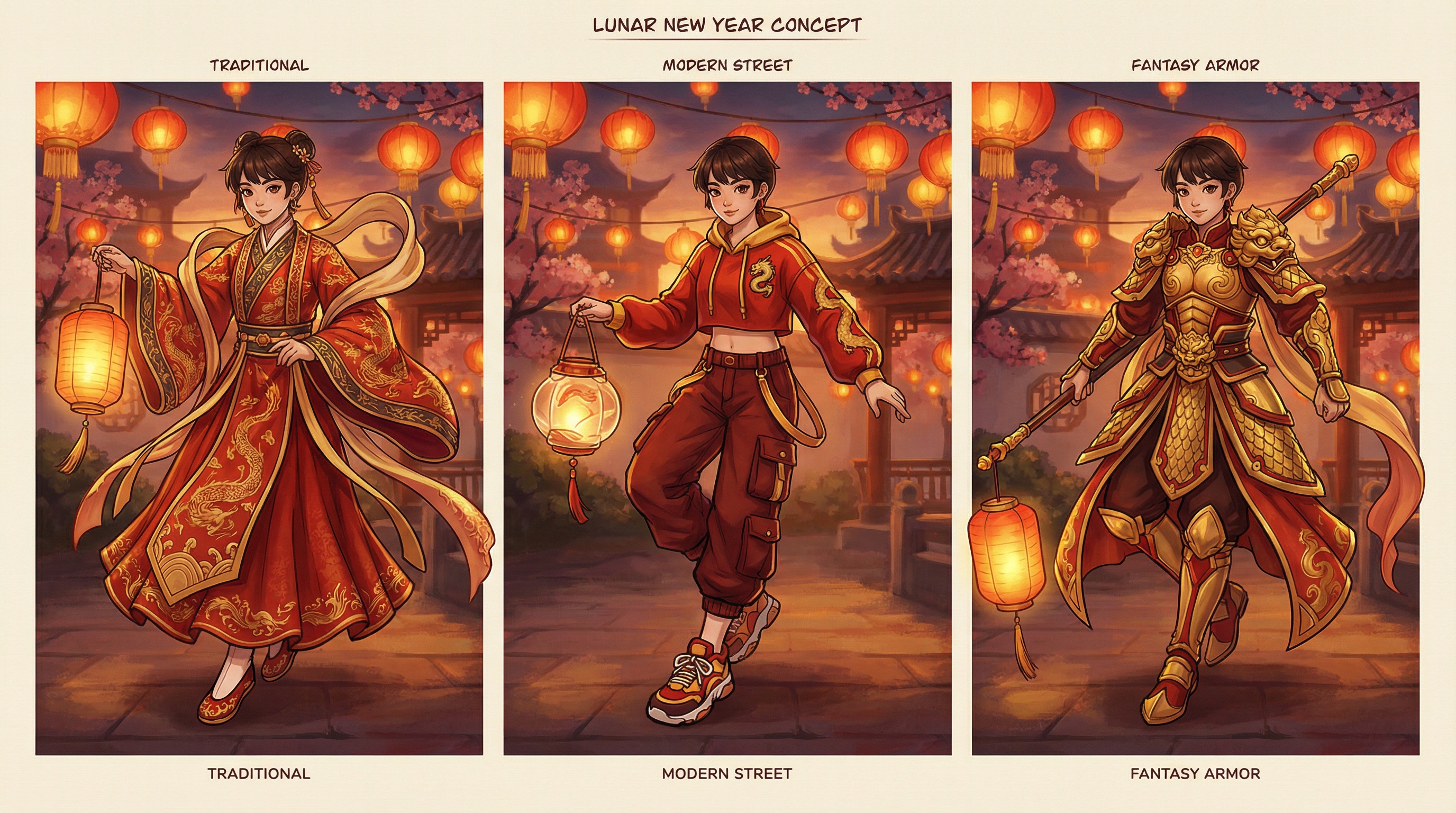
5) 프롬프트 가이드: 팬아트 (Nano Banana Pro)
Nano Banana Pro 는 ACG 에너지에 특화되어 있을 때 좋습니다: 선명한 얼굴, 스타일화된 헤어, 표현력 있는 눈, 포스터 구도 등.
🎨 팬아트 프롬프트 예시 (복붙용)
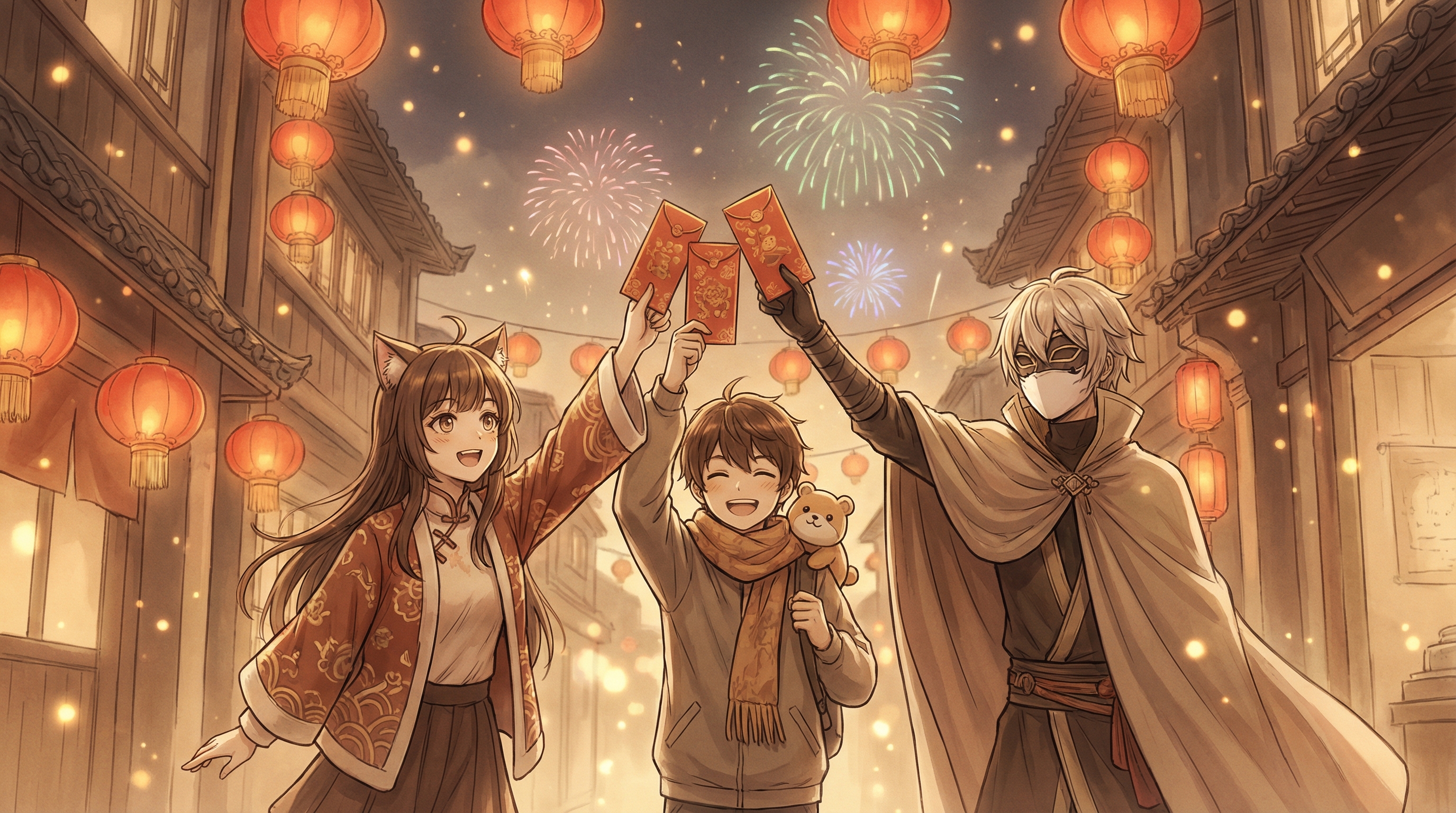
A. 축제 야경 히어로 포스터 “Lunar New Year ACG hero in a modern hanfu‑inspired outfit, holding a red envelope and lantern, fireworks in the night sky, bustling festival street, red and gold color palette, dynamic pose, cinematic anime key visual, ultra detailed, sharp linework.”
B. 치비 마스코트 인사 “Chibi ACG mascot character smiling and waving, surrounded by lanterns and plum blossoms, red‑gold festive decorations, clean cute style, sticker‑like design, soft shading, high clarity.”
C. 가챠 스타일 아이돌 설 복장 “Gacha game idol character wearing a Lunar New Year costume with ornate embroidery, holding a fan and red envelope, glittering bokeh lantern background, warm lighting, highly detailed ACG illustration, poster composition.”
🛠️ “거의 괜찮은데 아쉬운” 결과일 때 빠른 수정법
- 너무 밋밋하면: “ornate decorations, layered props, festival crowd bokeh.” 같은 표현을 추가.
- 너무 복잡하면: “simple background, clean composition, focus on character.” 를 추가.
- 얼굴이 미묘하면: “symmetrical face, clean eyes, consistent anime proportions.” 와 같이 명시.
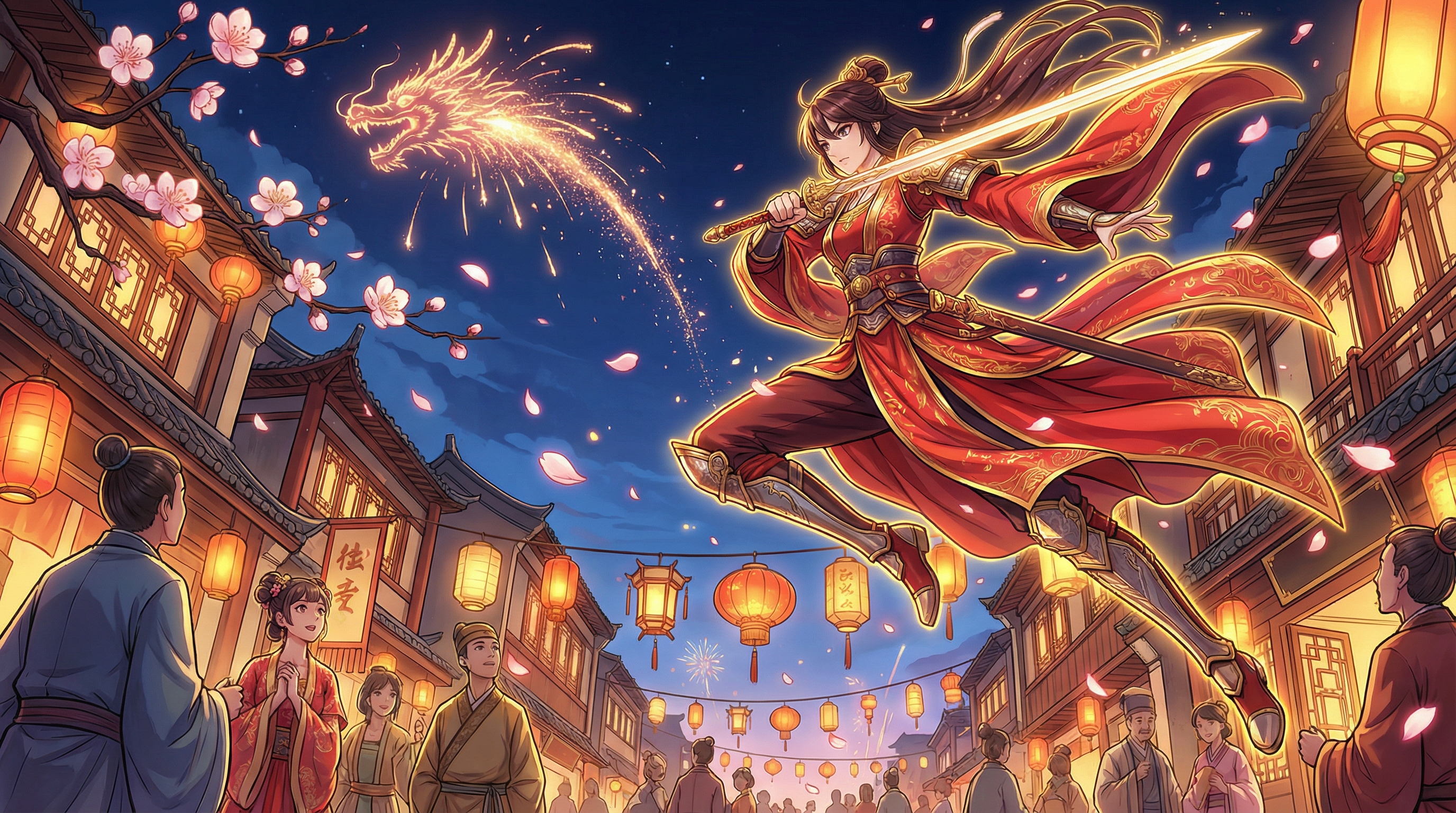
6) 프롬프트 가이드: 리얼 굿즈 / 피규어 콘셉트 (Seedream 4.5)
Seedream 4.5는 실제 제품 사진처럼 보이는 결과를 원할 때 좋습니다—PVC 피규어, 레진 스태츄, 아크릴 스탠드, 패키지 박스, 콜렉터 선반 사진 등.
🧸 굿즈 프롬프트 예시 (복붙용)
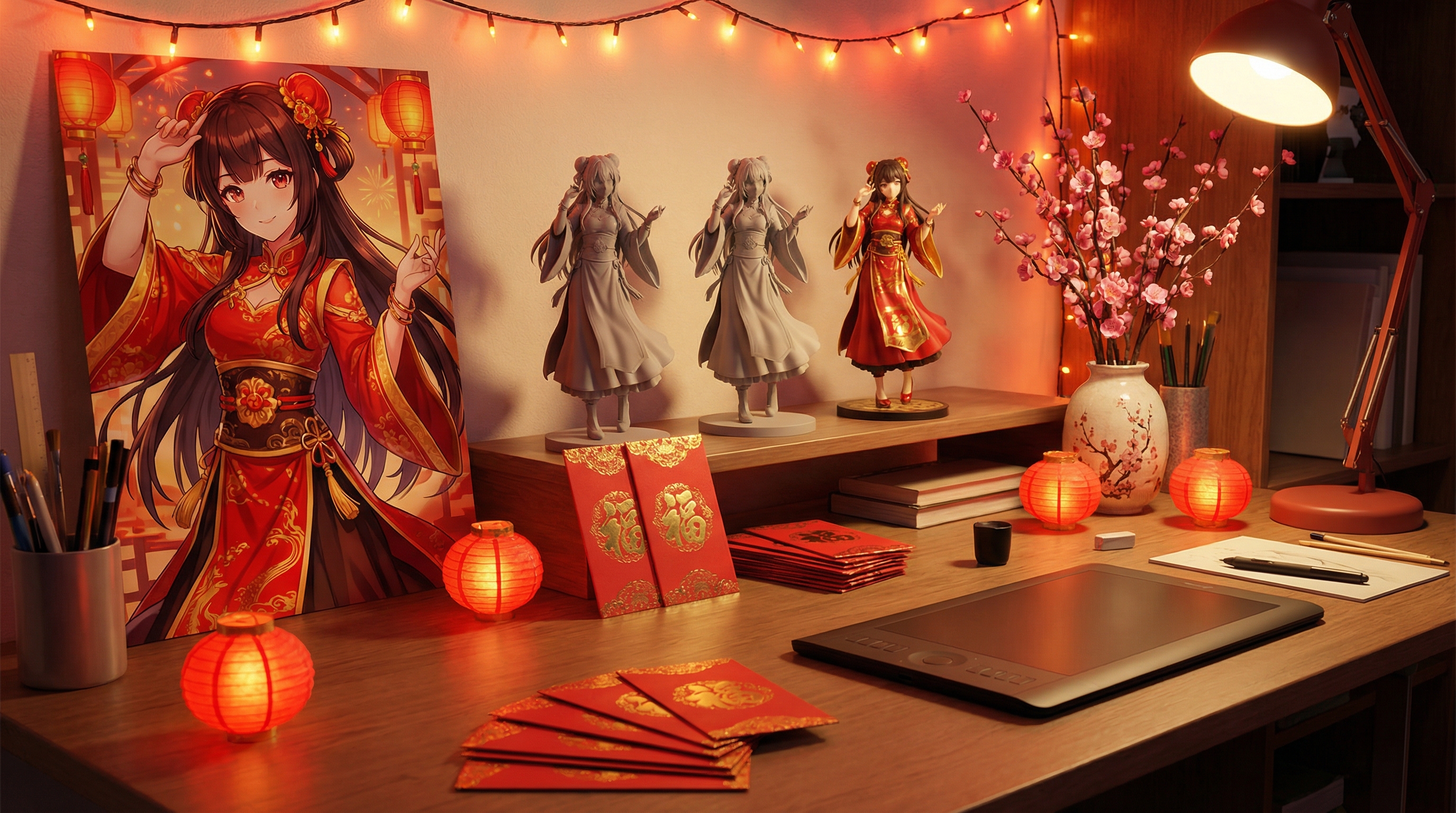
A. 스튜디오 피규어 사진 “Photorealistic collectible figure of an ACG character in Lunar New Year outfit, PVC material, detailed fabric folds, red‑gold accessories, studio product photography, softbox lighting, clean background, sharp focus, premium collectible feel.”
B. 아크릴 스탠드 / 이타백 악세서리 콘셉트 “Realistic product mockup of an acrylic stand featuring an ACG character in Lunar New Year costume, glossy acrylic material, subtle reflections, retail product shot, clean background, high detail.”
C. ‘콜렉터 선반’ 연출 “Photorealistic collector shelf display with a Lunar New Year themed ACG figure, warm ambient lighting, small lantern decorations, shallow depth of field, premium hobby photography style.”
📸 리얼리티를 높이는 팁
- 재질을 구체적으로: “PVC, resin, acrylic, metallic paint, glossy varnish.”
- 사진 용어 추가: “studio lighting, softbox, 85mm lens, shallow depth of field.”
- 제품이 주인공일 때는 배경을 단순하게 유지.
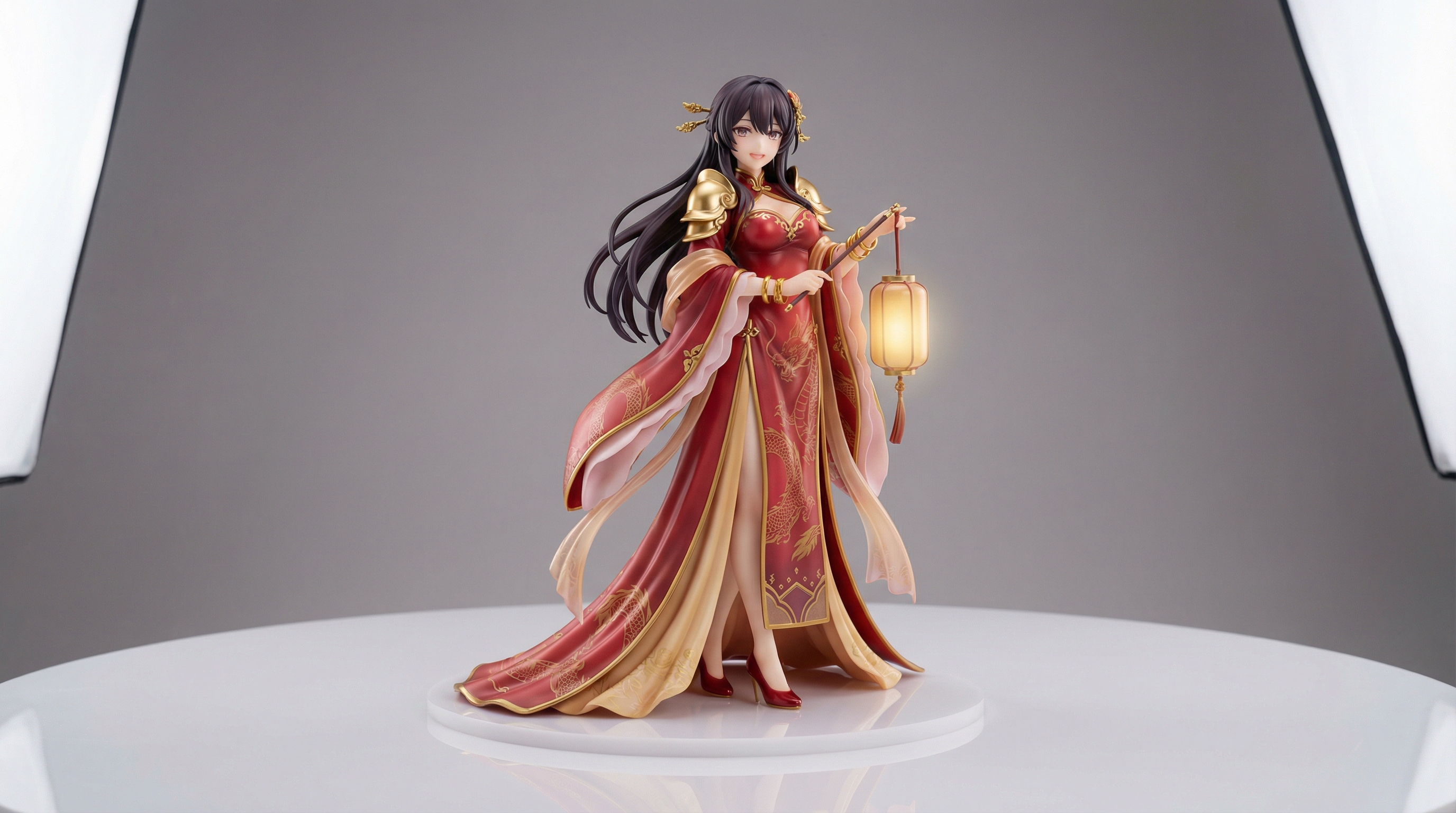
7) 이미지를 숏폼 비디오로 만들기 (Wan 2.6 / VEO 3.1)
마음에 드는 이미지를 만들었다면, Flux Pro AI Video Generator 로 넘어가 움직임을 입혀보세요.
🎬 영상 생성 방식 두 가지
옵션 1: 이미지 → 비디오 (ACG 콘텐츠에 추천)
완성된 이미지를 첫 프레임으로 업로드해 애니메이션을 생성합니다. 캐릭터 일관성이 잘 유지됩니다.
옵션 2: 텍스트 → 비디오
프롬프트만으로 바로 생성. 단순한 축제 장면에는 좋지만, 캐릭터가 매번 똑같이 나오지는 않을 수 있습니다.
✨ 비디오 프롬프트 규칙 (간단하게)
짧은 클립일수록 “한 가지 모션 아이디어”가 이것저것 다 하려는 것보다 보기가 좋습니다. 아래 구조를 활용하세요:
(피사체) + (동작) + (카메라) + (분위기)
예시:
- “Character gently waves and smiles (small natural hand motion + soft blink); lantern strings sway gently behind them; light breeze adds subtle movement to hair tips and loose sleeves; slow, stable camera push‑in; warm red‑gold festival lighting with soft haze, bokeh crowd lights, and a few floating glowing particles; clean motion, no text, no watermark.”
- “Fireworks sparkle in the background with soft ember trails (not overexposed); warm lantern bokeh and gentle rim light on the character; hair and clothing flutter lightly in a breeze; tiny glowing particles drift through the scene; cinematic slow‑motion feel with a steady camera and smooth micro‑movement (slight head turn or smile change), no text, no watermark.”
- “Product shot rotation of the collectible figure on a turntable (slow, steady 180–360°); studio softbox key light + subtle rim light for clean highlights; crisp focus on the figure with realistic reflections and shadows; minimal background, premium commercial product‑video feel, smooth motion, no text, no watermark.”
🧪 Wan 2.6 vs VEO 3.1 선택 기준
- Wan 2.6: 애니 스타일 모션, 이펙트, 축제 에너지에 좋음.
- VEO 3.1: 부드럽고 시네마틱한 모션, 리얼한 조명, “카메라로 찍은 느낌” – 특히 굿즈 제품 샷에 적합.
SNS용 루프 영상이라면 5초 정도로 시작하고, 동작은 최대한 섬세하고 단순하게 유지하는 편이 깔끔하게 나옵니다. 작지만 명확한 움직임이 대개 더 안정적입니다.
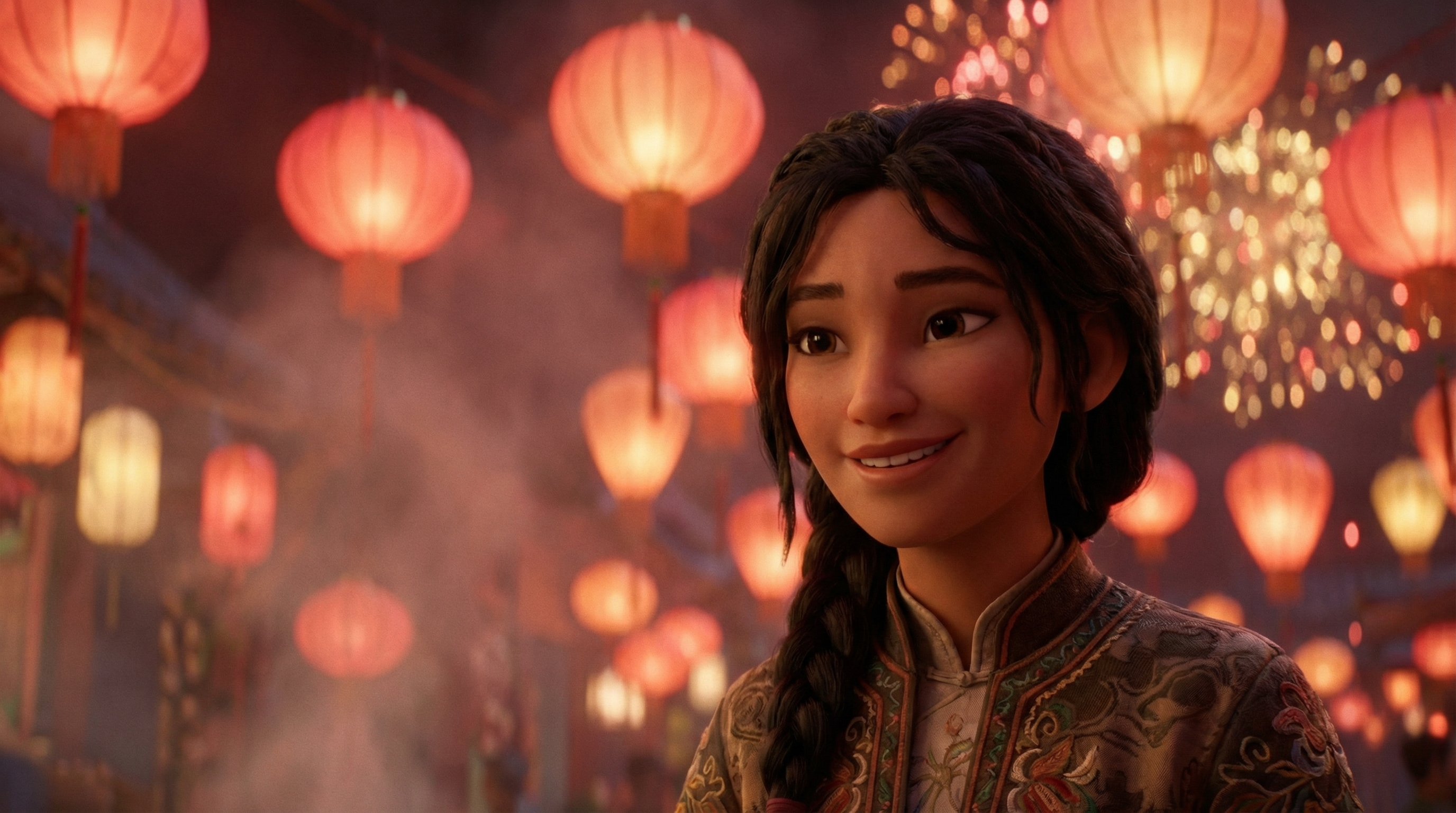
8) 재사용 가능한 통합 워크플로 (한 번 짜두면 계속 쓰는 패턴)
아래 워크플로는 한 번 정리해두면 계속 재사용할 수 있습니다—아이디어 하나로 팬아트 포스트 + 숏폼 영상 + 인사 카드까지 만들어내는 흐름입니다.
Step 1 — 키 비주얼 만들기 (이미지)
먼저 Flux Pro AI Image Generator 에서 “메인 프레임”을 생성합니다.
- 팬아트: Nano Banana Pro
- 리얼 굿즈: Seedream 4.5
Step 2 — 변주 이미지 만들기
프롬프트에서 한 번에 한 요소만 바꾸면서 2–4개 정도의 변주를 만들어보세요:
- 의상 디테일 변경 (자수 더 풍부하게, 스트릿 패션 느낌 추가 등)
- 배경 변경 (거리 축제 / 가족 식사 / 옥상 불꽃놀이)
- 카메라 변경 (클로즈업 / 전신 / 와이드)
Step 3 — 베스트 이미지를 애니메이션으로 (영상)
가장 마음에 드는 이미지를 Flux Pro AI Video Generator 에 업로드하고, 한 가지 모션 아이디어에 집중해 애니메이션을 생성합니다:
- 손을 흔들며 인사 + 등롱 흔들림
- 불꽃놀이 반짝임 + 카메라 살짝 줌 인
- 컨페티/파티클 + 눈 깜빡이며 미소
Step 4 — 인사 카드용 버전 만들기 (이미지)
다시 Flux Pro AI Image Generator 로 돌아와, 좀 더 “카드 같은” 클린 버전을 만듭니다:
- 배경 단순화
- 텍스트 넣을 여백 확보
- 표정은 부드럽게
Step 5 — 게시 패키지 구성하기 (어떤 포맷을 올릴지)
모든 포맷을 다 할 필요 없이, 이 중 1–3개만 골라 게시해도 충분합니다:
- 정방형 이미지: 피드용 + 캡션
- 세로형 숏폼: 5초 루프 + 설 인사 텍스트 오버레이
- 인사 카드: 가족, 친구에게 발송용
- 굿즈 콘셉트: “콜렉터 샷” + 클로즈업 크롭
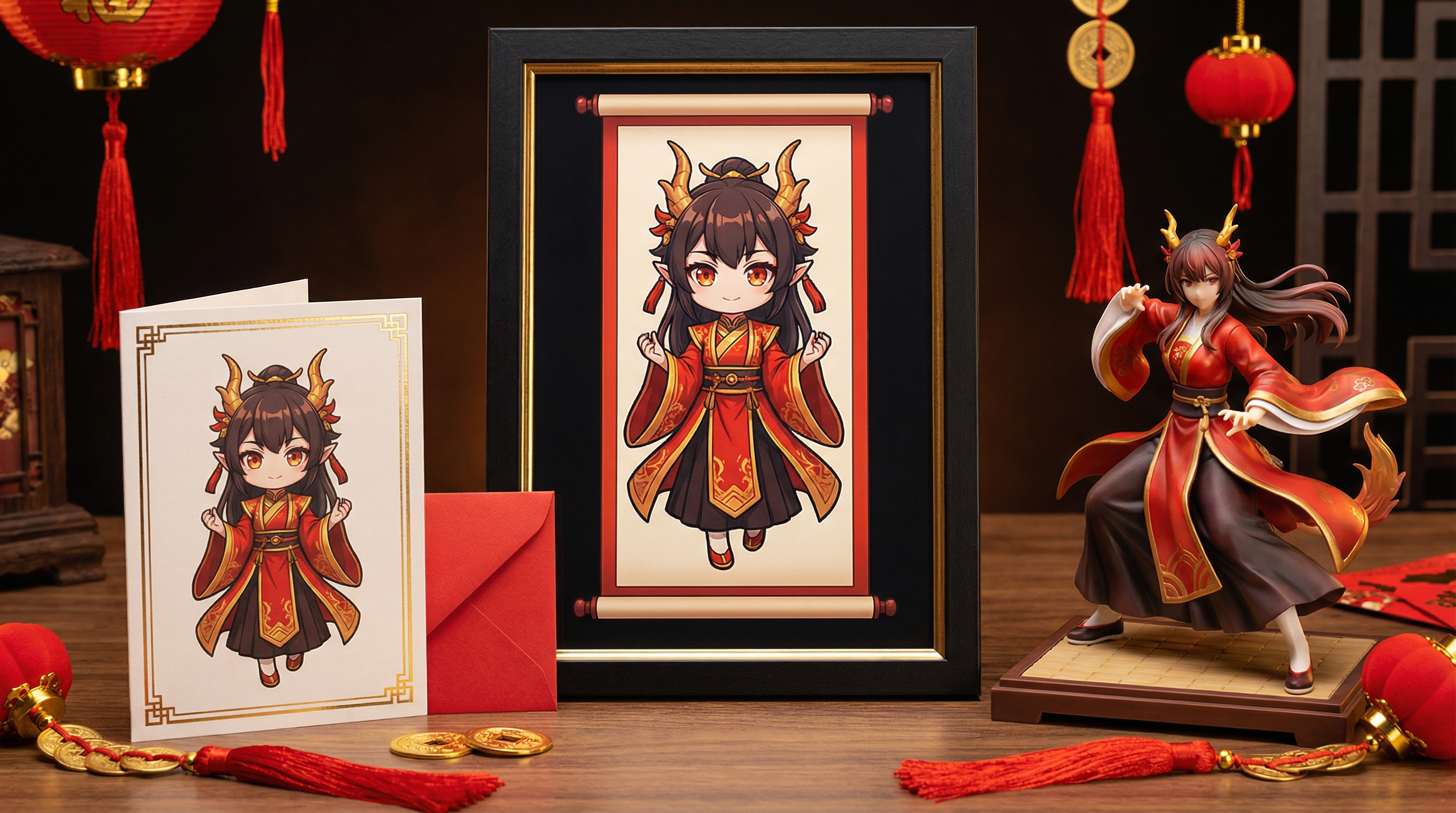
9) 프롬프트 라이브러리: 빠른 복붙용 스타터
아래 프롬프트들을 기본으로 쓰고, 대괄호 부분만 바꿔 쓰면 됩니다.
🎇 팬아트 스타터 (Nano Banana Pro)
- “Lunar New Year ACG [character] celebrating at a lantern festival; full‑body, three‑quarter view, confident pose; [props] (lantern strings, red envelopes, spring couplets, plum blossoms) clearly visible; lively festival street depth with warm crowd bokeh; rich red‑gold palette, soft haze, gentle rim light from fireworks; cinematic anime key visual composition, crisp facial features, sharp linework, ultra detailed, high clarity, no text, no watermark.”
- “Cute chibi [character] holding a red envelope; waist‑up, centered composition; plum blossoms and tiny lantern charms framing the character; clean simple background with generous empty space for adding greeting text later; thick clean outlines, soft cel shading, warm festive red‑gold accents, sticker‑style finish, high clarity, smooth edges, no text, no watermark.”
- “Epic zodiac‑themed ACG poster: [zodiac animal] spirit silhouette/aura towering behind [character]; dynamic action pose with flowing fabric and petals; fireworks and lantern glow framing the scene; dramatic contrast lighting with red‑gold highlights and deep shadows; cinematic poster layout, highly detailed illustration, clean facial symmetry, sharp render, no text, no watermark.”
💌 인사 스타터 (Nano Banana Pro)
- “Friendly Lunar New Year greeting card illustration: ACG character waving with a gentle smile; simple clean background (soft gradient) and clear space reserved for text overlay; corner decorations with lanterns, plum blossoms, and knot charms; warm festive red‑gold colors, clean composition, crisp linework, high clarity, no text, no watermark.”
- “Minimal New Year banner art with ACG mascot; wide clean layout with balanced negative space; red‑gold ornaments and knot charms used as subtle borders; soft lantern glow, modern cute style, crisp edges, readable composition for social posts, high clarity, no text, no watermark.”
🛍️ 굿즈 스타터 (Seedream 4.5)
- “Photorealistic PVC figure of [character] in a Lunar New Year outfit; 1/7 scale collectible feel; realistic paint shading, metallic gold accents, fine sculpted hair strands, detailed fabric folds; studio product photo on seamless backdrop, softbox key light + gentle rim light, crisp focus, realistic reflections and shadows, premium collectible look, no text, no watermark.”
- “Realistic acrylic stand mockup of [character]; glossy clear acrylic with polished edges and accurate specular highlights; printed character art with crisp cut lines; placed on a neutral tabletop with soft shadow and minimal scale cues (small charm/red envelope); retail product shot style, clean background, high detail, no text, no watermark.”
- “Collector shelf scene featuring a Lunar New Year ACG figure; warm ambient lantern lighting, subtle practical glow, shallow depth of field; background hobby items softly blurred (artbooks/charms implied), main figure sharply lit; realistic materials (PVC/resin), premium hobby photography look, no text, no watermark.”
🎥 비디오 스타터 (Wan 2.6 / VEO 3.1)
- “Subtle camera push‑in; character smiles, blinks, and waves gently (small natural hand motion); lanterns sway slowly in the background; light breeze moving hair tips and sleeves; warm red‑gold festival lighting with soft haze and floating glowing particles; smooth clean motion, no text, no watermark.”
- “Fireworks sparkle in the distance with soft ember trails; character’s hair and clothing move lightly with a breeze; gentle head turn and micro‑expression; cinematic slow‑motion feel, shallow depth of field, warm lantern bokeh, stable camera drift, clean motion, no text, no watermark.”
- “Turntable rotation of a collectible figure (slow, steady 180–360°); studio softbox lighting with clean rim highlights; realistic reflections and shadows; crisp focus on the product with minimal background; premium commercial product video feel, smooth motion, no text, no watermark.”
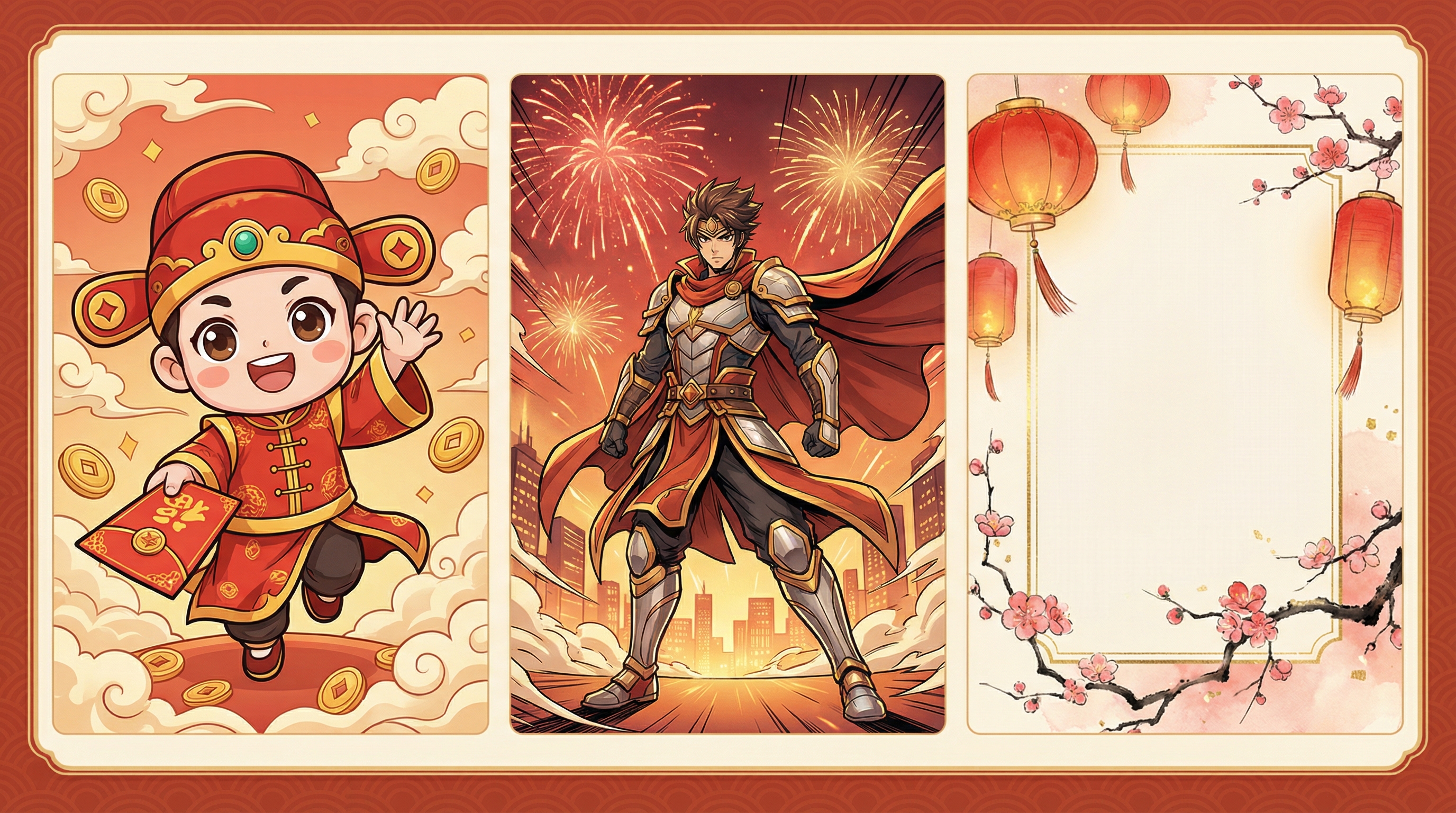
10) 자주 나오는 문제와 빠른 해결책
“설 느낌이 별로 안 나요.”
소품을 더 구체적으로 넣어보세요:
“spring couplets, red envelopes, lantern strings, plum blossoms, lion dance drum.”
색감도 “red‑gold festive palette”처럼 명시적으로 적어줍니다.
“이미지마다 캐릭터가 자꾸 바뀌어요.”
머리색, 의상 키워드, 카메라 구도, 스타일 같은 핵심 묘사는 항상 동일하게 유지하고, 한 번에 하나의 변수만 바꾸면서 생성하세요.
“비디오 움직임이 지저분해 보여요.”
욕심을 줄이고 모션을 단순화하세요. “subtle movement”, “gentle camera push”처럼 요구사항을 줄이면 대개 훨씬 안정적입니다. 짧은 영상일수록 작고 명확한 움직임이 유리합니다.
“굿즈 샷이 리얼 사진이라기보다 일러스트처럼 보여요.”
모델은 Seedream 4.5를 사용하고, 프롬프트에
“PVC material, studio product photography, softbox lighting, crisp focus, realistic reflections.”
같은 문구를 추가하세요.
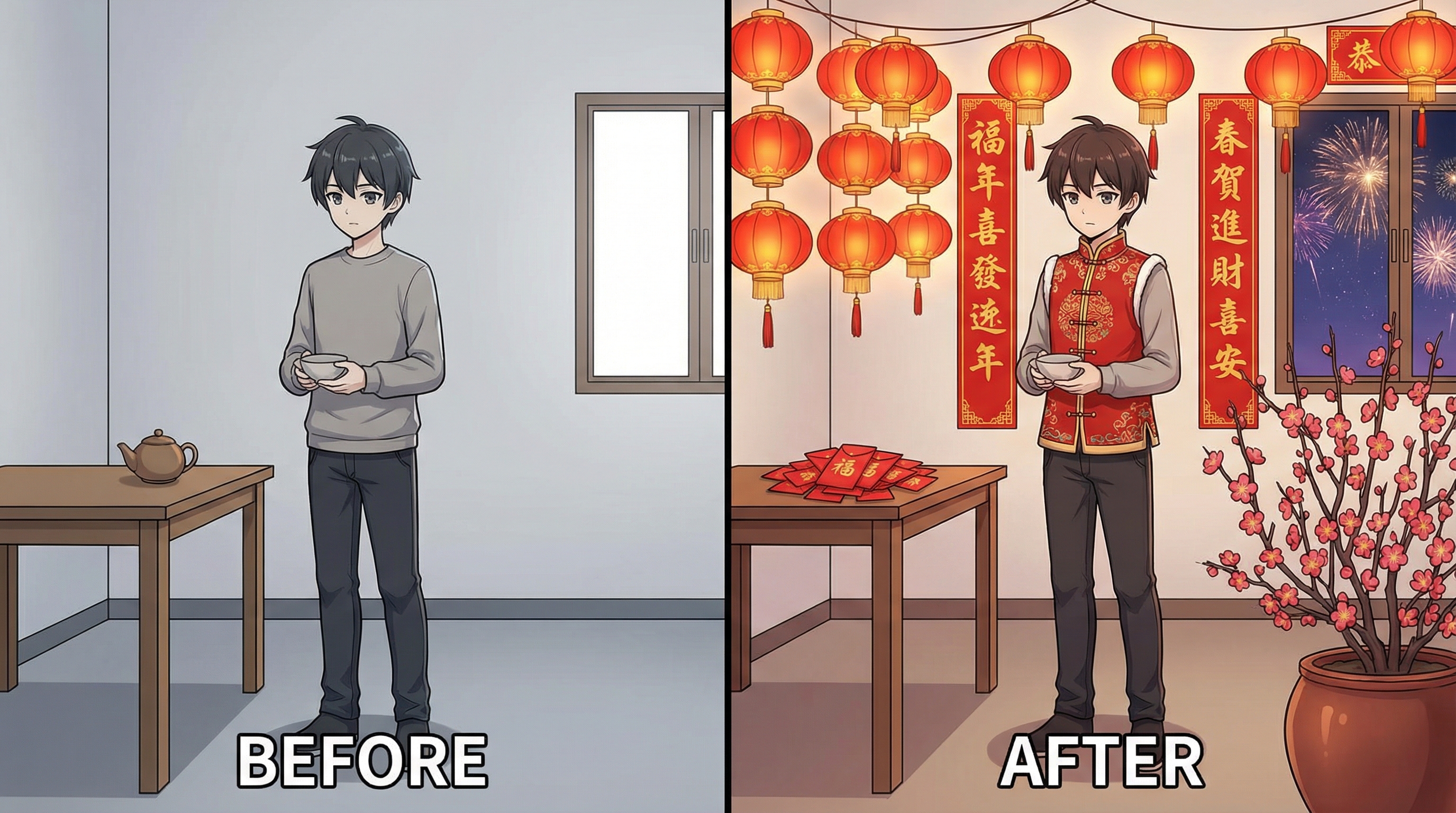
11) 설 시즌에 반응이 좋은 콘텐츠 아이디어
단발성 게시물보다 시리즈 형태가 보통 더 좋은 반응을 얻습니다. 예를 들어:
- 12지 ACG 캐릭터 시리즈: 각 띠마다 하나의 캐릭터, 배경 스타일은 통일.
- “New Year Outfit Drop”: 같은 캐릭터를 전통복 / 현대 스트릿 / 판타지 아머 3가지 스타일로.
- 굿즈 콘셉트 캐러셀: 피규어 전체샷 + 클로즈업 + 패키지 목업.
- 인사 숏 루프: 손 흔들기 + 등롱 흔들림 + “Happy Lunar New Year” 오버레이.
사람들이 공유하기 쉽게 만들려면, 짧은 루프, 귀여운 치비, 분명한 인사 메시지, 그리고 시리즈 전체의 스타일 일관성이 중요합니다.
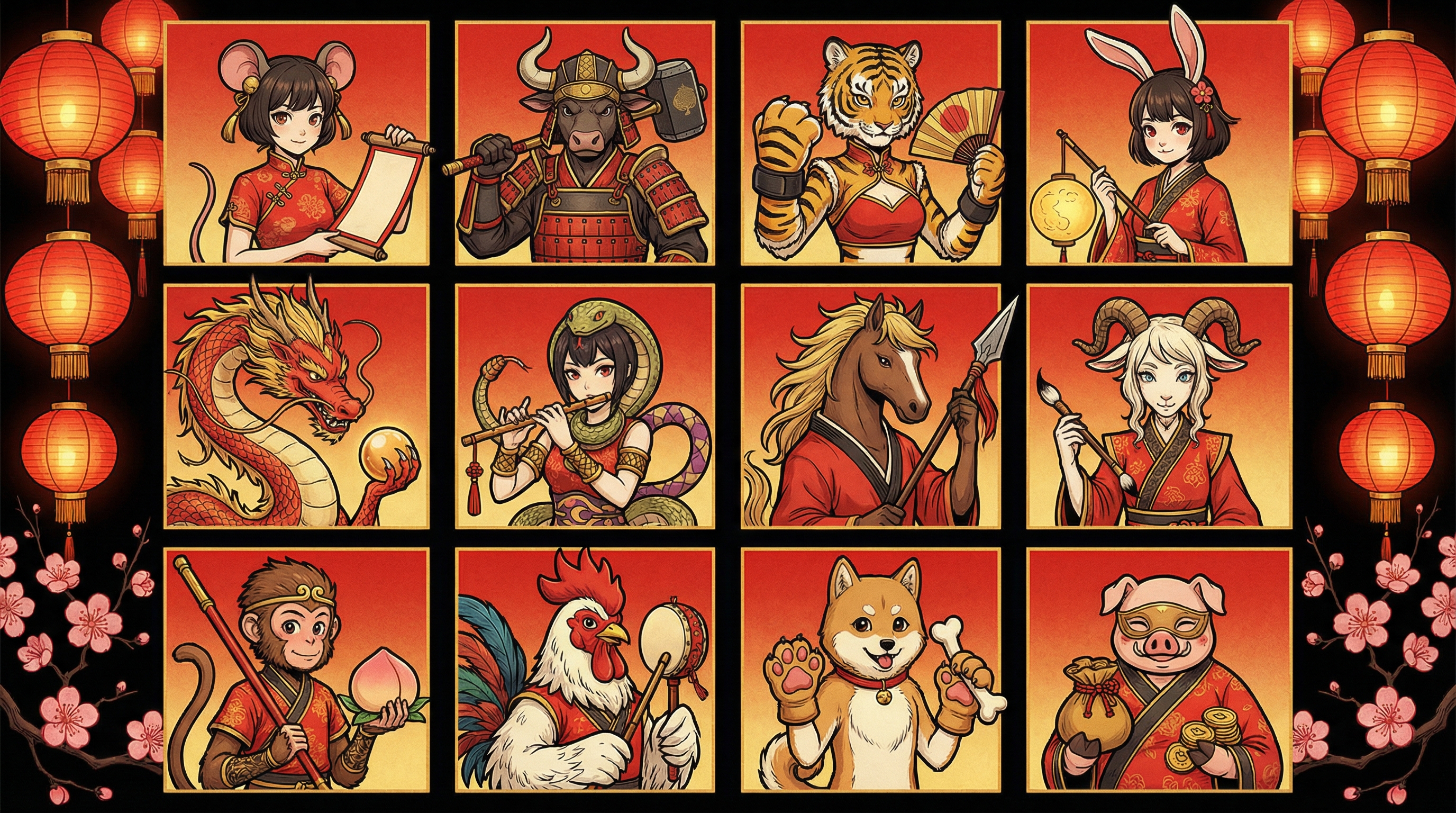
결론: 간단하지만 확장 가능한 셋업
Flux Pro AI Image Generator 와 Flux Pro AI Video Generator 만으로도, 다음과 같은 실용적인 파이프라인을 만들 수 있습니다:
- ACG 스타일의 “히어로 프레임” 생성
- 좀 더 클린한 인사 카드용 버전 생성
- 가장 마음에 드는 이미지를 움직이는 루프로 애니메이션화
이 동일한 워크플로로 팬아트, 인사 콘텐츠, 리얼 굿즈 콘셉트까지 모두 커버할 수 있으니, 퀄리티를 유지하면서도 더 자주, 더 많이 올릴 수 있습니다.