Flux AI Image Generator: Flux Playground
Transform Text / Image to Image with Flux AI, Nano Banana AI, Seedream 4.0 and other advanced AI models.
Discover the Best Flux Prompts with Flux AI Image Generator
Discover the best Flux Prompts with Flux AI Image Generator, and explore the best Flux Prompts with Flux AI Image Generator.
Core Features of Flux AI Image Generator
Flux AI Image Generator offers precise control from prompt parsing to image generation, empowering users to manage key creative steps and styles.
Style Selection Support
Choose from a wide variety of visual styles such as photorealism, illustration, concept art, and photography. Adjust the final image by embedding style keywords directly into your prompt.
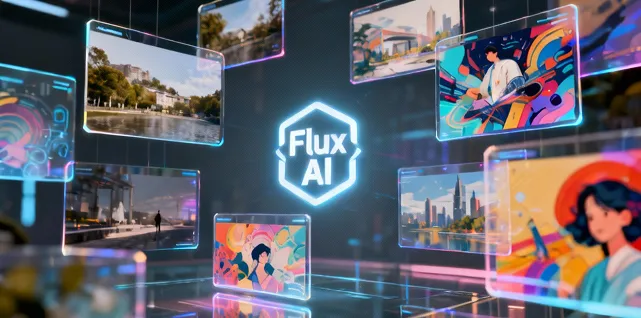
Composition and Layout Understanding
The system interprets prompts to identify main visual focus, background relationships, and aspect ratios, ensuring aesthetically consistent and logically structured outputs.
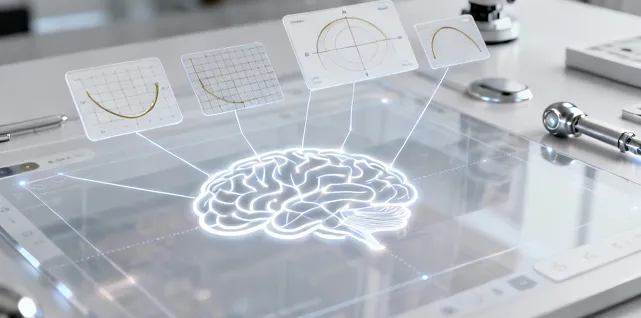
High-Precision Detail Rendering
Control fine details such as texture, light reflection, and material quality, making both local and overall image elements look natural and layered.

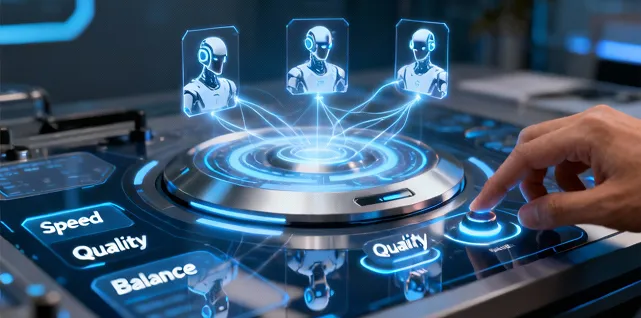
Multi-Model Choices and Performance Balance
Flux AI provides multiple model options. Users can select according to their needs for output quality or generation speed, adapting to various scenarios.
Advantages of Flux AI Image Generator
Flux AI Image Generator achieves a strong balance between visual quality and user convenience, suitable for both everyday creativity and professional needs.
Stable Output Quality
Generates results with consistent color, lighting, and detail integrity, minimizing rendering errors or compositional distortion.
High Customizability
Fine-tune output by editing the prompt or adding descriptive tags (e.g., tone, atmosphere, object posture) for more targeted results.
Suitable for Multiple Purposes
Works for social media graphics, product drafts, promotional posters, or conceptual presentations alike.
Simple Workflow
The main process is: enter prompt → choose parameters → preview and download. No complex setup—just creative flow, lowering the usage barrier.
Application Scenarios for Flux AI Image Generator
Flux AI Image Generator is a power tool for rapid ideation, visual validation, and content production.
Marketing & Promotion Materials
Quickly generate image previews or visual style drafts for advertising and social media campaigns.
Design Drafting
Design teams can rapidly transform conceptual descriptions (e.g. 'futuristic air purifier ad composition') into sketch-level images.
Content Creator Visuals
Bloggers, video makers, and illustrators can generate diverse style images for blog illustrations, article covers, and social graphics.
Visual Teaching and Demonstrations
Use generated images in classroom, workshop, or talks to illustrate layout, style transfer, or prompt design concepts.
How to Use Flux AI Image Generator
Follow these four simple steps to transform text / image to image.
Step 1: Select Your Preferred Flux AI Model
Step 2: Enter Your Text / Upload Images
Step 3: Choose Image Aspect Ratio
Step 4: Click the Generate Button and Wait a Few Seconds for Your Image
FAQ about Flux AI Image Generator
More Flux AI tools about Flux AI Image Generator
Discover advanced tools from Flux AI to boost your creative workflow.