Video to Video AI powered by Wan 2.2 Animate AI
Video to Video AI lets you quickly animate the uploaded character to the motion reference video. Simply upload a video as the motion reference and an image of the person you want to animate—the system will generate a fun action video with your chosen character seamlessly integrated into the original scene.
Examples of Video to Video AI
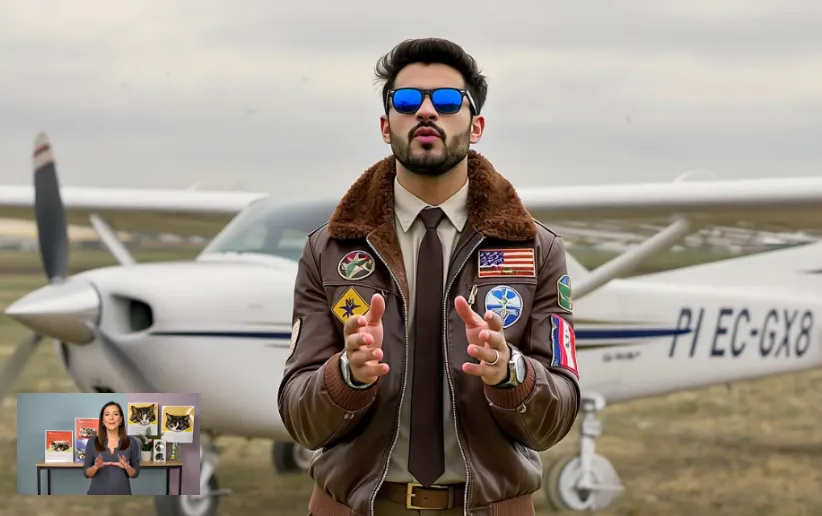
Whether in realistic or illustration styles, there is significant improvement in visual coherence after merging images with motion.
Core Features of Video to Video AI with Wan 2.2 Animate
Features focus on motion replication, replacement fusion and visual consistency.
Static Character Animation
Combine character images with reference videos to animate characters according to video poses and actions.
Replacement Mode
Replace original characters in existing videos with static character images while matching actions and environment.
Expression & Facial Detail Processing
Model considers both fluid motion and facial expression changes/details to enhance character interaction and emotional expression.
Environment & Lighting Adjustment
Critical in replacement mode: Characters blend with reference video environment including light direction, color temperature and shadows.
Advantages of our Video to Video AI
This tool outperforms many similar tools in character animation replacement and visual matching.
Combined Motion & Expression
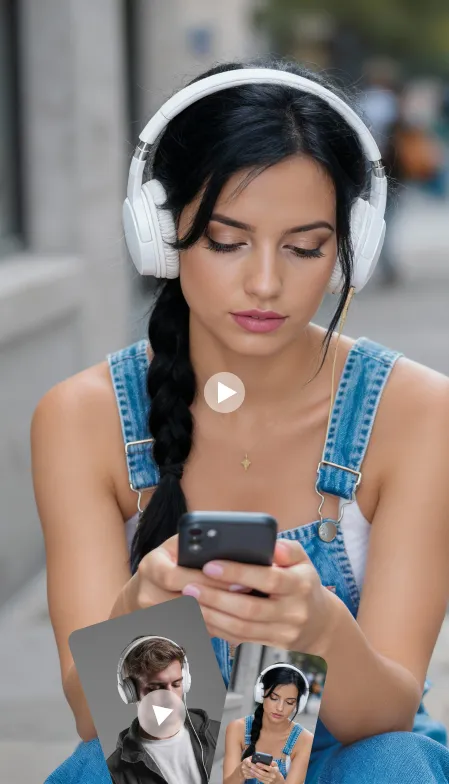
Not just copying actions, but also well reproducing facial details and expressions from reference videos for more expressive characters.
Natural Replacement
When replacing characters into existing videos, color and lighting processing makes character-environment integration more natural, reducing 'pasted' or 'edge' effects.
Flexible Modes
Users can choose animation mode (keeping static background) or replacement mode (focusing on scene fusion) based on project needs.
Controllable Output Quality
Static image quality, video frame rate and detail presentation can be controlled through input material quality and prompts for stable output.
Application Scenarios of Video to Video AI
Suitable for various visual content creation needs, especially for character interaction and replacement requiring emotional expression or dynamic display.
Character Promotional Videos
Transform static character images into action performances for character showcases in social media or brand promotion.
Virtual Character Short Animations
Illustrators and character creators can add actions and expressions to their characters through reference videos for more interactive works.
Video Replacement & Remake
Replace specific character images in existing videos with static images, suitable for advertising, preview demonstrations or visual reimagining.
How to Use Video to Video AI
Follow these simple steps to transform your videos:
Step 1: Upload a Reference Motion Video
Step 2: Upload a Clear Character Image
Step 3: Refine with Prompts
Step 4: Click Generate
FAQ about Video to Video AI
More AI Video Tools for Video Creation
Explore our full suite of AI-powered video creation and editing tools.