Photo to Video AI Generator
Upload your photos, and transform the photos into stunning videos just one click with advanced AI-powered Photo to Video AI
Photo to Video AI Transformation Examples
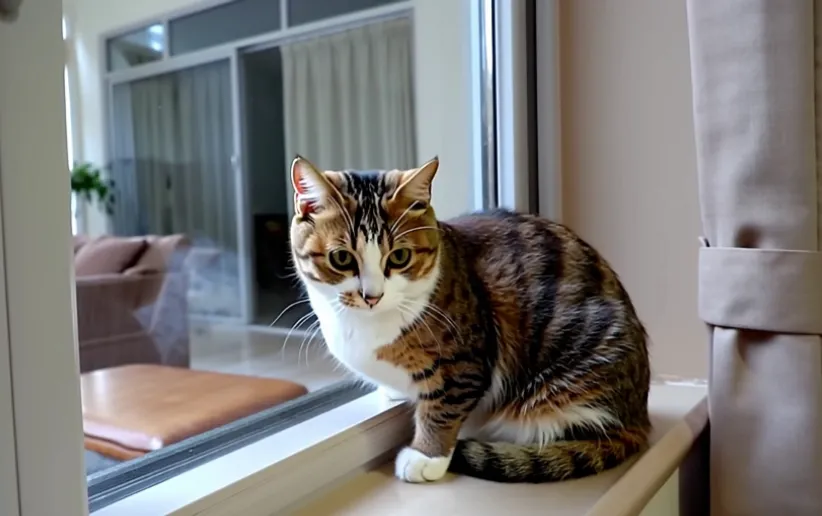
Explore examples of our Photo to Video AI Generator to see how static photos come alive.
Core Features of Photo to Video AI Generator
The Photo to Video AI Generator focuses on creating high-quality video animations from static images with advanced motion synthesis.
Smart Motion Analysis
Advanced AI algorithms analyze your photos to create natural and fluid movements while preserving image quality and details
Customizable Animation
Fine-tune the generated video's motion, speed, and style to achieve your desired visual effect
Multi-Format Support
Compatible with various image formats and resolutions to ensure high-quality video output regardless of input type
Scene Enhancement
Intelligently enhances lighting, depth, and motion effects to create more dynamic and engaging videos
Advantages of Photo to Video AI Generator
Transform static images into captivating videos effortlessly with our advanced AI technology.
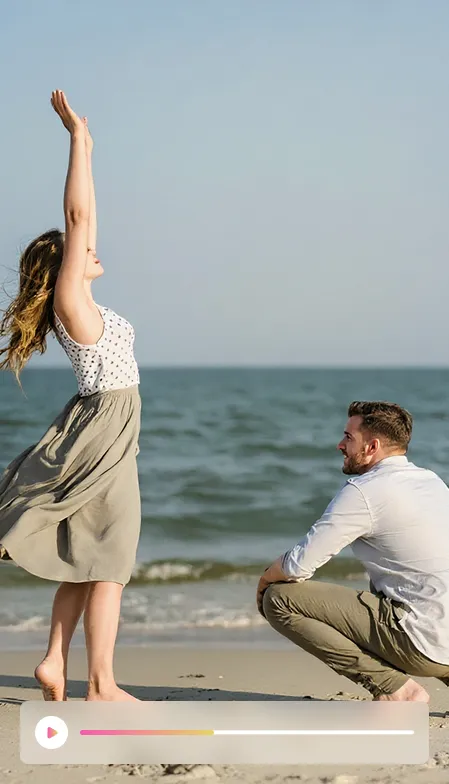
Natural Motion Generation
Creates smooth and realistic movements that bring your photos to life authentically
Flexible Control
Adjust animation parameters and effects to achieve your desired video style and mood
High-Quality Output
Maintains image quality and detail while converting photos into professional-looking videos
Easy to Use
Simple upload and generate process makes video creation accessible to everyone
Application Scenarios of Photo to Video AI Generator
Perfect for creating engaging content across various use cases and platforms.
Social Media Content
Create eye-catching video content for social platforms from your best photos
Marketing Materials
Transform product photos into dynamic video advertisements and presentations
Personal Memories
Bring life to cherished photographs and create memorable video keepsakes
How to transform your photos into videos
Two steps to bring your photos to life. Choose your preferred approach.
Step 1: Upload Start Frame or End Frame
Upload your Start Frame, describe your vision, and watch the magic happen. Adding an End Frame is optional but can enhance your video.
Step 2: Select the video version and generate
Select the AI video model version and click the generate button to transform your photos into videos.
FAQ of Photo to Video AI Generator
Explore the frequently asked questions about our Photo to Video AI Generator
More FLux AI tools related with Photo to Video AI Generator
Discover advanced image / video AI tools from Flux AI to boost your creative workflow.