Flux.1 Fill AI Image Generator
Flux.1 Fill AI Image Generator is an advanced Flux tool that allows you to seamlessly add, remove, or modify elements in images with accuracy and ease.
Core Features of Flux.1 Fill AI Image Generator
Flux.1 Fill offers flexible image editing capabilities, supporting diverse adjustments and optimizations.
Region Editing
Users can mark specific areas of an image for targeted modifications while leaving other areas unaffected.

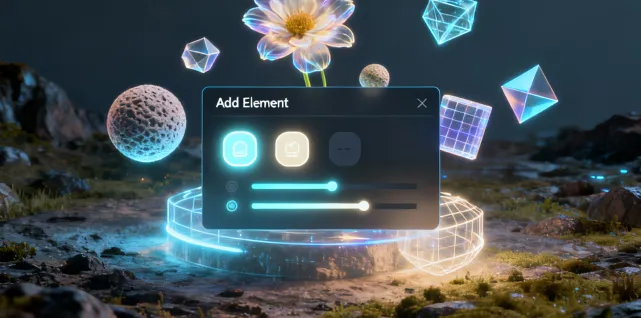
Content Addition
Add new elements or textures to the original image, enriching your creative possibilities.
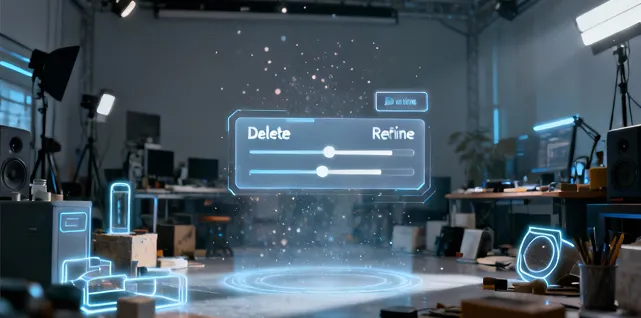
Element Removal
Remove unwanted objects or background clutter to create cleaner, more natural scenes.
Style & Color Adjustment
Adjust the style, color, and lighting of new or edited areas to ensure a visually unified result.

Advantages of Flux.1 Fill AI Image Generator
Flux.1 Fill AI focuses on high-precision image editing for believable results and enhanced creative efficiency.

High-Fidelity Restoration
Seamlessly fills missing or damaged areas, preserving original texture and detail.
Creative Flexibility
Supports not only restoration, but also creative element addition and combination for varied needs.
Simple Operation
Make modifications by simply marking and describing changes—no complex manual drawing or professional software required.
Efficient Generation
Optimized algorithms deliver high-quality edits in a short time, speeding up your workflow.
Application Scenarios for Flux.1 Fill AI Image Generator
Suitable for art creation, product showcasing, ad design, image repair, and more.
Art Restoration & Re-creation
Repair or replace local elements, providing multi-version options for illustrations or photographs.
Product Photo Optimization
Remove clutter or enhance backgrounds to make product images look professional and appealing.
Advertising & Visual Design
Add or modify elements in ads for rapid generation of alternative visual concepts.
Photo Restoration & Enhancement
Repair old or damaged photos for detail and color consistency restoration.
How to Use Flux.1 Fill AI Image Generator
Follow these simple steps to edit your image:
Step 1: Upload an Image
Step 2: Highlight the Area to Edit
Step 3: Describe the Changes
Step 4: Click Generate
FAQs about Flux.1 Fill AI Image Generator
Tools about Flux.1 Fill AI Image Generator
Explore more useful AI tools for creating images with Flux.1 Fill.