Free Qwen Image 3.0 AI Image Generator and Editor (Beta)
Use Free Qwen Image 3.0 to create text graphics, posters, and reference-guided image edits. Describe the wording, layout, and visual details you want. This beta tool on FluxProWeb offers 100% free, unlimited generation with no signup required; results may vary.
Try Faster, Higher Quality Image Generator Now!
Upgrade for faster queues, higher quality output, and more generation options.
Explore Text Graphics and Image Layouts with Free Qwen Image 3.0
Browse the example compositions for ideas about text placement, subjects, and visual style. Describe your own layout and wording in the image form, then check the generated details.
Free Qwen Image Example 1
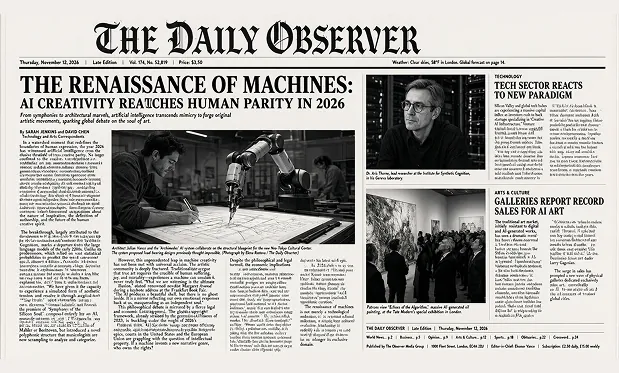
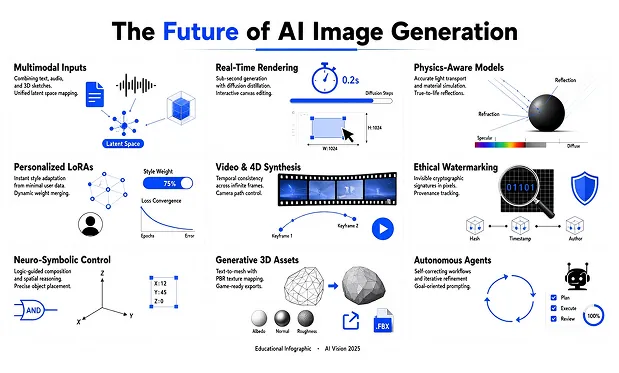
Free Qwen Image Example 2
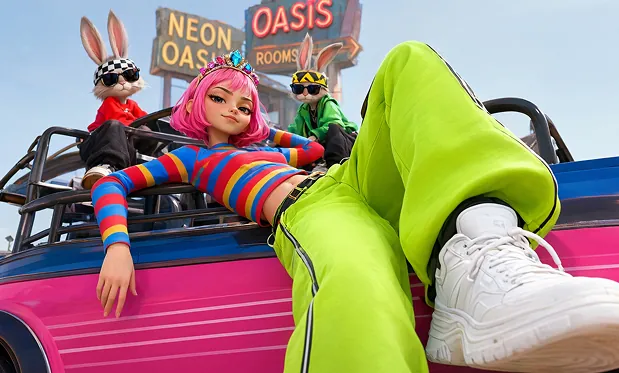
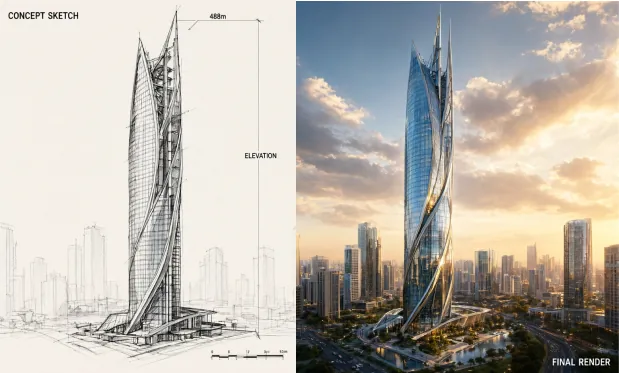
Guide Text, Composition, and Image Edits with Free Qwen Image 3.0
Use a prompt to describe a composition, specify words to include, or explain a change to an uploaded reference. Review generated text and details before using the image.
Describe a Complete Image Brief
Name the subject, setting, lighting, and style in your prompt. Explain where the main elements should sit so the generated image follows a deliberate composition.
Include Wording in Visual Layouts
Specify short headings, labels, or poster copy and their intended position. Check spelling and readability in the generated image before using it in a design.
Guide Changes with Reference Images
Upload an image and explain which background, object, or style to change. Describe the details you want to preserve, then compare the output with your reference.
Arrange Information into a Visual Draft
Describe a diagram, product layout, or information card with clear groups and labels. Generate a draft, then verify the text and factual content before sharing it.
Explore Text-Rich Image Concepts with Free Qwen Image 3.0
Try a visual brief without signup or generation fees. Use unlimited attempts to revise wording, spacing, and image composition in this beta workflow.
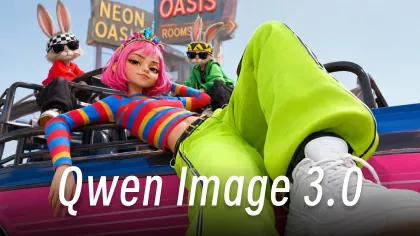
Test Copy and Composition Together
Include a short headline and its placement in your prompt to explore how words and imagery work together. Review the generated layout before refining the copy.
Draft Images for Different Languages
Provide the wording you want in your chosen language and describe its placement. Review the output with someone who can check spelling and meaning before publication.
Use Existing Assets as a Starting Point
Bring a reference photo into the form and request a different setting or style. The image gives your prompt a concrete visual starting point.
Revise without a Generation-Count Cap
Try another prompt when a layout or word needs adjustment. Generation is free and unlimited, while the beta output can vary and requests may queue.
Draft Posters, Product Ads, and Learning Graphics with Free Qwen Image 3.0
Use a written layout or reference image to explore an ad, information card, or classroom graphic. Specify the text and check the generated content before incorporating it into a project.
Provide an event theme, exact headline, and intended layout. Generate a poster draft, then check text, dates, and spacing before sharing it.
Draft an Event Poster with a Headline
Start with a product reference and describe the labels or callouts you want around it. Review the generated image for wording and product accuracy.
Explore a Labeled Product Layout
Write a short explanation and describe how the illustration and labels should be arranged. Generate a card and verify its facts before using it in a lesson.
Create a Classroom Information Card
Describe a character, setting, and camera view to generate a storyboard still. Refine the framing before using the image as a reference for a later video project.
Plan a Storyboard Composition
Explore more social sharing about Free Qwen Image 3.0 AI
Get the latest news, tips, and inspiration—join our Free Qwen Image 3.0 AI community on social media.
How to Use Free Qwen Image 3.0 on FluxProWeb
Describe the image and any exact wording, add references if useful, and select an aspect ratio. Complete verification, generate, and check the text and details before downloading.