Flux.2 Flex AI Image Generator by BlackForest Labs
Flux.2 Flex AI allows you to switch seamlessly between a wide variety of subjects and styles, giving creators greater expressive freedom. It's ideal for exploratory content and multi-style experimentation.
Introduction about the Flux.2 Flex AI Model
Generates images covering everything from realism to stylization, accommodating scattered topics and enabling exploration in different conceptual directions.
Flux.1 Pro
Delivers stable, high-detail, production-ready images. Ideal for professional projects and long-term content creation.
Flux.1 Dev
Lightweight and fast for sketch-level outputs, rapid prototyping, and frequent prompt testing.
Flux.1 Flex
Offers enhanced style flexibility and controllability, perfect for exploring diverse visual directions and creative experiments.
Image Examples Generated by Flux.2 Flex AI Image Generator
Discover a range of creative results produced with Flux 2 Flex—infuse your prompts or references into distinct artistic experiments.
Anime Style Exploration
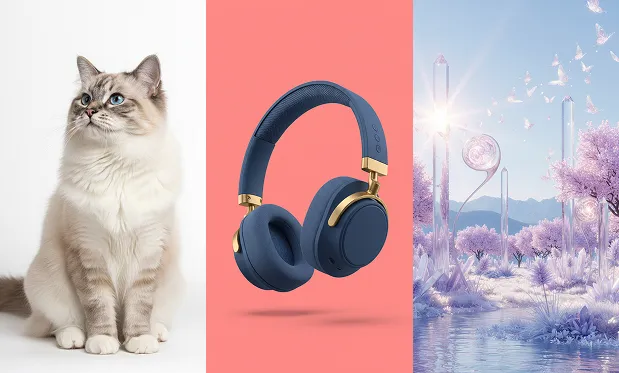
Prompt Input
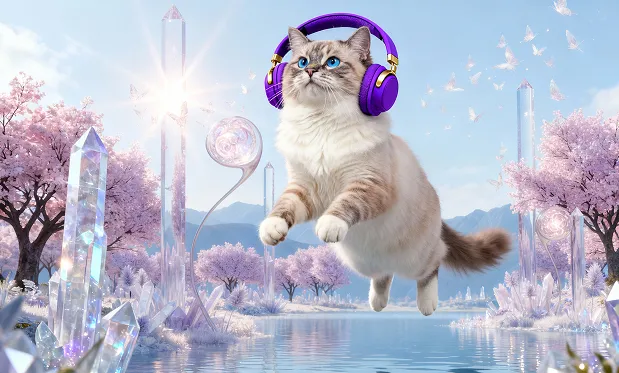
Anime Character Variant
Style Switching

Original Scene
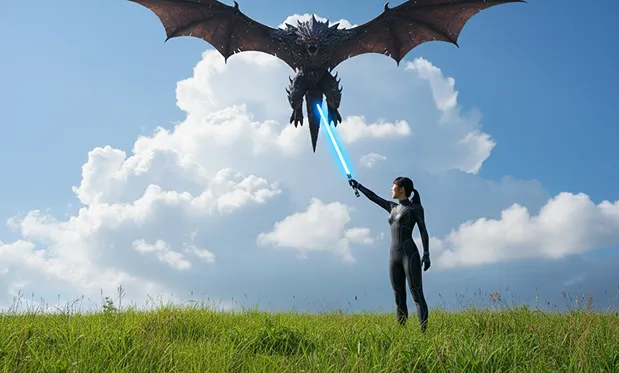
Modern Illustration Remix
Concept Variation
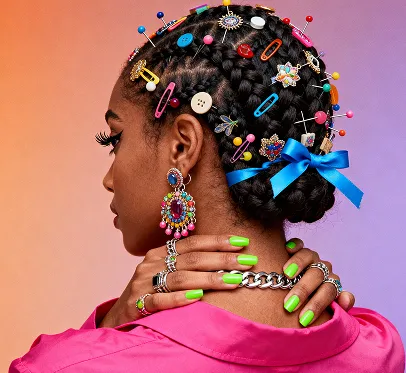
Initial Portrait

Futuristic Style Version
Key Features of Flux.2 Flex AI
Strikes a balance between structure and stylistic breadth, enabling users to maintain relatively steady results while exploring.
Multi-Style Switching
Freely experiment between realism, light stylization, and soft tones. Ideal for concept sketches or hybrid visual approaches.
Broad Subject Compatibility
Tolerant of diverse subject categories and scene changes—well-suited for experimental combinations or cross-genre testing.
Flexible Lighting and Color
More variable in lighting and tone, making it easier for prompt description to steer the visual direction.
Fast for References
Helps creators quickly produce many reference images for visual comparison and direction selection.
Advantages of Flux.2 Flex AI Image Generator
Ideal for users who need rapid style trials or frequent subject validation.
Greater Visual Freedom
Generate a wider range of images based on descriptions, minimizing style limitations.
Useful for Early Exploration
Quickly expand visual boundaries during the concept phase to identify best-suited directions.
More Tolerant to Content Combinations
Supports generation of dynamic, non-fixed combinations of people, scenes, and props—ideal for testing creative arrangements.
Flexible Workflow
Switch between topics across projects rapidly—unconstrained by a single style.
Application Scenarios for Flux.2 Flex AI Image Generator
Explore, iterate, and quickly compare in discovery-driven, conceptual, or fast-paced environments.
Concept Visual Sketching
Set early directions and shorten decision-making with rapid large-batch generation.
Multi-Style Plan Testing
Perfect for testing different tones, color systems, or expressions—especially useful for branding.
Creative Hybrid Content
Combines objects and spaces across categories, offering open visual structures for innovation.
Daily Quick Generation
For simple inspiration capture or theme experiments—no fixed structure needed.
How to Use Flux.2 Flex AI Image Generator
Designed for tasks requiring high consistency, controllability, and fine detail.
Step 1: Enter your prompt (to edit an image, simply enable the [Image Editing] switch, upload your image, and then enter your prompt)
Step 2: Choose your aspect ratio
Step 3: Click Generate to produce your desired image