Flux Lora AI Image Generator - Flux Lora AI
Create stunning Lora AI art with Flux AI's powerful generator. Explore eight unique Lora models, each offering a distinct visual style.
Core Features of Flux Lora AI Image Generator
Flux Lora provides flexible and efficient text-to-image generation, supporting multi-style outputs and fine-grained adjustments.
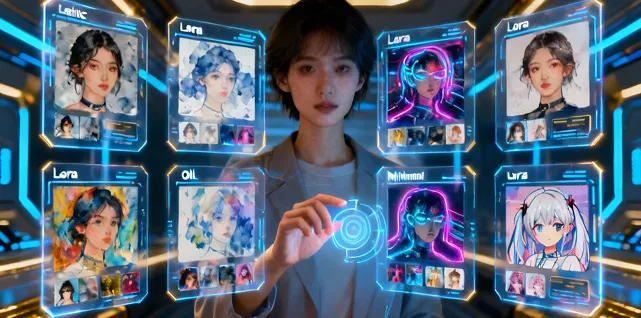
Multi-style Model Selection
Eight distinct Lora models, each representing a different visual style, meet diverse creative needs.
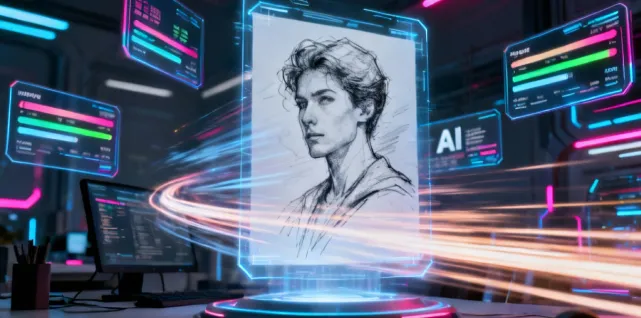
Fast Generation
Leverages low-rank adaptation to generate high-quality images quickly, reducing wait times.
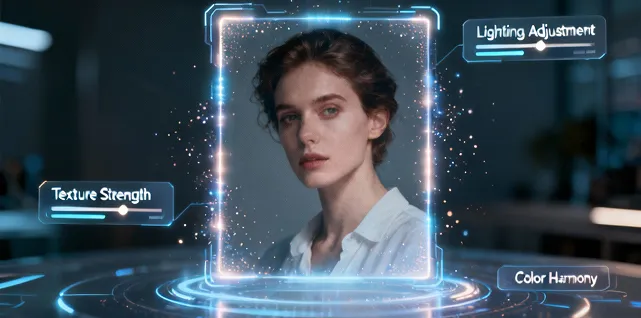
Detail Optimization
Automatically refines texture, lighting, and color for natural and coherent results.
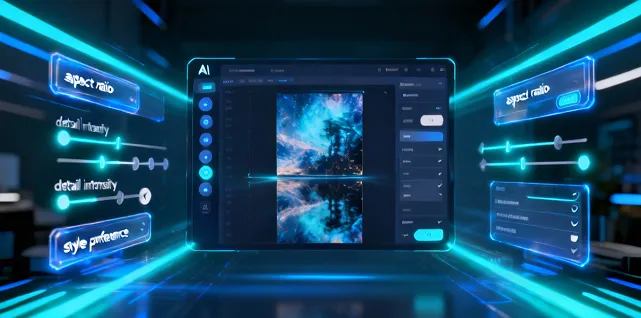
Controllable Output Parameters
Users can adjust aspect ratio, detail intensity, and style preferences for precise control over the output.
Advantages of Flux Lora AI Image Generator
Flux Lora stands out in efficiency, style diversity, and detail realism.
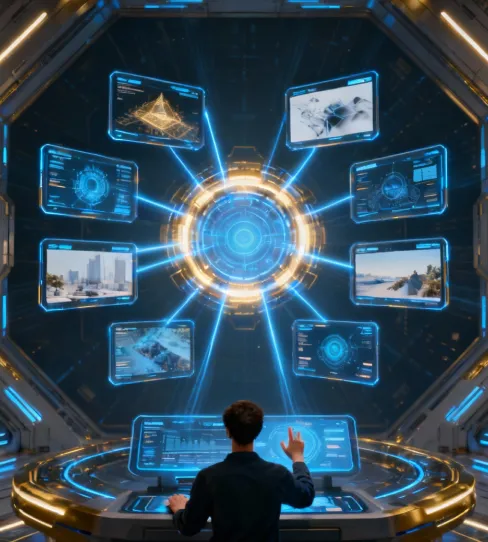
High-efficiency Generation
Low-rank adaptation accelerates image creation while maintaining quality.
Diverse Styles
Eight Lora models cover various styles for different creative and project requirements.
Easy Operation
Simply input a text description and select a model—no complex setup required.
Natural Details
Generated images maintain consistent lighting, texture, and color for believable results.
Application Scenarios of Flux Lora AI Image Generator
Flux Lora is widely applicable for art creation, advertising design, social media content production, and creative experimentation.
Creative Art Generation
Quickly create illustrations, anime, or other artistic styles for personal projects or demonstrations.
Product Visual Design
Generate product concept art or creative display images to enhance visual presentation and appeal.
Social Media Content Creation
Generate high-quality, creative images for social platforms to boost visual impact.
Education and Research
Use for experiments or teaching examples to explore combinations of styles and visual effects.
How to Use Flux Lora AI Image Generator
Simply enter your text to generate images. Adjust the scale and model to create diverse styles.
Step 1: Enter Your Text (Feel free to refine your prompt for better results)
Step 2: Choose Image Aspect Ratio
Step 3: Select a Flux Lora Model
Step 4: Click 'Generate' to Create Your Image
FAQ about Flux Lora Image Generator
Tools about Flux Lora Image Generator
Explore more useful AI tools for creating images with Flux Lora.