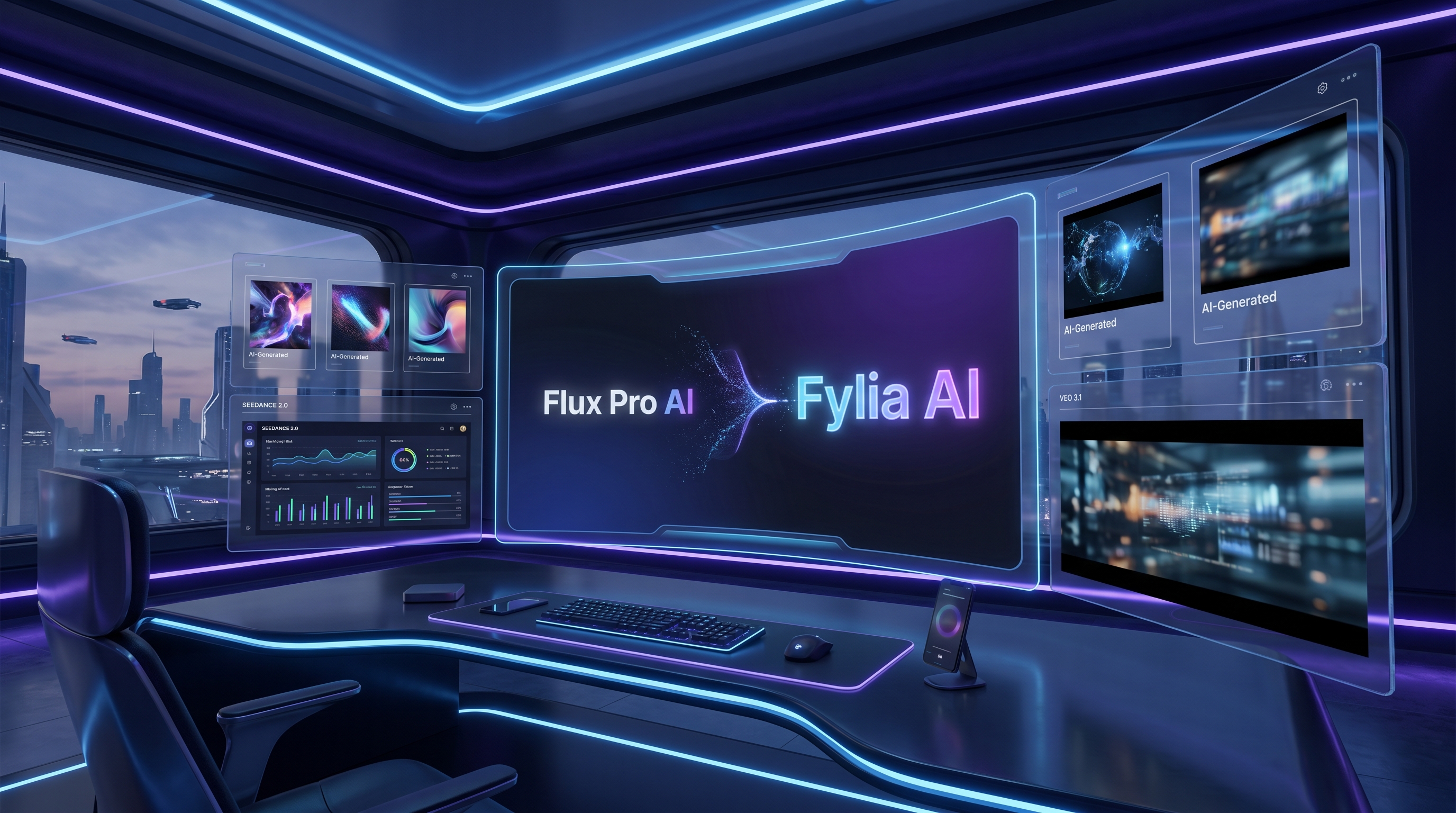
If you have used Flux Pro AI before, the shift toward Fylia AI is best understood as an upgrade in scope rather than a total reset. The old Flux-focused experience is evolving into a broader creative platform that gives users access to stronger image and video models, a wider tool selection, and a workflow that feels more complete for modern creators.
In simple terms, this is not just about a new name. It is about moving from a narrower identity into a more capable ecosystem. Instead of thinking only about Flux-based generation, users now land in a platform that can handle image creation, video generation, and model switching much more naturally. For creators who want better output quality without juggling too many separate tools, that is the real value of the upgrade.
A broader platform instead of a single-model identity
The biggest difference between the old Flux Pro AI impression and the newer Fylia experience is breadth. Flux Pro AI sounded like a product centered on one family of models. Fylia AI feels more like a creative hub.
That matters because AI creation is no longer a one-model game. Today, people want to move between image ideation, prompt testing, cinematic video generation, and fast comparison across top models. A platform built around only one name can start to feel limiting, even if the original tool was useful.
With Flux AI Image Generator, users can still begin with the kind of image workflow that made Flux-based tools appealing in the first place. But the platform no longer stops there. It now points users toward a much wider creative path, including video and advanced model access.
That is why the upgrade makes sense. The branding is changing because the experience has expanded.
Why the move matters for existing users
Most users do not care about a rebrand for its own sake. They care about whether the new platform is easier, better, and more capable than the old one.
That is the right way to look at this transition. For existing Flux Pro AI users, the important question is not whether the homepage looks different. It is whether the new environment gives them better tools without making everything feel unfamiliar.
In that sense, Fylia AI is a practical upgrade. A user can still start with visuals, test ideas quickly, and keep the workflow intuitive. But now that same journey can expand into more advanced motion and multimodal generation through tools like Flux AI Video Generator.
The experience feels less like leaving one product behind and more like stepping into a larger studio.
The real upgrade is access to newer top AI models
The strongest argument for moving from Flux Pro AI into Fylia AI is model access. The platform now highlights some of the most in-demand creation models for people who care about current output quality.
A good example is Seedance 2.0 AI Video Generator. This model has attracted attention because it gives creators a better sense of control, stronger visual consistency, and more reliable motion than many older text-to-video tools. If you create short-form videos, visual experiments, or stylized clips, Seedance 2.0 is exactly the kind of model that makes a platform upgrade feel worthwhile.
Then there is Veo 3.1 AI Video Generator, which speaks to a slightly different type of creator. Veo 3.1 is the kind of model people look at when they want more polished, cinematic, and premium-feeling results. It is especially appealing for creators who want more natural motion and a more impressive presentation style right out of the box.
That means Fylia AI is not upgrading only in brand language. It is upgrading in creative capability. Users are gaining access to the models that people actually want to test right now.
Better performance means better creative decisions
Performance is not just a technical word. For creators, performance affects how fast you can experiment, how confidently you can compare results, and how often a tool feels worth coming back to.
A stronger platform does not only give you more models. It gives you a better environment for using them. That includes smoother switching between workflows, less friction when comparing different generation styles, and a clearer path from idea to output.
For example, a user might start in Flux AI Image Generator to build a concept frame, then move into Seedance 2.0 AI Video Generator for controlled motion, or try Veo 3.1 AI Video Generator for a more cinematic feel. That kind of workflow is much more useful than being locked into one narrow lane.
This is where Fylia AI feels more mature. It reflects how people actually create now: one idea, multiple model tests, and a final choice based on what looks best.
It is not only about Seedance and Veo
Seedance 2.0 and Veo 3.1 may be the headline names, but the appeal of Fylia AI is that it does not stop with two models.
Users who want other video options can also explore Kling 3.0 AI Video Generator for another style of motion generation, or Wan AI Video Generator for broader experimentation. That flexibility matters because no single model is perfect for every use case.
The same logic applies on the image side. Some users still want the familiar look and feel of Flux-style image creation, while others may want to explore newer visual models such as Nano Banana AI. By placing these options under one roof, Fylia AI becomes a more practical destination for creators who do not want to rebuild their workflow every time a new model becomes popular.
That is one of the clearest signs of improvement: the platform is designed for a changing model landscape instead of pretending one engine can do everything.
Who benefits most from the upgrade
This upgrade is especially useful for creators who work across formats.
If you make short-form content, the combination of Flux AI Video Generator with newer model pages makes the platform more useful than a Flux-only identity. If you are a designer, marketer, or solo content creator, it becomes easier to move from concept art to motion content without changing platforms.
If you are the type of user who likes comparing outputs, the broader Fylia setup is also more appealing. You do not need to treat one model as the answer to everything. You can test Seedance 2.0 AI Video Generator, compare it with Veo 3.1 AI Video Generator, and decide what fits your project instead of forcing your project to fit the tool.
That is a healthier creative workflow, and it is one reason the new direction feels more future-ready.
A more future-proof identity
The AI tool market changes fast. Platforms that stay too attached to a single-name identity can start to feel outdated, even if they still work.
Fylia AI is a smarter direction because it better matches what the platform is becoming: a place where users can access current flagship models, combine image and video workflows, and keep up with what is actually relevant now.
In that sense, the upgrade from Flux Pro AI is not just cosmetic. It gives the platform room to grow. It also gives users a clearer reason to stay: better models, wider creative range, and a workflow that feels aligned with how AI creation is evolving.
Final thoughts
The easiest way to understand this change is simple. Flux Pro AI is growing into something broader, and Fylia AI is the name that better fits that bigger ambition.
For users, the appeal is straightforward. You still get access to Flux-style creation through Flux AI Image Generator, but now you also step into a stronger environment for advanced video work through Flux AI Video Generator, Seedance 2.0 AI Video Generator, and Veo 3.1 AI Video Generator.
That makes the move feel less like an ending and more like a meaningful upgrade.
Related Article
- Seedance 2.0 Access Guide: Where to Use It Now and What’s Next
- Seedance 2.0 Video Generation Review: Control, Consistency, and Where It Fits
- Flux Pro AI Video Generator 2026: One Hub for Flux, Wan, VEO, Sora, Kling & More
- Veo 3.1 AI Video Generator vs Top Models on Fylia AI: The New Era of Cinematic AI
People Also Read
- Veo 3.1 Video Generation Guide: How to Create Cinematic Clips
- Seedance 2.0 Video Generation Guide: How to Create Better AI Videos
- How to Create Better TikTok Videos with Google Veo 3.1
- The 2026 Image-to-Video Guide: Best Models and Prompt Ideas
- Seedance 2.0 Video Generation Guide: How to Get Controlled, Consistent Results


