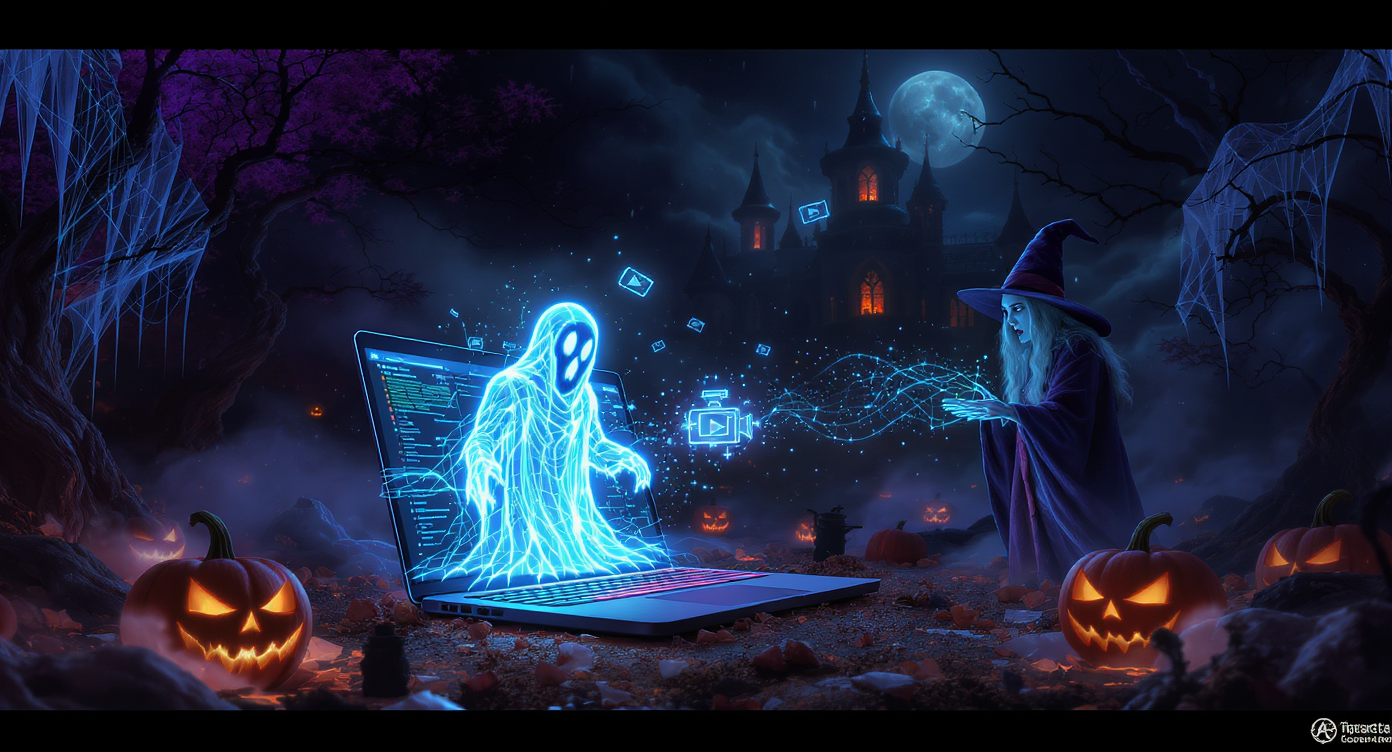
Halloween 2025 isn’t just about costumes and carved pumpkins anymore — it’s become a digital playground for AI-generated visuals, spooky content, and cinematic horror clips. From chilling photo transformations to short AI-animated Halloween trailers, creators are turning to artificial intelligence to make their content unforgettable.
Whether you’re planning a Halloween campaign, leveling up your social media feed, or just want to try spooky AI art for fun, this guide gives you ready-to-use prompts for both pictures and videos — plus tips on how to combine them for maximum visual impact.
To get started, you’ll want three core tools:
🖼️ Nano Banana AI (Images): https://fluxproweb.com/model/nano-banana-ai/
🎥 Veo 3.1 AI (Video): https://fluxproweb.com/model/veo-3-1-ai/
🎬 Sora 2 AI (Video): https://fluxproweb.com/model/sora2-ai/
👻 1. When Halloween Meets AI Creativity
AI has become this year’s “Halloween costume” — but instead of wearing it, you generate it. Across TikTok, Instagram, and YouTube, creators use AI to conjure haunted portraits, pumpkin spirits, cyber witches, gothic castles, and more. AI tools now make it possible to:
- Turn a selfie into a horror movie poster
- Animate ghosts, witches, or monsters for short-form video
- Create spooky Halloween party invitations
- Mix horror and fantasy aesthetics for unique social content
The most exciting part? You no longer need design or video editing skills. With the right prompts, AI can produce polished visuals that look professionally crafted.
🧛♂️ 2. Why Use Both AI Pictures and Videos for Halloween?
AI images are perfect for impactful first impressions, while AI videos deliver storytelling and emotion.
| Format | Best For | Why It Works |
|---|---|---|
| Images | Profile photos, posters, covers, thumbnails | Instant visual impact, high shareability |
| Videos | Reels, TikTok, YouTube Shorts, invites | Movement + sound = stronger storytelling |
Which tools to use?
| Tool | Format | Strength |
|---|---|---|
| Nano Banana AI | Images | Detailed, artistic, spooky or stylized photo generation |
| Veo 3.1 AI | Video | Cinematic scenes, camera movement, storytelling |
| Sora 2 AI | Video | Photoreal or fantasy worlds with advanced motion |
Pro Trick:
Create a spooky image first, then animate it with Veo 3.1 or Sora 2 for a “picture-to-life” Halloween reveal.
🧠 3. Getting Started with Nano Banana AI, Veo 3.1 AI & Sora 2 AI
Here’s the quickest way to begin:
✅ Nano Banana AI (Images)
- Open https://fluxproweb.com/model/nano-banana-ai/
- Choose text-to-image
- Enter a spooky prompt
- Select your style (realistic, anime, cute, gothic, etc.)
- Generate & save
🎬 Veo 3.1 AI (Video)
- Open https://fluxproweb.com/model/veo-3-1-ai/
- Choose your video format & duration
- Input your prompt (or upload an image as a reference)
- Generate and review
🧟 Sora 2 AI (Video)
- Go to https://fluxproweb.com/model/sora2-ai/
- Add a detailed prompt with scene, motion, lighting, sound
- Generate a cinematic or surreal horror clip
Halloween Prompt Formula:
Subject + Setting + Mood + Lighting + Style + Motion (for video)
Example:
“A ghost girl wandering through a foggy forest at night, moonlight glow, slow-pan camera, cinematic horror style.”
🎃 4. Halloween AI Prompt Ideas (Images & Videos)
Below are plug-and-play prompts you can use directly.
🖼️ 4.1 Image Prompts (for Nano Banana AI)
Use these for Halloween profile pics, posters, thumbnails, or spooky feed posts.
Haunted Portraits
- “Victorian ghost bride walking through a misty graveyard, candlelight glow, gothic texture, cinematic realism.”
- “Abandoned carnival clown with cracked porcelain mask, broken carousel lights, eerie vintage look.”
Creepy Creatures
- “Swamp monster emerging from dark water, bioluminescent eyes, heavy fog, cinematic atmosphere.”
- “Giant spider queen weaving glowing webs around a gothic tower, moonlight reflection.”
Retro / Stylized Art
- “1980s slasher horror poster, neon red typography, VHS grain effect, dramatic shadows.”
- “Cute pumpkin spirit dancing under fairy lights, warm autumn tones, anime aesthetic.”
Environments
- “Abandoned carnival with rusting ferris wheel, stormy night sky, faint ghostly lights.”
- “Witch’s cabin filled with glowing green potions, spellbook on wooden desk, moody candlelight.”
Fashion & Cosplay Concepts
- “Cyberpunk witch with holographic tattoos and neon broomstick, futuristic skyline at night.”
- “Dark fairy queen with thorn crown and black lace gown, moonlit fog, ethereal elegance.”
🎥 4.2 Video Prompts (for Veo 3.1 AI & Sora 2 AI)
These work perfectly for TikTok, Reels, Shorts, or Halloween party invites.
Cinematic Horror Scenes
- “Camera slowly moves through a candle-lit haunted mansion hallway, flickering lights, ghostly figure at the end, thunder rumbling.”
- “Werewolf transformation under a blue moon, close-up to wide shot reveal, suspenseful soundtrack + distant wolf howl.”
Cute-Creepy Aesthetic Videos
- “Playful pumpkin spirit dancing in a foggy forest, glowing lanterns, whimsical background music (loopable 8 seconds).”
- “Halloween cat witch flying over a candy-colored town, soft music, magical sparkle trail.”
POV Horror Clips
- “POV: walking through abandoned carnival, creaking rides, whispers in the background, fog rolling in.”
- “POV: opening a door in a dark attic as doll heads slowly turn toward camera.”
Character Reveal Edits
- “Cyber-witch casting holographic spells in neon city at night, close-up eye glow, magical SFX, wind swirling hair.”
- “Vampire queen descending a staircase lit with red candles, dramatic orchestral music, slow-motion cape flow.”
🕸️ 5. How to Combine Images & Videos for Maximum Impact
Want a professional, story-driven Halloween post? Combine both formats:
The Viral 3-Step Formula
- Teaser Image: Generate a spooky portrait using Nano Banana AI
- Reveal Video: Animate the same character or scene with Veo 3.1 or Sora 2
- Plot Hook: Add a short caption:
“Would you enter this house?”
Best Practices
✅ Keep visual theme consistent
✅ Add sound for emotional impact
✅ Use the image as the video’s thumbnail
This increases watch time and engagement.
📣 6. Sharing & Engagement Tips for Halloween Content
Maximize reach with these strategies:
Best Platforms
- Videos: TikTok, Reels, YouTube Shorts
- Images: Instagram feed, Pinterest, X, Facebook, wallpapers
Hashtags to Boost Visibility
#AIHalloween #NanoBananaAI #Veo31AI #Sora2AI #AIPrompts #AIVideo #AIArt #SpookySeason
Post Ideas
- Before/After AI Transformations
- “Guess the Prompt” audience challenges
- 7-Day Halloween Countdown Series
- Storytelling mini-series (1 post per chapter)
Repurpose content by turning video scenes into GIFs or images into party invitations.
💡 7. Pro Tips & Things to Avoid
Do This
✔ Be specific with atmosphere & lighting
✔ Use camera terms for video: “slow pan”, “POV”, “wide shot”
✔ Experiment with blending genres (fantasy-horror wins big this year)
Avoid
✖ Overstuffing prompts
✖ Using copyrighted character names
✖ Ignoring sound design in video — audio sets the tone
🧙♀️ 8. Your AI Halloween Creation Toolkit
With Nano Banana AI for spooky images, Veo 3.1 AI for cinematic videos, and Sora 2 AI for realistic or surreal motion scenes, you have everything you need for a Halloween filled with unforgettable visuals.
This year, don’t just dress up — create your own digital nightmare.
Ready to start conjuring?
🖼️ Images → https://fluxproweb.com/model/nano-banana-ai/
🎥 Cinematic Video → https://fluxproweb.com/model/veo-3-1-ai/
🎬 Realistic/Surreal Video → https://fluxproweb.com/model/sora2-ai/


