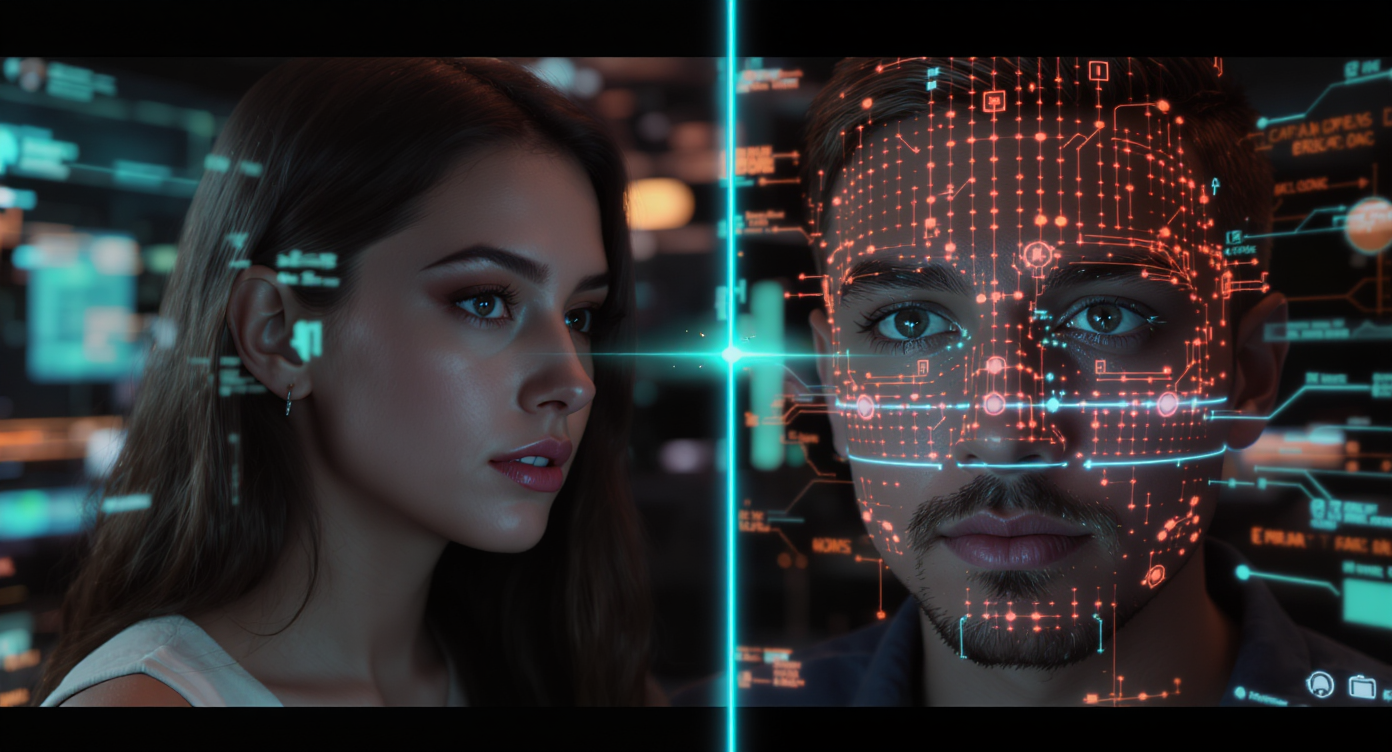
In modern AI video creation, there’s one area that still feels like magic: transferring a human performance from one face to another without losing any of the emotional nuance. This is where Higgsfield Soul Jump with Higgsfield AI shines.
Whether you’re a filmmaker localizing dialogue for global markets, a content creator bringing historical figures to life, or a marketing team adding dynamic characters to your campaigns, this technology lets you carry the “soul” of a performance into a completely new subject—seamlessly and convincingly.
What Is Higgsfield Soul Jump?
At its core, Higgsfield Soul Jump is a highly advanced motion transfer and expression-mapping system. Instead of simple face-swapping, it focuses on capturing the essence of the source performance—micro-expressions, head tilts, timing, and emotional beats—and reproducing them on a new target subject.
This means your target subject doesn’t just look like they’re speaking; they feel alive, matching the tone, emotion, and rhythm of the original actor. With Higgsfield AI, creators can bypass the uncanny valley that plagues older deepfake-style tools.
Why Choose Higgsfield AI for Soul Jump?
While many AI video tools promise performance transfer, Higgsfield AI distinguishes itself with:
- High-accuracy facial motion capture that preserves even subtle expressions.
- Minimal visual artifacts, even in challenging lighting or motion conditions.
- Creative flexibility – works with live-action footage, stills, and stylized renders.
- Direct integration with modern content workflows, reducing editing overhead.
In other words, it’s not just for AI enthusiasts—it’s production-ready tech for serious creators.
Using the Higgsfield AI Generator Interface for Soul Jump
If you’re ready to try it yourself, the Higgsfield AI Generator interface makes it straightforward:
Step 1 – Choose the Motion Type
- Set the Motion to Soul Jump so the AI runs its performance-transfer model.
Step 2 – Upload Your Target Image
- Drag and drop a JPG, PNG, or WebP image into the Image Upload field.
Step 3 – Enter Your Prompt
- Add a descriptive scene or style, such as “cinematic close-up, dramatic lighting.”
- Use Translate if your prompt is in another language.
Step 4 – Optimize Prompt (Optional)
- Use Optimize Prompt to improve consistency.
Step 5 – Set Public or Private
- Toggle the Public switch based on your sharing preferences.
Step 6 – Generate Your Soul Jump Video
- Click Generate to process your video with Higgsfield AI.
Workflow A – Performing a Simple Higgsfield Soul Jump
Getting started is surprisingly straightforward:
-
Upload the Source Video
This is the performance you want to transfer—an actor delivering lines, a reaction shot, or any expressive footage. -
Upload the Target Subject
This can be another video or even a static image, depending on your goal. -
Run Higgsfield AI Mapping
Higgsfield AI analyzes the source performance, capturing key movement data, then applies it to the target subject with natural facial motion and synchronization. -
Export in High Quality
You can render in HD or 4K depending on your production needs.
Workflow B – Advanced Creative Applications
For more ambitious projects, you can layer Higgsfield Soul Jump with other production techniques:
- Virtual Characters – Apply a live performance to a 3D-rendered model.
- Historical Reenactments – Animate portraits or archival footage with modern actors’ performances.
- Localized Marketing – Keep the same visuals but change the spoken language while retaining original expressions.
- Storytelling Experiments – Combine performances from multiple actors into one composite character.
These approaches are where Higgsfield AI really flexes its creative muscles.
Best Practices for Using Higgsfield Soul Jump
To get the best possible results:
- Use High-Resolution Footage – Clear input ensures precise motion capture.
- Match Lighting Conditions – Similar light sources help maintain realism.
- Avoid Complex Backgrounds – The AI focuses on faces; distractions can reduce quality.
- Test Motion Sensitivity – Adjust settings to match the performance style, from subtle to exaggerated.
- Iterate and Refine – Run multiple takes to find the most convincing transfer.
Real-World Use Cases
- Content Creators – Make short films where you can “cast” yourself as multiple characters.
- Filmmakers – Fix dialogue or replace performances without reshooting.
- Marketing Teams – Adapt video ads for different languages and cultures instantly.
- Educators & Museums – Bring historical figures or artwork to life for immersive storytelling.
Conclusion
The Higgsfield Soul Jump with Higgsfield AI system represents a leap forward in AI-driven video creation. By focusing on emotion and micro-expression, it allows creators to go beyond static visuals or generic lip-sync—and instead, deliver performances that feel authentic and alive.
Whether you’re producing cinematic projects, quick-turn social content, or interactive educational experiences, this is a tool that doesn’t just animate—it transfers the soul of a performance. And that’s where the real storytelling magic happens.


