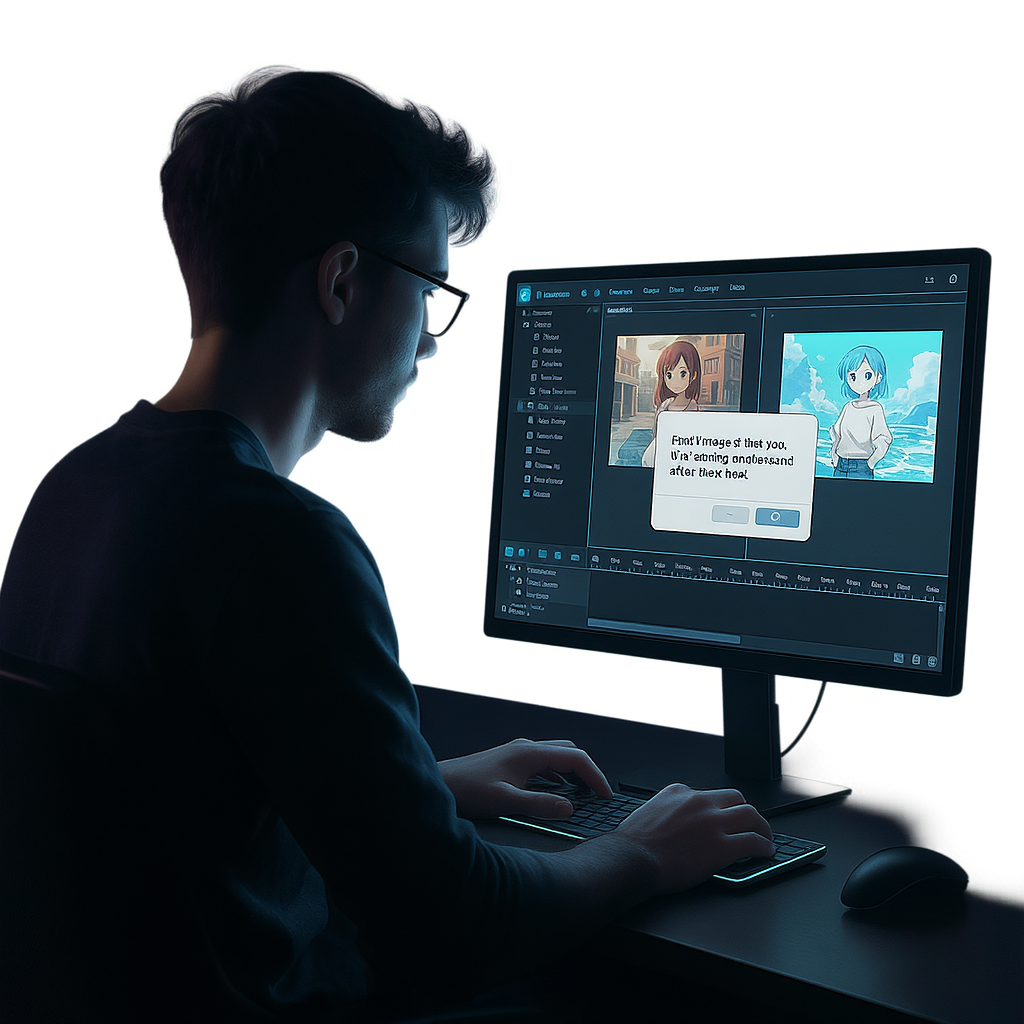
Discover how to effortlessly edit your images with Flux Kontext AI using intuitive prompts, advanced templates, and pro-level results—no design skills needed.
🔍 Why AI Image Editing Matters Today
In today’s fast-paced digital world, visual content is everything. Whether you're a social media creator, an online seller, or a digital artist, the ability to edit images quickly and creatively can make or break your content.
However, traditional editing tools are either too complex or too limited. That’s where Flux Kontext AI steps in—a revolutionary web-based image editing tool that turns text prompts into stunning visual edits.
If you’ve ever wondered how to edit image with Flux Kontext AI, this guide breaks it down clearly, from the interface to advanced editing techniques.
🌟 What Is Flux Kontext AI?
Flux Kontext AI is a next-generation AI image editor that lets you manipulate photos using natural language prompts. It uses contextual understanding and AI-generated image synthesis to execute tasks that would take hours in Photoshop—within seconds.
It’s not just about filters or cropping. With Flux Kontext AI, you can:
- Merge two people into a new face
- Remove unwanted objects
- Replace or stylize backgrounds
- Add fantasy effects or artistic layers (e.g., Ghibli style)
- Combine multiple product shots seamlessly
It’s like having a professional photo editor that understands your words—and executes flawlessly.
🧠 Why Choose Flux Kontext AI?
Flux Kontext AI isn’t just another AI tool. It’s designed for creators who need smart editing without the friction of complex software.
✅ Key Advantages:
- Prompt-Based Simplicity: No layers, brushes, or tools—just type what you want.
- Context-Aware AI: Understands subjects, backgrounds, objects, and emotions.
- Prompt Templates: Pre-loaded creative ideas for faster results.
- Multilingual Support: Real-time translation toggle for global users.
- Flexible Export Options: Download in high-res formats like JPG, PNG, or WebP.
Whether you're fine-tuning product photos for an online store or creating character designs for storytelling, Flux Kontext AI adapts to your needs.
🛠️ How to Edit Image with Flux Kontext AI – Step-by-Step
Let’s dive into how to edit image with Flux Kontext AI from upload to export.
1. Visit the Platform
Go to Flux Kontext AI. You’ll land on a clean and minimalist workspace.
Click “Upload Image” or drag your photo into the interface.
2. Explore the Editing Interface
Once your image is loaded, you’ll see a smart editing dashboard:
-
Prompt Input Field
A blank space to type what you want the AI to do. -
Prompt Templates Dropdown
Quick-start options such as:- Merge two people: Combine two people into one image
- Combine multiple product images
- Ghibli style
-
Aspect Ratio Toggle (e.g., 1:1, 16:9)
Perfect for tailoring images to platform-specific dimensions. -
Translate Switch
Instantly localize your prompt into your preferred language. -
Flux Kontext Pro Option
Use this to activate advanced rendering modes for higher quality and creativity.
The interface is designed to be intuitive—no menus or toolbars to navigate.
3. Type or Select a Prompt
You can either:
- Write your own prompt (e.g., “Remove the man on the left and add cherry blossoms.”)
- Use a template, like:
- “Ghibli style” to transform the image into dreamy anime aesthetics
- “Merge two people” to generate a single new person from two images
Tips for effective prompts:
- Be short and clear
- Focus on single tasks per prompt
- Describe objects by location or role (e.g., “person on the left,” “the background sky”)
4. Let the AI Work
Click the Generate or Submit button. In seconds, Flux Kontext AI processes your prompt and generates an updated image.
You’ll see a preview appear in real-time. You can:
- Zoom in for detailed view
- Compare Before/After
- Re-edit by adjusting the prompt
This step is fast but surprisingly accurate. Even complex instructions like “Replace cityscape with sunset mountain landscape” are handled well.
5. Download or Share
Once you're satisfied:
- Click Export
- Choose the desired format (JPG, PNG, WebP)
- Download the image directly to your device
You can also save multiple versions for comparison or social sharing.
🎯 Use Cases: Where It Shines
🛍️ E-Commerce
- Remove cluttered backgrounds from product images
- Generate stylized mockups instantly
- Combine shots from multiple angles into one promotional photo
📱 Social Media
- Create stylized profile photos (e.g., Ghibli, Pixar look)
- Merge friends into fantasy characters
- Quickly fix group photos (remove or add someone)
🎨 Creative Design
- Build mood boards or concepts using AI-enhanced visuals
- Stylize photos into artworks
- Save time by skipping manual editing
🧑🏫 Education and Research
- Visualize historical reconstructions
- Present stylized portraits for academic content
- Train students on prompt-based creative tools
💡 Pro Tips for Better Results
- Break down complex tasks: Do one edit at a time instead of overloading the AI with requests.
- Use Prompt Templates as inspiration, even if you customize later.
- Try different phrasings if your first attempt doesn’t yield perfect results.
- Adjust aspect ratios for best framing and fit.
❓ Frequently Asked Questions
Is it free?
Yes, there’s a free-to-use version with optional Pro features for advanced editing.
Does it work on mobile?
Yes, the tool is browser-based and optimized for mobile as well as desktop.
Can I merge two people into one?
Absolutely. Use the template “Merge two people” or type a prompt like “Combine two portraits into one person.”
What styles can it apply?
You can apply styles such as anime, watercolor, Pixar, Ghibli, or create your own aesthetic through prompts.
✅ Final Thoughts
Learning how to edit image with Flux Kontext AI gives you access to a powerful creative tool without needing advanced design skills. Its AI-driven prompt system makes complex photo edits as easy as typing a sentence.
Whether you're cleaning up product photos or exploring digital storytelling, Flux Kontext AI is a versatile, intelligent assistant ready to help you create.
👉 Ready to try it for yourself?
Start Editing Now →


