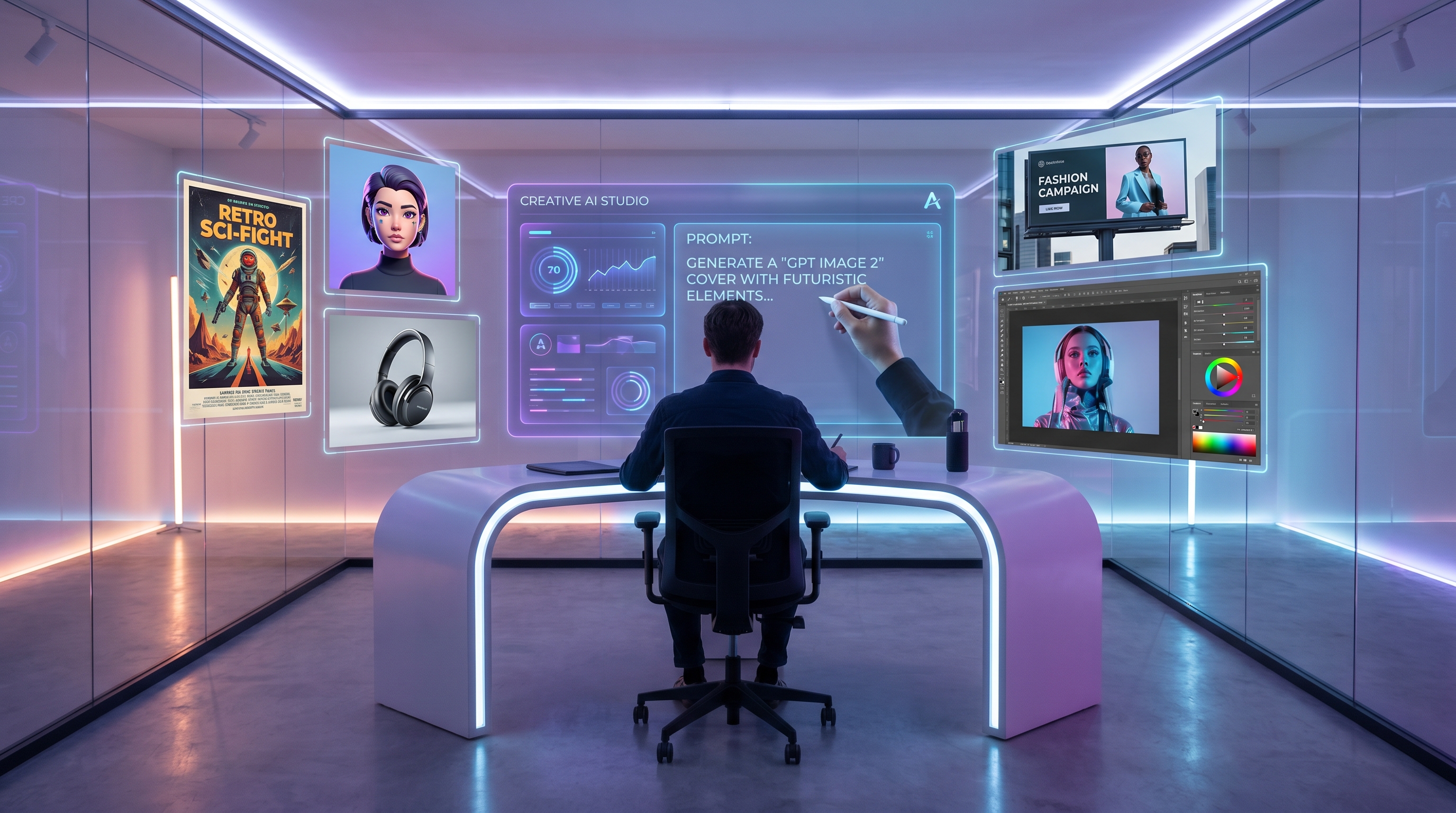
AI image generation is moving from novelty to production support. For designers, marketers, ecommerce teams, and creators, the important question is no longer “Can AI make a beautiful image?” It is “Can this image become a useful design asset?” A usable visual needs clear composition, readable text, consistent branding, flexible aspect ratios, and enough resolution for campaign work.
That is where GPT Image 2 becomes interesting. After the official ChatGPT Images 2.0 release, many creators started looking at the model not only as a creative image generator, but as a more structured design assistant. On Fylia AI, the GPT Image 2 AI Image Generator gives designers a practical way to create high-resolution posters, brand visuals, product mockups, and multi-image campaign assets from detailed prompts.
Why GPT Image 2 Matters for Designers and Marketers
Design work is not only about visual beauty. A poster must communicate quickly. A product ad must make the item look clear and desirable. A landing page hero image must leave space for copy. A social campaign must stay recognizable across multiple formats. This is why OpenAI GPT Image 2 is useful for professional creators: it helps turn written creative direction into structured visual drafts.
For marketers, this means faster campaign testing. Instead of waiting for a full design cycle before seeing whether an idea works, a team can generate multiple directions and compare them early. For designers, it means more control over composition, mood, typography direction, and visual hierarchy. For ecommerce teams, it can support product launches by creating quick lifestyle scenes, studio mockups, and ad concepts before a photoshoot or final design pass.
The model is especially helpful when the prompt is written like a design brief rather than a random image request. If the goal is a premium skincare poster, the prompt should describe the product position, background, lighting, headline placement, empty space, color palette, and intended format. The clearer the design logic, the more useful the output becomes.
How to Prompt for 1K, 2K, and 4K Visual Outputs
Resolution should match the stage of the workflow. Not every idea needs to start at the highest quality. Early concepting can use faster outputs, while polished campaign drafts benefit from higher-resolution settings.
Use lower-resolution images for rough directions, moodboard testing, layout exploration, and quick style comparisons. These are useful when a team is still deciding whether the visual should feel minimalist, cinematic, playful, luxury, futuristic, or editorial.
Use mid-resolution outputs for social ads, website sections, ecommerce banners, and client previews. At this stage, the image should already have a clear brand direction. The prompt should include the format, the text hierarchy, and the intended use case.
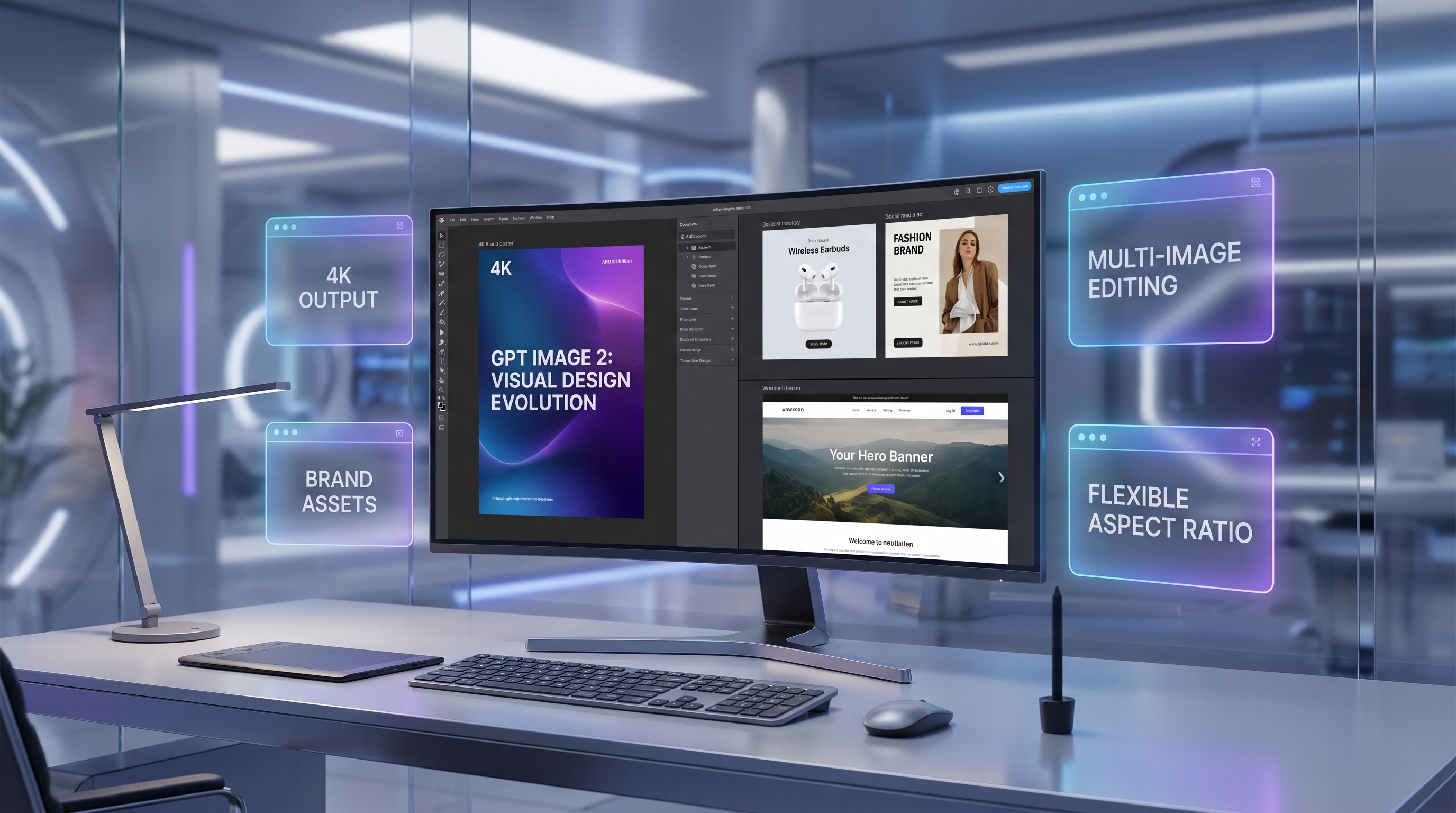
Use GPT Image 2 4K outputs when the design needs more detail, polish, and presentation value. 4K generation is especially useful for posters, hero images, product launch graphics, and large campaign visuals. A flexible aspect ratio image generator also helps when one campaign needs multiple formats, such as a vertical poster, square Instagram ad, and wide website banner.
A strong prompt formula looks like this:
Subject + brand role + layout + text + style + aspect ratio + quality level + editing goal.
For example: “Create a 4K vertical poster for a luxury skincare serum. Place the bottle in the lower center, use soft beige studio lighting, leave clean headline space at the top, add the headline ‘Glow Starts Here,’ use elegant editorial typography, and keep the composition minimal and premium.”
Creating Brand Posters with Better Text and Layout Control
Posters are one of the hardest AI design tasks because they require both image quality and communication clarity. A beautiful image can still fail if the text is too long, the product is hidden, or the composition leaves no room for readable copy.
When using an AI poster generator, keep the text short. AI tools usually perform better with concise headlines, simple taglines, and clear calls to action. Instead of asking for a paragraph of copy, use a headline like “Built for Motion,” “Glow Starts Here,” or “Design the Future.” Then tell the model where the text should appear.
Designers should also specify layout rules. Ask for safe margins, negative space, central product placement, top headline area, bottom CTA area, or a magazine-style grid. These instructions make the result more practical. Instead of saying “make a cool poster,” say “create a vertical campaign poster with the product in the lower third, headline space at the top, soft shadows, clean typography, and a luxury editorial style.”
This approach works well for brand posters, event graphics, product announcements, and social campaign visuals. The key is to prompt like a designer: define the message, structure the frame, and protect the brand identity.
Multi-Image Editing for Consistent Campaign Assets
Many real design projects begin with references. A team may already have a product photo, a logo, a color palette, a previous ad, a packaging sample, or a moodboard. Instead of starting from zero, multi-image editing can help turn these references into a consistent campaign direction.
For example, a skincare brand might upload a bottle photo, a beige color palette, and a luxury editorial reference. The prompt can ask the model to create a product poster, an Instagram ad, and a landing page hero image while keeping the bottle shape, color mood, lighting, and typography style consistent. This is much more useful than generating three unrelated images.
Multi-reference workflows are also helpful for reusing commercial visuals. A product can appear in a bathroom scene, a travel pouch scene, a studio shot, and a homepage banner while still feeling like part of the same campaign. For ecommerce and advertising teams, this saves time because the visual direction does not need to be rebuilt from scratch every time.
When refining existing visuals, AI image editing can support background changes, style adjustments, object updates, and creative variations. This is useful when the base image is already good, but the mood, environment, or layout needs improvement.
Product Mockups, Social Ads, and Website Banners
A strong AI design workflow should serve everyday business needs, not just experimental art. A good AI product mockup can help a brand test how a package, bottle, device, app screen, or fashion item might appear in a professional campaign scene.
For ecommerce, this can mean clean studio images, lifestyle product scenes, seasonal campaign graphics, or bundle visuals. For SaaS brands, it can mean dashboard hero images, abstract 3D shapes, app launch banners, and social ads. For creators, it can mean thumbnails, posters, personal branding graphics, and promotional assets.
The same logic applies to AI brand visuals. A brand should not generate isolated images with no connection between them. Instead, it should build a repeatable visual language. That includes color palette, lighting, product angle, background style, typography mood, and composition rules.
A reusable brand prompt might say: “Use a premium minimalist style, warm neutral background, soft studio shadows, clean sans-serif typography, product centered in the lower third, headline space at the top, and a beige-black color palette.” Once this prompt works, it can become a mini brand system for future assets.
When to Use GPT Image 2, Image-to-Image, or Inpainting Tools
GPT Image 2 is best when the task depends on layout, quality, text direction, brand consistency, and high-resolution generation. Use it for posters, ads, banners, product concepts, and multi-format campaigns.
Use Image to Image AI when you already have a base visual and want to transform it. This is useful for changing style, improving a scene, or turning a rough concept into a more polished design.
Use Nano Banana Inpainting AI when only part of the image needs to change. For example, a designer may want to replace a background object, fix a product detail, adjust a small region, or remove a distracting element without changing the entire composition.
Use Image to Prompt AI when you find a strong reference image and want to understand how to describe its style. This is useful for reverse-engineering lighting, composition, atmosphere, and design language before generating new assets.
In short, GPT Image 2 can lead the campaign creation process, while supporting tools help refine, repair, transform, and expand the results.
8 GPT Image 2 Prompts for Brand Posters, Product Ads, Landing Page Hero Images, and Social Campaigns
1. 4K Brand Poster Create a 4K vertical poster for a premium skincare serum. Place the bottle in the lower center, use soft beige studio lighting, elegant shadows, clean negative space, and the headline “Glow Starts Here.” Add a small CTA at the bottom: “Shop the Ritual.” Minimal luxury editorial style.
2. Product Launch Ad Create a square social ad for wireless headphones. Show the product floating over a dark gradient background with subtle neon rim light. Add the headline “Sound Without Limits” and a small subheading: “New Studio-Grade Wireless Audio.”
3. Landing Page Hero Image Create a wide hero banner for a productivity app. Show a clean laptop dashboard, floating task cards, a soft blue-white gradient background, and empty space on the left for website copy. Modern SaaS marketing style.
4. Multi-Image Campaign Set Using the uploaded product reference and color palette, create one vertical poster, one square social ad, and one wide website banner. Keep the product, lighting, colors, and typography style consistent.
5. Ecommerce Product Mockup Create a realistic product mockup for a canned sparkling tea brand. Show three cans on a glossy kitchen counter with citrus slices, condensation, natural morning light, and the headline “Bright, Crisp, Botanical.”
6. Fashion Campaign Poster Create a high-resolution fashion poster featuring a model in a minimalist black coat against an urban concrete background. Use editorial lighting, clean magazine typography, and the headline “Winter Form.”
7. Social Campaign Carousel Create four square campaign images for an eco-friendly water bottle brand. Keep the bottle, green-and-cream palette, natural light, and clean typography consistent. Show hiking, office, gym, and café scenes.
8. Flexible Website Banner Create a flexible aspect ratio banner for a creative agency. Use abstract 3D shapes, soft gradients, premium editorial layout, and headline space on the right. Make it suitable for both desktop and mobile cropping.
Recommended Fylia AI Models and Tools
After creating the main design direction with GPT Image 2 AI Image Generator, creators can continue refining assets with Fylia AI’s broader toolkit. Use the AI Image Generator for general image creation, Image to Image AI for transforming existing visuals, Image to Prompt AI for extracting prompt language from references, and Nano Banana Inpainting AI for object replacement, partial edits, and region repair.
For creators who want to compare different workflows, Fylia AI models and tools can serve as a broader creative hub for testing image generation, editing, inpainting, prompt extraction, and campaign asset creation.
Related Article
- GPT Image 2 Is Officially Here: What Changed, What’s New, and Where to Use It
- Nano Banana 2 vs Nano Banana Pro: Which AI Image Model Should You Use?
- How to Design Eye-Catching Posters with Nano Banana Pro
- How to Use Nano Banana AI to Generate Professional Ad Photos
- Nano Banana AI vs Flux Kontext Pro
People Also Read
- GPT Image 2 OpenAI API: What It Offers and How to Try It
- HeyDream AI Image Generator Guide & Model Comparison
- ChatGPT Image 2 Turns Prompts Into Pipelines
- GPT Image 2 Is Here: What’s New, What It Changes, and Where You Can Access It
- GPT Image 2 Explained: What’s New, and How It Compares With Nano Banana Pro
- The Flux AI Image Generator Guide 2026: Best Models Compared & How to Use
- AI Image Generator
- Seedream 5.0 AI Image Generator
- Luma Dream Machine AI Video & Image Generator