Tools: Flux Pro AI Image Generator + Flux Pro AI Video Generator Models covered: Nano Banana Pro, Seedream 4.5 (images) • Wan 2.6, [VEO 3.1 (video)]
Lunar New Year is one of those rare moments when everyone is posting: fans, creators, brands, and friend groups. If you’re into ACG (Anime • Comics • Games), this is the perfect season to make content that feels festive and on‑trend—without needing to draw, rig, or edit for hours.
This guide walks you through a simple, repeatable workflow for four popular content types:
- ACG fan art (posters, wallpaper, profile banners)
- Themed short videos (TikTok/Reels/Shorts‑style loops)
- Greetings to family & friends (cards, story posts, stickers)
- Realistic merchandise visuals (figure concepts, product mockups, “collector shots”)
Everything is built around two tools: Flux Pro AI Image Generator and Flux Pro AI Video Generator.
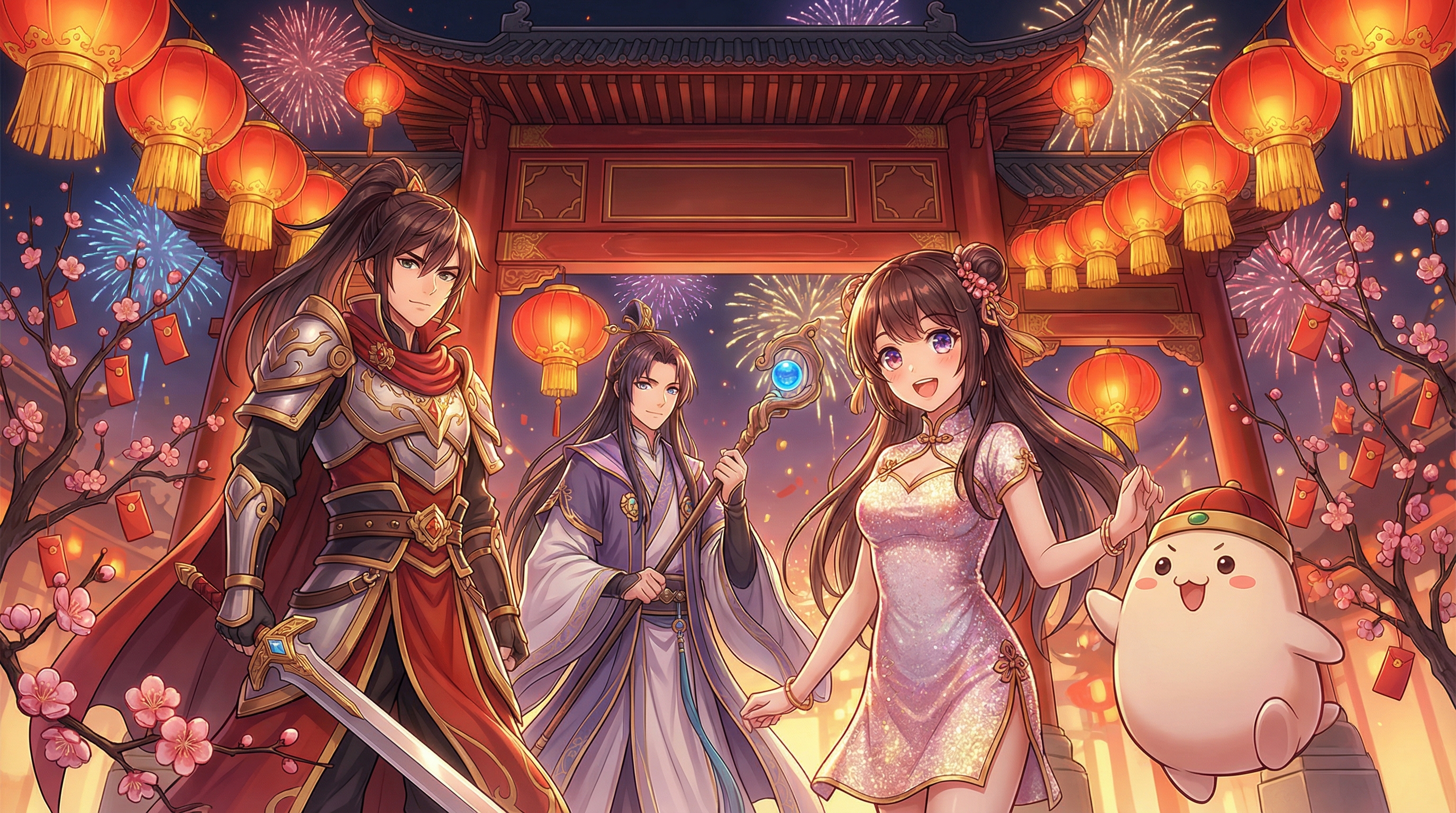
1) What you’ll make (and what to prepare)
Before you touch the prompt box, take 20 seconds to decide what you’re making. That one choice makes everything easier—model, ratio, and even how you phrase your prompts.
🎯 Choose a content goal
A. Fan art / poster Best for: X/Twitter, Instagram, Pixiv‑style posts, wallpapers.
B. Short video loop (3–6 seconds) Best for: Reels, TikTok, Shorts, animated greetings.
C. Greeting card / family message Best for: WhatsApp/WeChat stickers, story posts, printable cards.
D. Realistic merch concept (figures, acrylic stands, badges) Best for: “What if this character got an official New Year figure?” posts.
📝 Collect 2–3 quick reference notes (optional but helpful)
- Your character type (e.g., “ACG hero with long coat”, “cute chibi mascot”, “gacha‑style idol”)
- Your Lunar New Year vibe (warm family dinner vs. flashy festival night vs. modern city neon)
- 3–6 props you want to see (lanterns, red envelopes, couplets, fireworks, lion dance, plum blossoms)
You don’t need images to start—text alone works great. If you do have a reference image, it’s a nice bonus for keeping characters consistent. But if you do have a reference (a silhouette, outfit sketch, or pose), you can reuse it across your image → video workflow for stronger consistency.
2) Tool overview: which model to use and when
🖼️ In Flux Pro AI Image Generator
- Nano Banana Pro: best for stylized ACG fan art—bold lines, expressive faces, vibrant color, poster energy.
- Seedream 4.5: best for realistic, high‑detail renders—perfect when you want merchandise‑like images (figure photography, studio product shots, materials like PVC, resin, fabric).
🎞️ In Flux Pro AI Video Generator
- Wan 2.6: strong for flexible creativity (anime‑ish motion, stylized scenes, festival atmosphere).
- VEO 3.1: a good choice when you want a more cinematic, realistic camera feel (clean motion, natural lighting, “film shot” vibes).
If you’re unsure: start with Nano Banana Pro → Wan 2.6 for ACG‑first content. Use Seedream 4.5 → VEO 3.1 when you want realistic merch aesthetics.

3) Image generation step‑by‑step (Fan Art, Greetings, Merch)
Open Flux Pro AI Image Generator and you’ll mainly tweak four things:
- Model (Nano Banana Pro or Seedream 4.5)
- Ratio (choose based on where you’ll post)
- Resolution (1k is fine for social; go higher if you plan to crop or print)
- Prompt (your scene + style + details)
📐 Recommended ratios by platform
- 1:1: universal, clean for feed posts, profile banners, sticker‑style art
- 9:16 (if available): Reels/TikTok/Stories
- 16:9 (if available): YouTube thumbnails, cinematic wallpapers
If your UI only offers 1:1 right now, no stress—generate square first, then crop (or add padding) later when you post.

4) The prompt system that actually works
A solid Lunar New Year ACG prompt is usually one clear “what I want” sentence, plus a short list of visual details that keep the image on track.
🧩 A simple prompt template
Use this structure and fill the brackets:
(Theme + Subject + Action) + (Setting + Props) + (Lighting + Color) + (Style + Quality)
Example skeleton:
- “Lunar New Year [character] [action], [setting], [props], warm red‑gold lighting, festive atmosphere, [ACG art style], high detail.”
🎥 Don’t forget the “camera” line
Even for anime art, camera language helps:
- close‑up / waist‑up / full‑body
- dynamic pose / three‑quarter view
- wide angle / shallow depth of field
- studio product shot (for merch)
🧧 Cultural props that instantly feel like Lunar New Year
Grab 3–6 of these for each prompt:
- red envelopes (hongbao)
- lantern strings
- spring couplets and calligraphy banners
- fireworks / sparklers
- lion dance costume / drum
- plum blossoms / peach blossoms
- family reunion dinner table
- red‑gold ornaments, knot charms
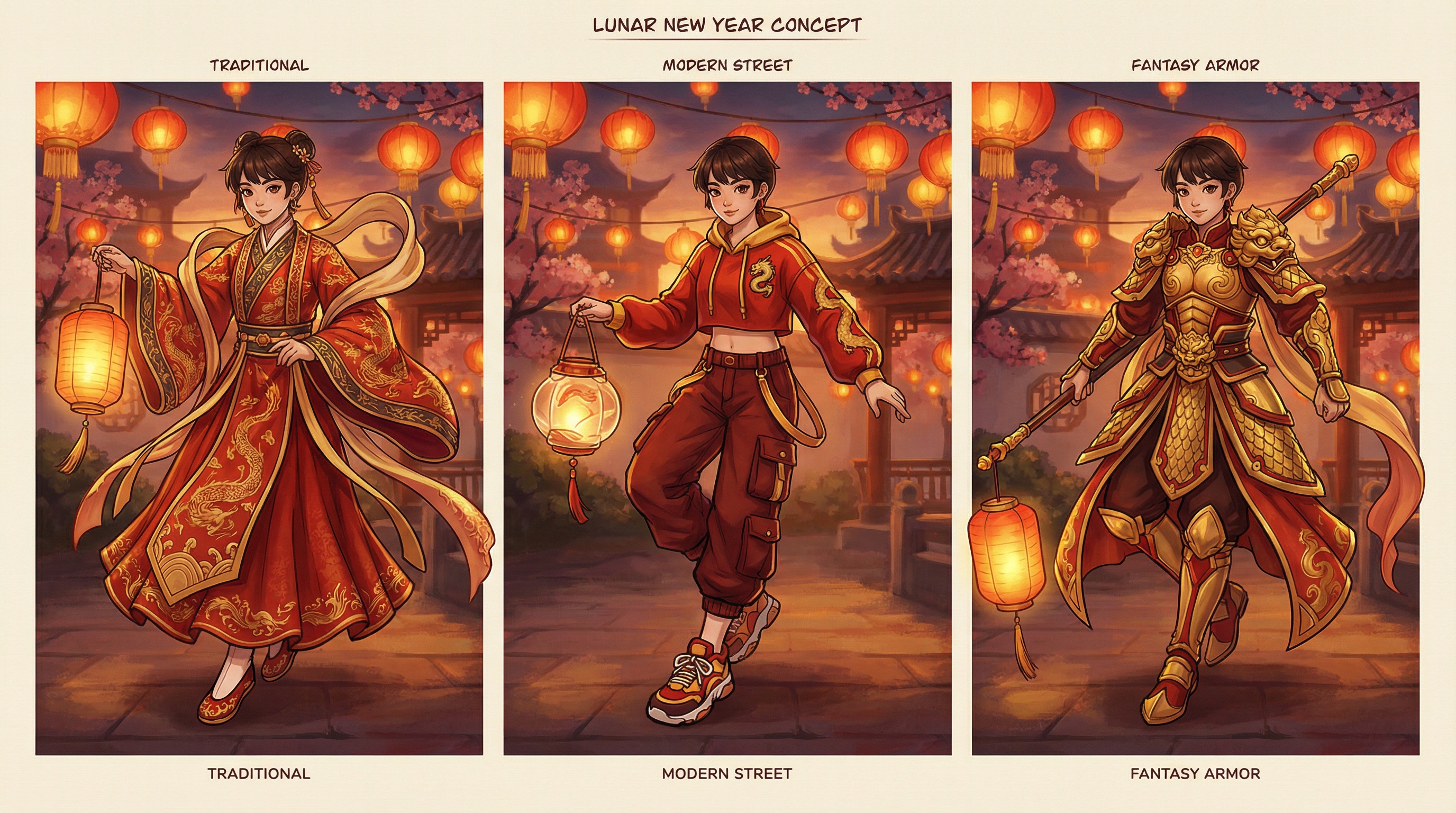
5) Prompt guide: Fan Art (Nano Banana Pro)
Use Nano Banana Pro when you want ACG energy: crisp faces, stylized hair, expressive eyes, and poster composition.
🎨 Fan art prompt examples (copy‑paste ready)
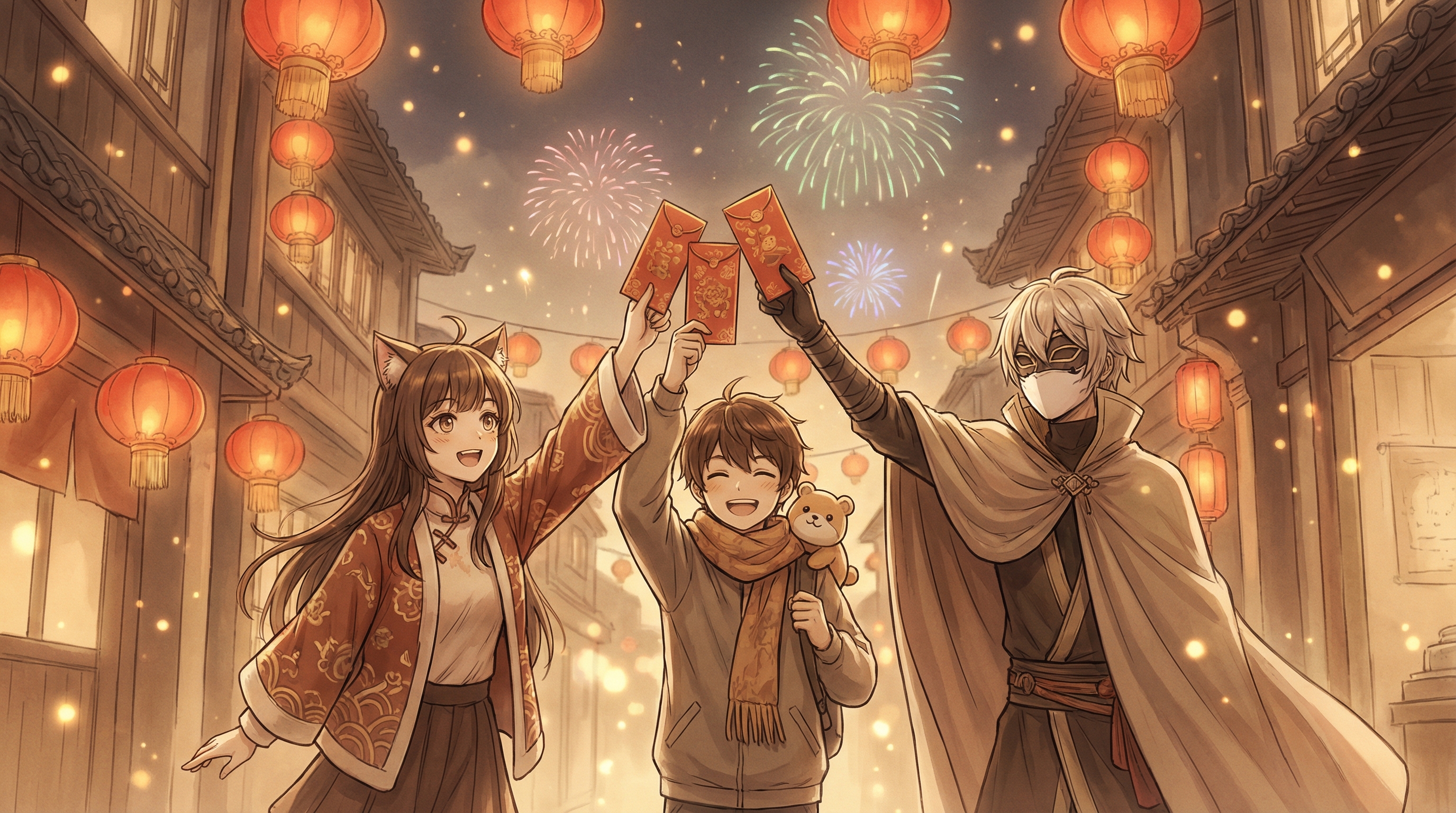
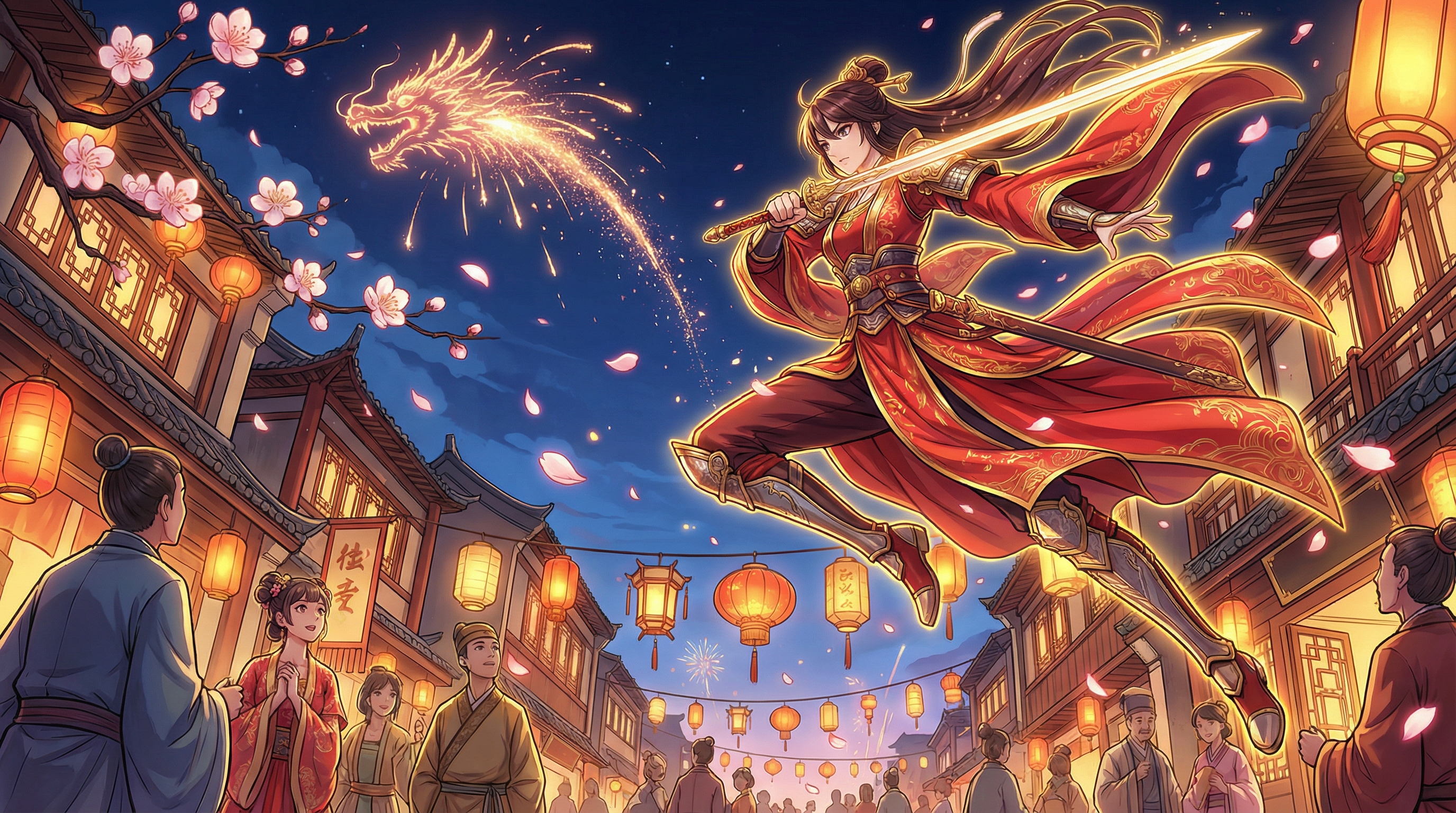
A. Festival night hero poster “Lunar New Year ACG hero in a modern hanfu‑inspired outfit, holding a red envelope and lantern, fireworks in the night sky, bustling festival street, red and gold color palette, dynamic pose, cinematic anime key visual, ultra detailed, sharp linework.”
B. Chibi mascot greeting “Chibi ACG mascot character smiling and waving, surrounded by lanterns and plum blossoms, red‑gold festive decorations, clean cute style, sticker‑like design, soft shading, high clarity.”
C. Gacha‑style idol New Year look “Gacha game idol character wearing a Lunar New Year costume with ornate embroidery, holding a fan and red envelope, glittering bokeh lantern background, warm lighting, highly detailed ACG illustration, poster composition.”
🛠️ Quick refinements if it’s “almost right”
- If it looks too plain: add “ornate decorations, layered props, festival crowd bokeh.”
- If it’s too busy: add “simple background, clean composition, focus on character.”
- If the face is off: specify “symmetrical face, clean eyes, consistent anime proportions.”
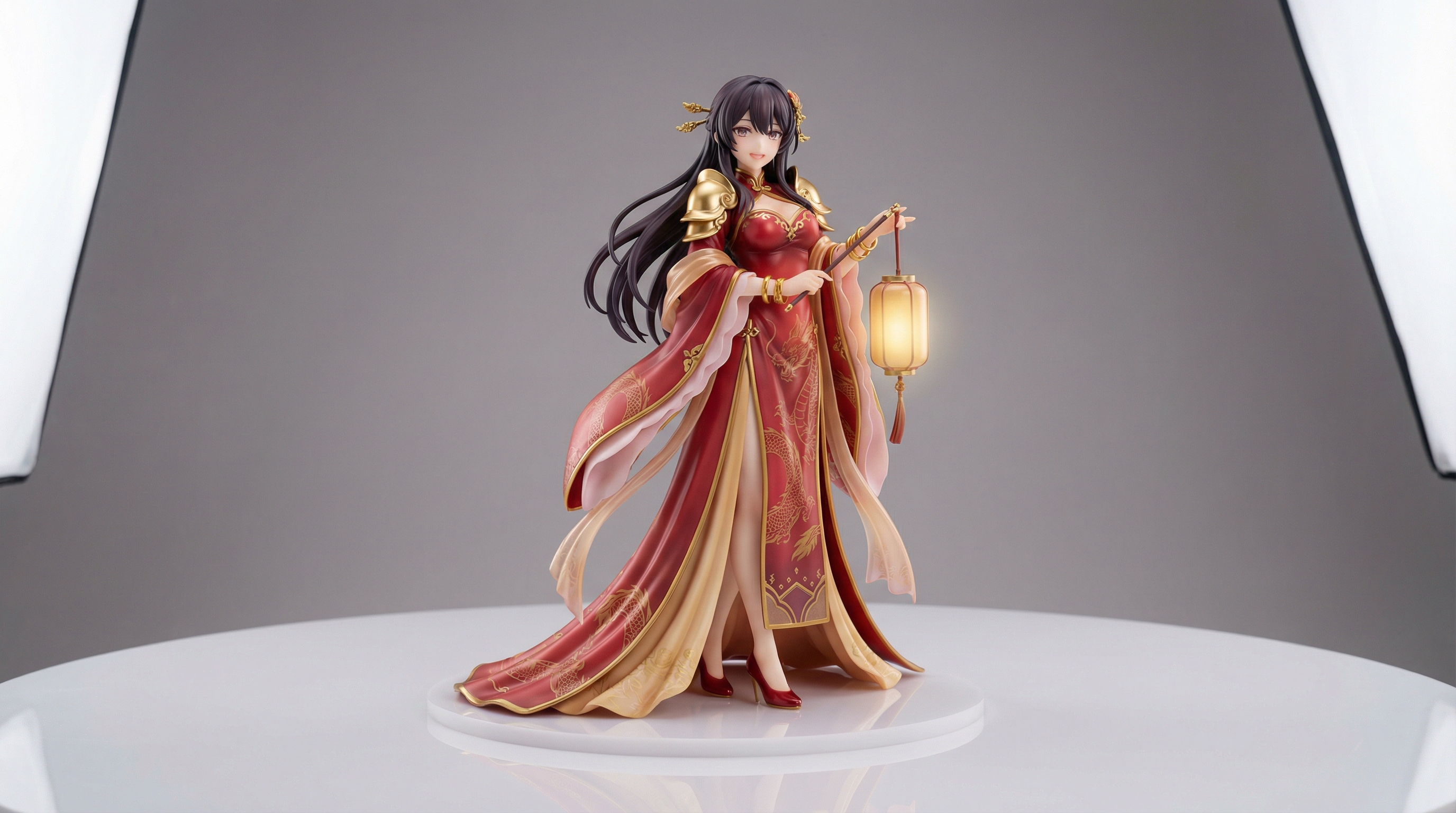
6) Prompt guide: Realistic merch / figure concepts (Seedream 4.5)
Use Seedream 4.5 when you want content that looks like a real product photo—PVC figure, resin statue, acrylic stand, retail packaging, or collector shelf photos.
🧸 Merch prompt examples (copy‑paste ready)
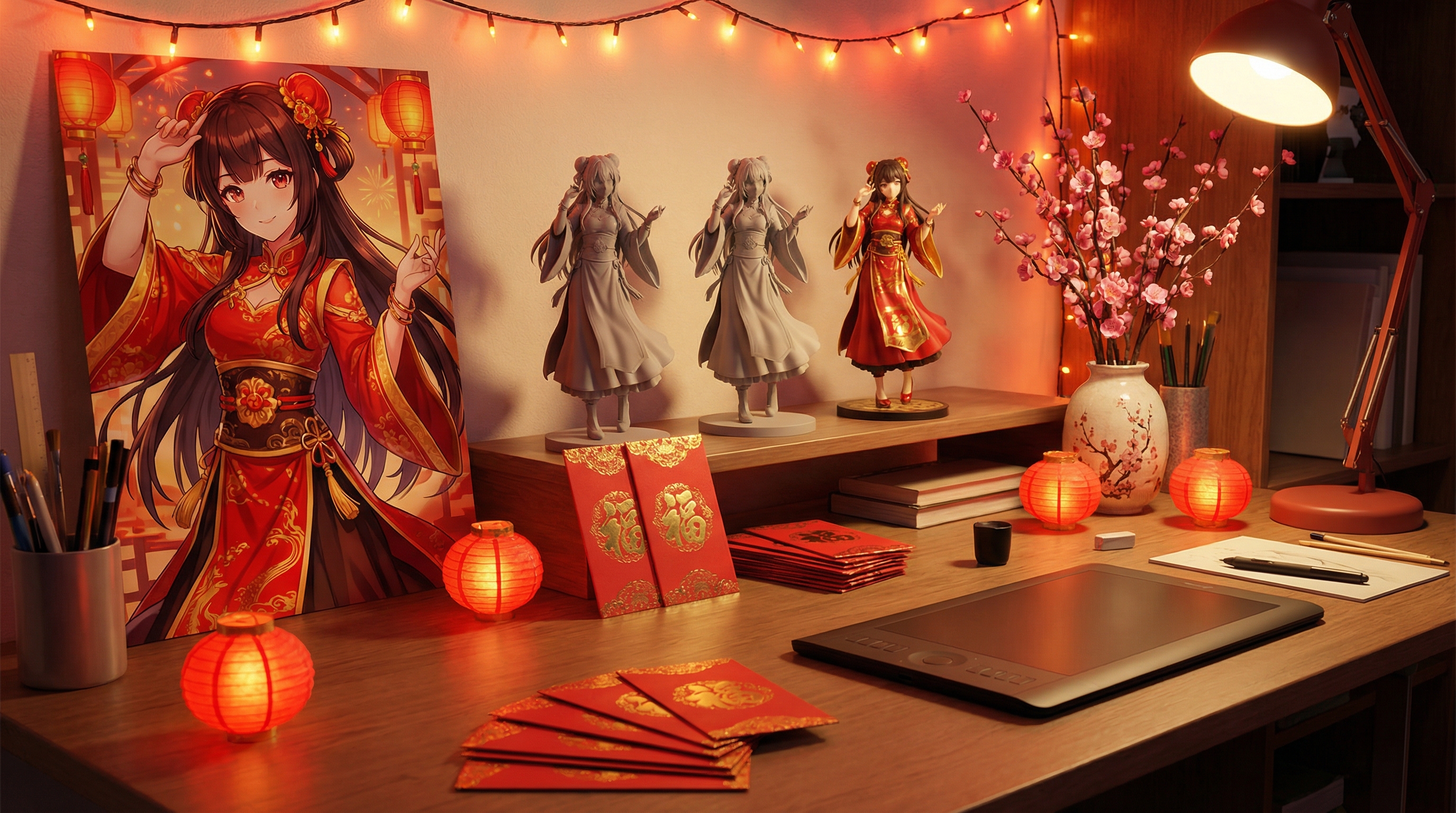
A. Studio figure photo “Photorealistic collectible figure of an ACG character in Lunar New Year outfit, PVC material, detailed fabric folds, red‑gold accessories, studio product photography, softbox lighting, clean background, sharp focus, premium collectible feel.”
B. Acrylic stand / itabag accessory concept “Realistic product mockup of an acrylic stand featuring an ACG character in Lunar New Year costume, glossy acrylic material, subtle reflections, retail product shot, clean background, high detail.”
C. ‘Collector shelf’ scene “Photorealistic collector shelf display with a Lunar New Year themed ACG figure, warm ambient lighting, small lantern decorations, shallow depth of field, premium hobby photography style.”
📸 Extra realism tips
- Add materials: “PVC, resin, acrylic, metallic paint, glossy varnish.”
- Add photography words: “studio lighting, softbox, 85mm lens, shallow depth of field.”
- Keep the background simple if the product matters.
7) Turn images into short videos (Wan 2.6 / VEO 3.1)
Once you’ve got an image you like, hop over to Flux Pro AI Video Generator to bring it to life.
🎬 Two ways to generate video
Option 1: Image‑to‑Video (recommended for ACG content) Upload your finished image as the start frame and animate it. This keeps characters consistent.
Option 2: Text‑to‑Video Type a prompt and generate from scratch. This is great for simple festival scenes, but character consistency can vary.
✨ Video prompt rules (keep it simple)
For short clips, one clean motion idea usually beats “do everything.” Use this simple formula:
(Subject) + (Motion) + (Camera) + (Atmosphere)
Examples:
- “Character gently waves and smiles (small natural hand motion + soft blink); lantern strings sway gently behind them; light breeze adds subtle movement to hair tips and loose sleeves; slow, stable camera push‑in; warm red‑gold festival lighting with soft haze, bokeh crowd lights, and a few floating glowing particles; clean motion, no text, no watermark.”
- “Fireworks sparkle in the background with soft ember trails (not overexposed); warm lantern bokeh and gentle rim light on the character; hair and clothing flutter lightly in a breeze; tiny glowing particles drift through the scene; cinematic slow‑motion feel with a steady camera and smooth micro‑movement (slight head turn or smile change), no text, no watermark.”
- “Product shot rotation of the collectible figure on a turntable (slow, steady 180–360°); studio softbox key light + subtle rim light for clean highlights; crisp focus on the figure with realistic reflections and shadows; minimal background, premium commercial product‑video feel, smooth motion, no text, no watermark.”
🧪 Choosing between Wan 2.6 and VEO 3.1
- Pick Wan 2.6 for: anime motion, stylized effects, playful festival energy.
- Pick VEO 3.1 for: clean cinematic motion, realistic lighting, “film camera” feel—especially good for merch product shots.
If you’re making a social-friendly loop, start with 5 seconds and keep the motion gentle. Small, readable movement looks cleaner (and usually breaks less).
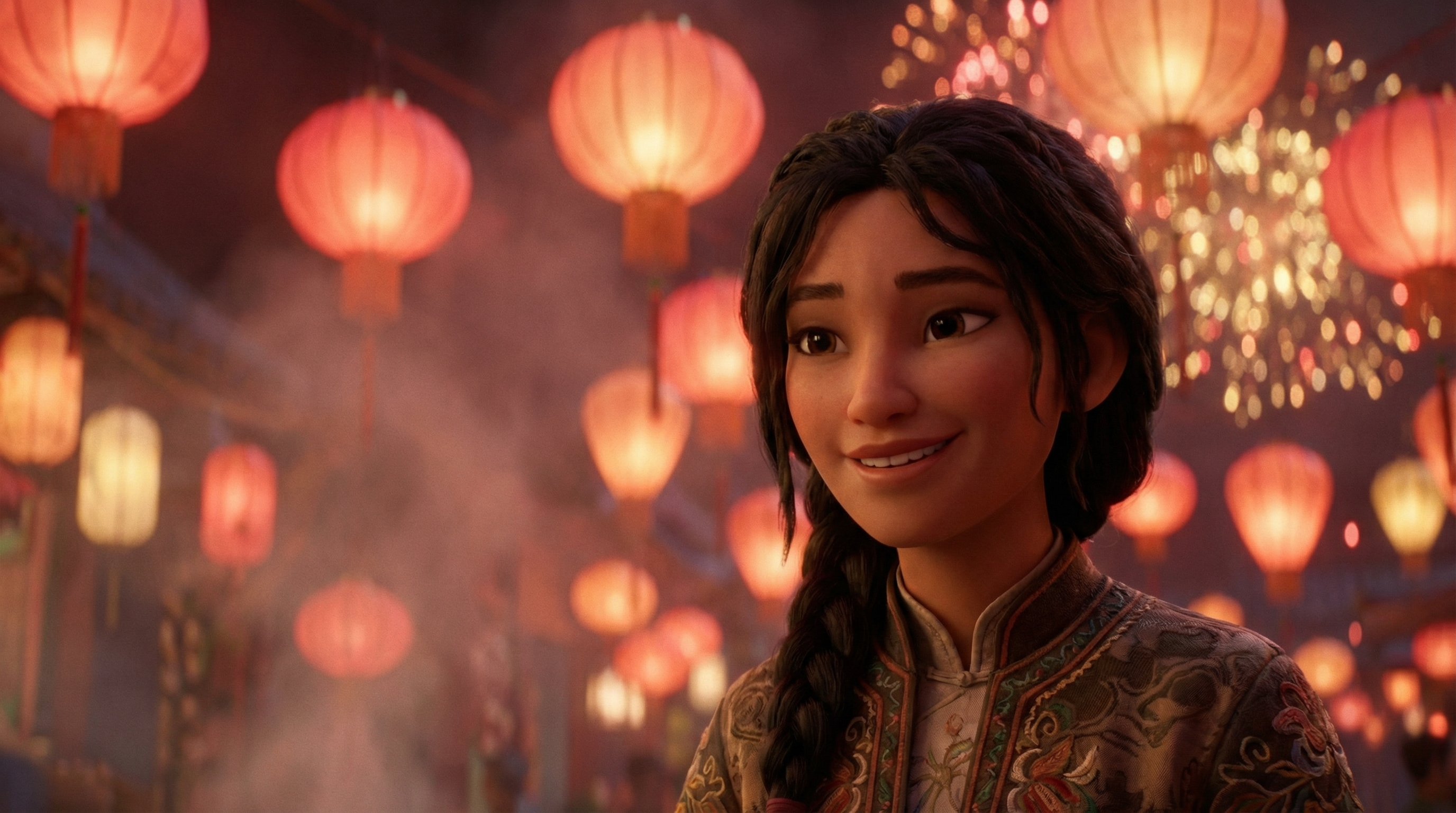
8) A complete combined workflow (the one you can reuse)
Here’s a workflow you can reuse every time—one idea becomes a fan art post + a short video + a greeting card.
Step 1 — Make your key art (image)
Generate a “hero frame” in Flux Pro AI Image Generator.
- Fan art: Nano Banana Pro
- Merch realism: Seedream 4.5
Step 2 — Export variants (image)
Make 2–4 variants by editing only one element per prompt:
- change outfit detail (more embroidery, more modern streetwear)
- change background (street festival / family dinner / rooftop fireworks)
- change camera (close‑up / full‑body / wide)
Step 3 — Animate your best image (video)
Upload the best image to Flux Pro AI Video Generator and animate a single motion idea:
- waving + lantern sway
- fireworks sparkle + subtle camera push
- confetti particles + smiling blink
Step 4 — Create a greeting version (image)
Back in Flux Pro AI Image Generator, generate a cleaner, more “card‑like” version:
- simple background
- space for text overlay
- softer facial expression
Step 5 — Post packages (what to publish)
Pick 1–3 formats to publish (you don’t need to do everything):
- Square image: feed post + caption
- Vertical short: 5s loop + holiday greeting text overlay
- Greeting card: send to family and friends
- Merch concept: “Collector shot” + close‑up crops
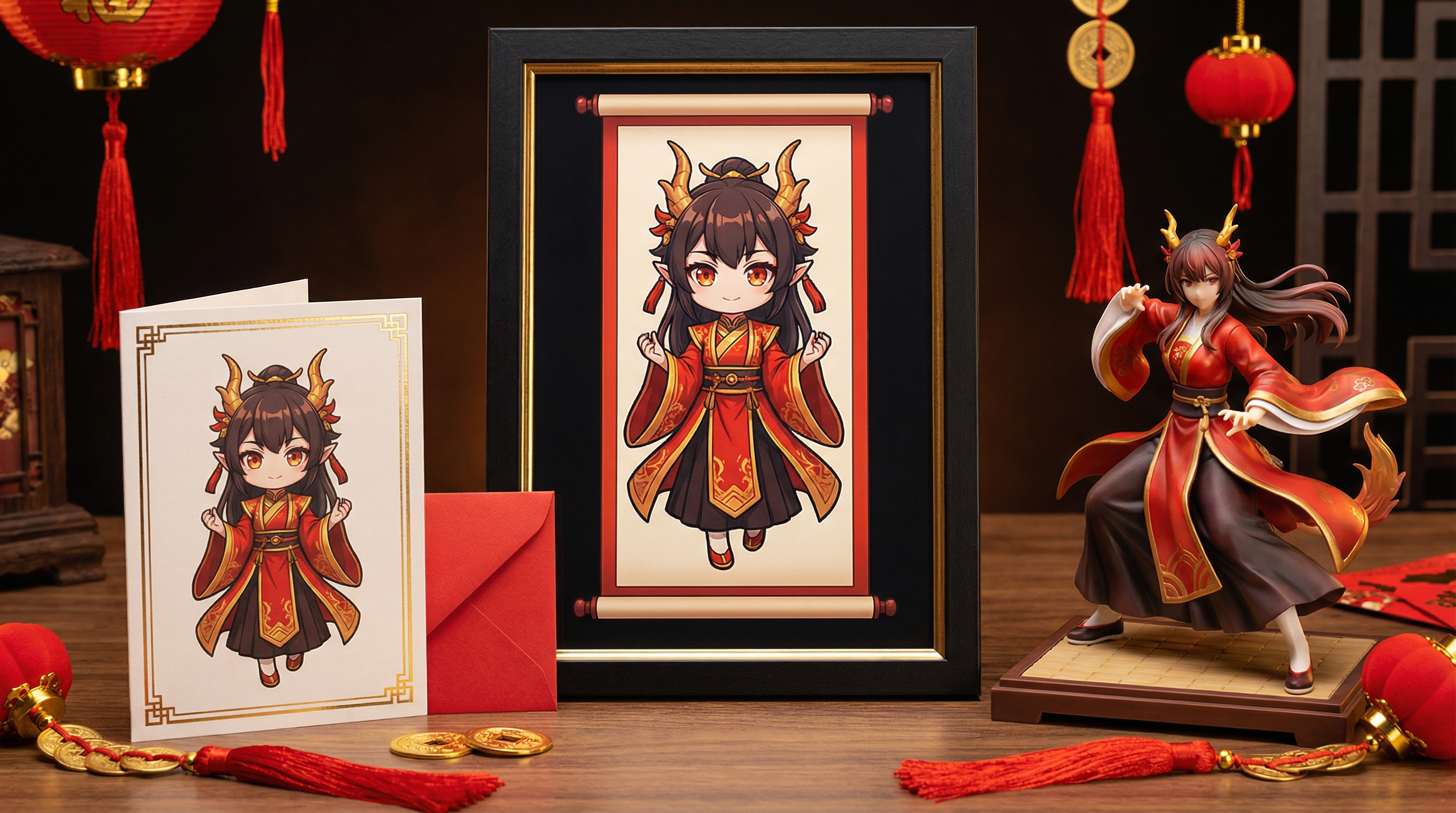
9) Prompt library: fast copy‑paste starters
Use these as quick starters and swap the bracket parts.
🎇 Fan art starters (Nano Banana Pro)
- “Lunar New Year ACG [character] celebrating at a lantern festival; full‑body, three‑quarter view, confident pose; [props] (lantern strings, red envelopes, spring couplets, plum blossoms) clearly visible; lively festival street depth with warm crowd bokeh; rich red‑gold palette, soft haze, gentle rim light from fireworks; cinematic anime key visual composition, crisp facial features, sharp linework, ultra detailed, high clarity, no text, no watermark.”
- “Cute chibi [character] holding a red envelope; waist‑up, centered composition; plum blossoms and tiny lantern charms framing the character; clean simple background with generous empty space for adding greeting text later; thick clean outlines, soft cel shading, warm festive red‑gold accents, sticker‑style finish, high clarity, smooth edges, no text, no watermark.”
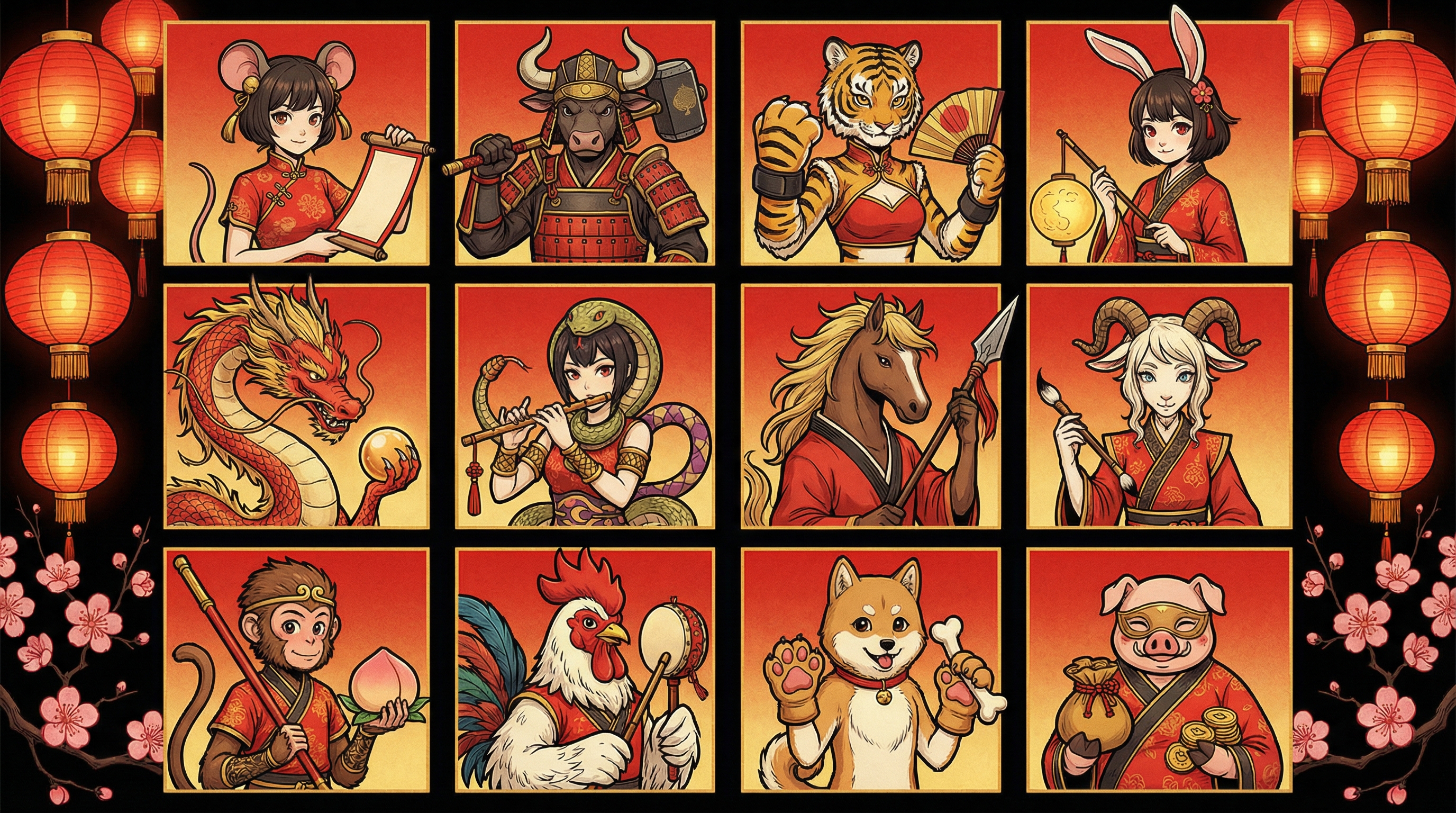
- “Epic zodiac‑themed ACG poster: [zodiac animal] spirit silhouette/aura towering behind [character]; dynamic action pose with flowing fabric and petals; fireworks and lantern glow framing the scene; dramatic contrast lighting with red‑gold highlights and deep shadows; cinematic poster layout, highly detailed illustration, clean facial symmetry, sharp render, no text, no watermark.”
💌 Greeting starters (Nano Banana Pro)
- “Friendly Lunar New Year greeting card illustration: ACG character waving with a gentle smile; simple clean background (soft gradient) and clear space reserved for text overlay; corner decorations with lanterns, plum blossoms, and knot charms; warm festive red‑gold colors, clean composition, crisp linework, high clarity, no text, no watermark.”
- “Minimal New Year banner art with ACG mascot; wide clean layout with balanced negative space; red‑gold ornaments and knot charms used as subtle borders; soft lantern glow, modern cute style, crisp edges, readable composition for social posts, high clarity, no text, no watermark.”
🛍️ Merch starters (Seedream 4.5)
- “Photorealistic PVC figure of [character] in a Lunar New Year outfit; 1/7 scale collectible feel; realistic paint shading, metallic gold accents, fine sculpted hair strands, detailed fabric folds; studio product photo on seamless backdrop, softbox key light + gentle rim light, crisp focus, realistic reflections and shadows, premium collectible look, no text, no watermark.”
- “Realistic acrylic stand mockup of [character]; glossy clear acrylic with polished edges and accurate specular highlights; printed character art with crisp cut lines; placed on a neutral tabletop with soft shadow and minimal scale cues (small charm/red envelope); retail product shot style, clean background, high detail, no text, no watermark.”
- “Collector shelf scene featuring a Lunar New Year ACG figure; warm ambient lantern lighting, subtle practical glow, shallow depth of field; background hobby items softly blurred (artbooks/charms implied), main figure sharply lit; realistic materials (PVC/resin), premium hobby photography look, no text, no watermark.”
🎥 Video starters (Wan 2.6 / VEO 3.1)
- “Subtle camera push‑in; character smiles, blinks, and waves gently (small natural hand motion); lanterns sway slowly in the background; light breeze moving hair tips and sleeves; warm red‑gold festival lighting with soft haze and floating glowing particles; smooth clean motion, no text, no watermark.”
- “Fireworks sparkle in the distance with soft ember trails; character’s hair and clothing move lightly with a breeze; gentle head turn and micro‑expression; cinematic slow‑motion feel, shallow depth of field, warm lantern bokeh, stable camera drift, clean motion, no text, no watermark.”
- “Turntable rotation of a collectible figure (slow, steady 180–360°); studio softbox lighting with clean rim highlights; realistic reflections and shadows; crisp focus on the product with minimal background; premium commercial product video feel, smooth motion, no text, no watermark.”
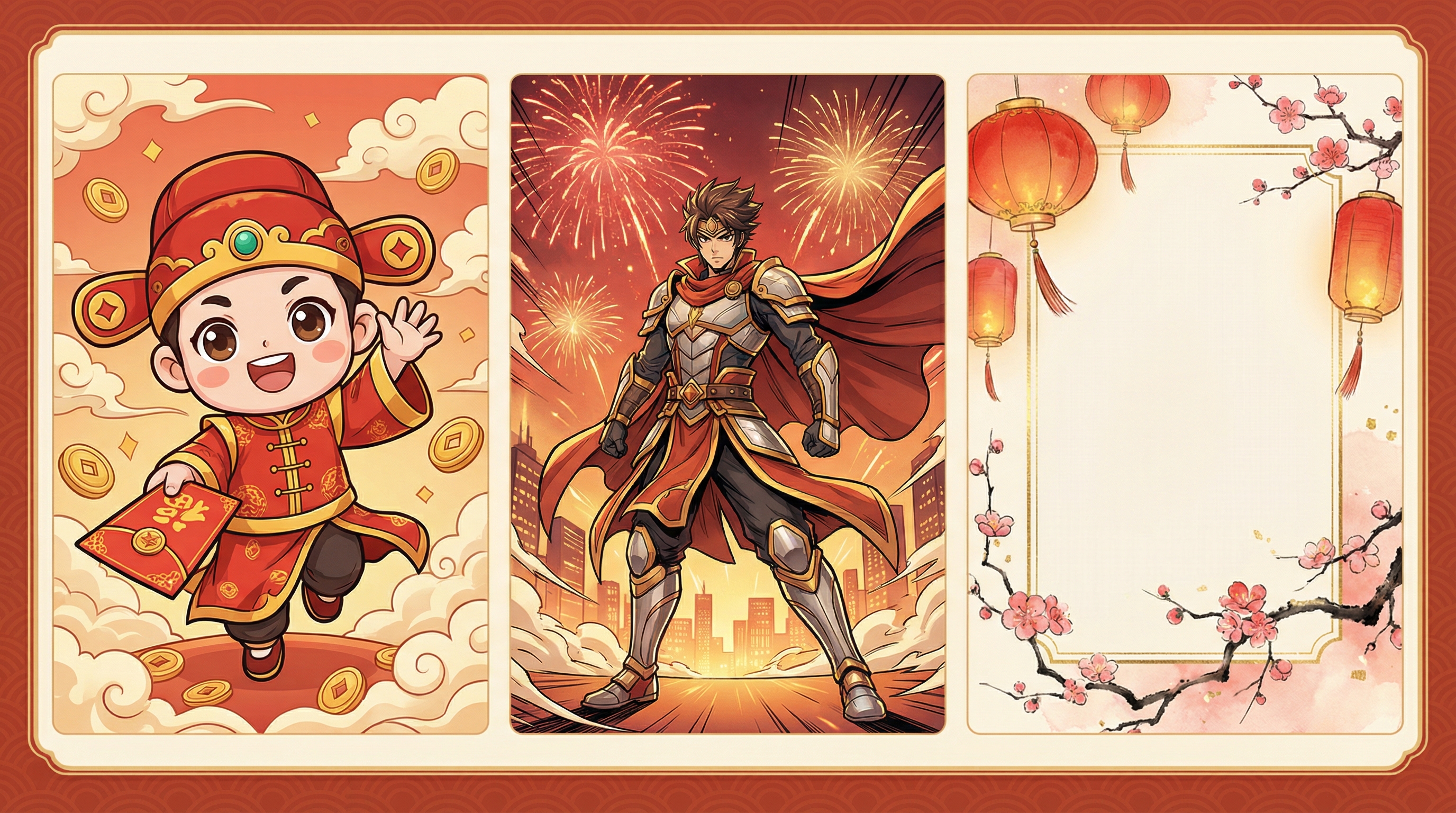
10) Common problems and quick fixes
“It doesn’t look Lunar New Year enough.”
Add more specific props: “spring couplets, red envelopes, lantern strings, plum blossoms, lion dance drum.” Use “red‑gold festive palette” explicitly.
“The character changes too much between images.”
Keep the core descriptors stable: hair color, outfit keywords, camera framing, and style line. Then only change one variable each time.
“The video motion looks messy.”
Reduce motion ambition. Ask for “subtle movement” and “gentle camera push.” Short videos work best with small, readable motion.
“Merch shots look like illustrations, not real products.”
Use Seedream 4.5 and add: “PVC material, studio product photography, softbox lighting, crisp focus, realistic reflections.”
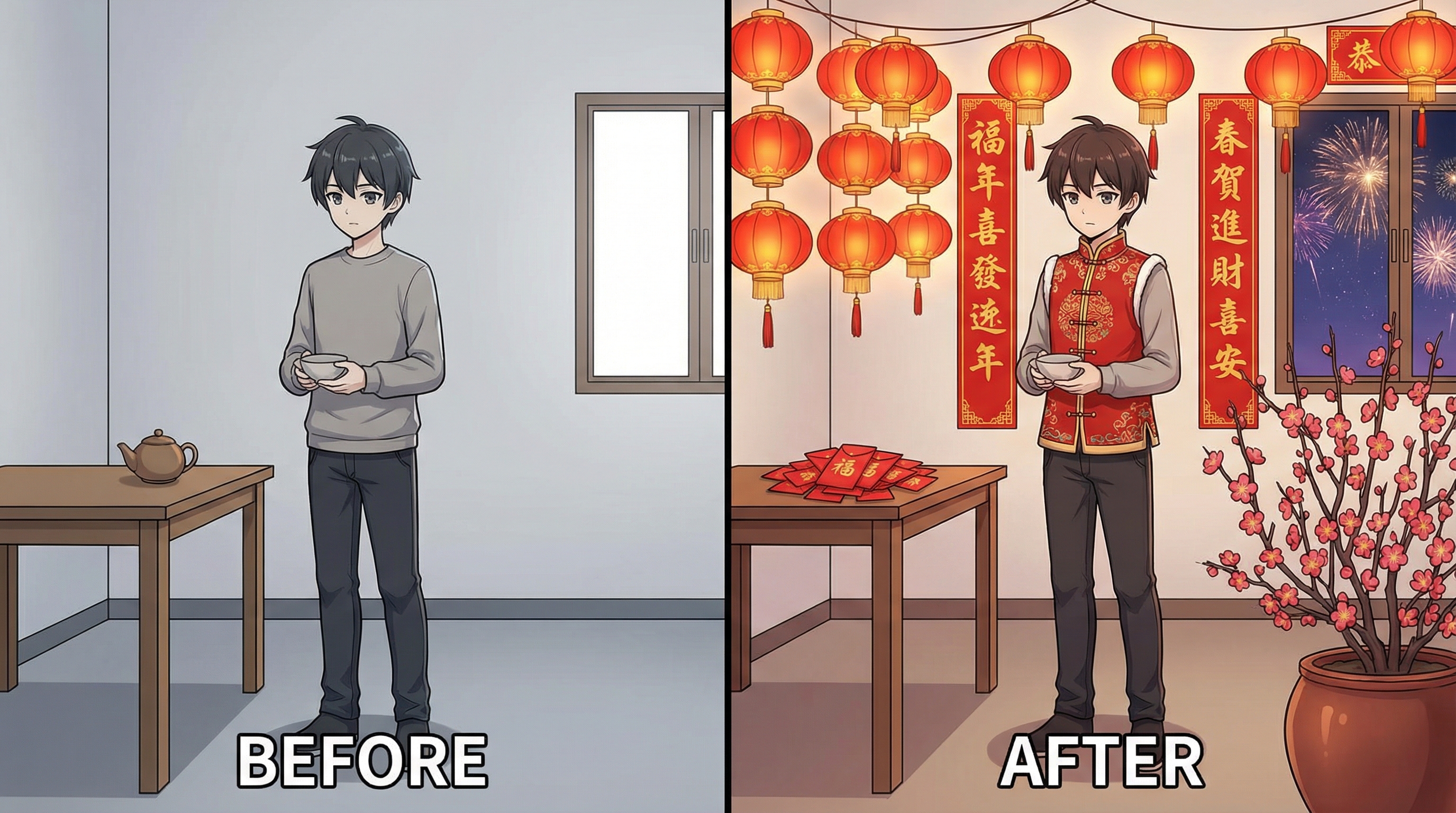
11) Content ideas that perform well during Lunar New Year
If you want to post a series (which usually gets more engagement than one‑offs), try one of these:
- Zodiac ACG character series: one character per zodiac animal, consistent background style.
- “New Year Outfit Drop”: the same character in 3 outfits (traditional / modern street / fantasy armor).
- Merch concept carousel: figure photo + close‑up + packaging mockup.
- Greeting short loop: waving + lantern sway + “Happy Lunar New Year” overlay.
Make it easy for people to share: short loops, cute chibi, a clear greeting message, and a consistent look across your posts.
Conclusion: a simple setup that scales
With Flux Pro AI Image Generator and Flux Pro AI Video Generator, you can build a super practical pipeline: generate an ACG-style “hero frame,” create a clean greeting version, then animate the best image into a shareable loop. The same workflow supports fan art, greetings, and realistic merch concepts—so you can post more, faster, without sacrificing quality.