In today’s creative landscape, static photos are no longer enough to capture attention. Whether you’re an artist, a marketer, a social storyteller, or an educator, bringing still images to life as video can supercharge your content and expand your reach. The best part? You don’t need advanced skills or expensive software—just the power of AI.
If you’re curious about image to video with Higgsfield AI, this guide will walk you through the process, explain why Higgsfield stands out, and show you how to unlock stunning results in just minutes.
What is Higgsfield AI?
Higgsfield AI is an advanced AI video generator designed to transform static images into dynamic, animated videos with a single workflow. Positioned at the forefront of AI-powered creativity, Higgsfield leverages state-of-the-art machine learning to produce:
- Realistic motion and animation: Scenes don’t just move—they flow smoothly and maintain visual consistency.
- Unique, expressive effects: From cinematic zooms to special effects, Higgsfield enables a level of visual storytelling that goes far beyond slideshows.
- Customizable outputs: Users can select from creative motion models to fit any project or mood.
Compared to traditional animation tools or even many AI competitors, Higgsfield AI offers a blend of ease, control, and visual quality that’s simply unmatched.
Why Convert Images to Video with AI?
Video content is king in today’s digital world. Converting static images to video helps you:
- Boost engagement: Animated visuals attract more eyes on social media and websites.
- Tell better stories: A moving image can convey emotion and narrative far more powerfully than a static one.
- Create professional value: Businesses, educators, and creators can build intros, explainers, ads, and more—without hiring an animator.
With Higgsfield AI, image-to-video creation becomes fast, intuitive, and affordable. The model does the heavy lifting, letting you focus on ideas, not technicalities.
How to Create Image to Video with Higgsfield AI: Step-by-Step
Transforming your photo into an animated video with Higgsfield AI is both easy and creative, thanks to an intuitive interface and a wide variety of motion templates. Here’s exactly how you do it:
-
Select a Motion Model:
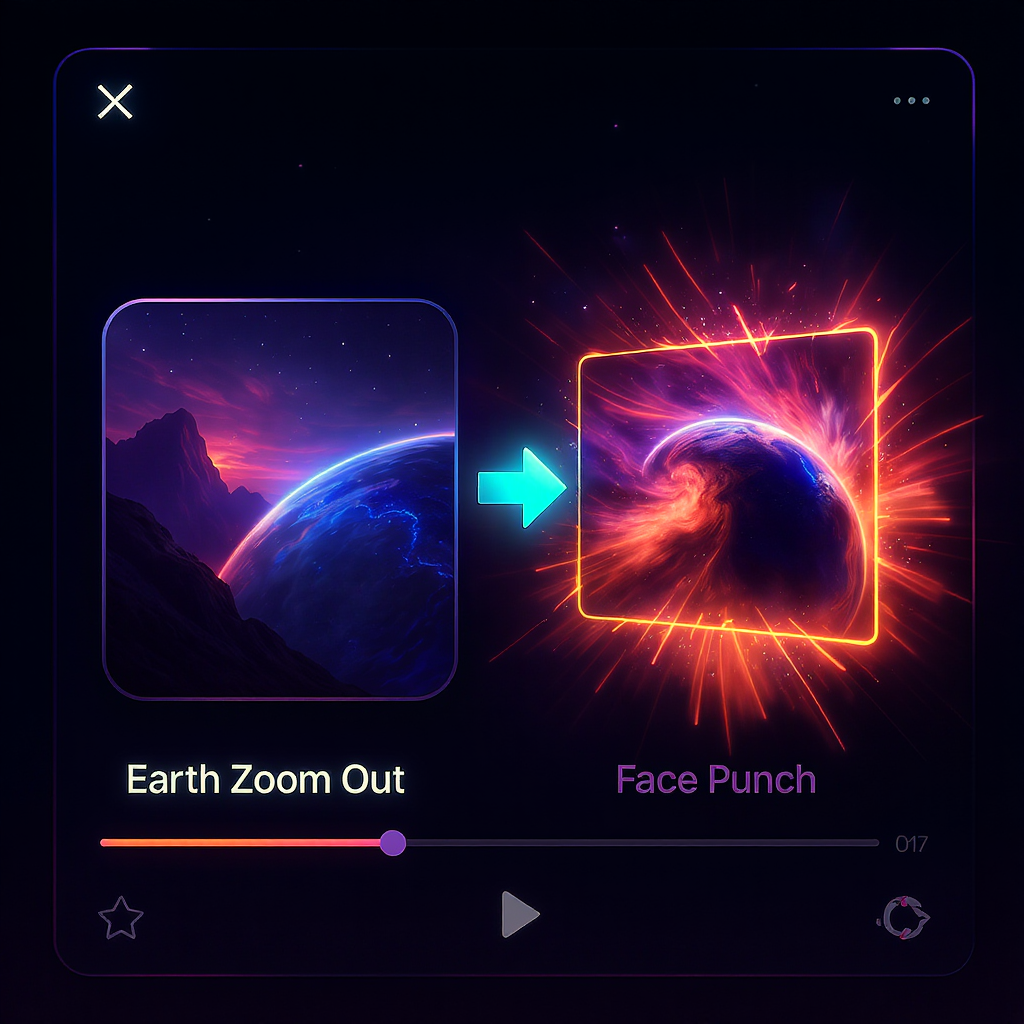
- Browse the available motion templates, such as Earth Zoom Out, Eyes In, Building Explosion, Soul Jump, and Face Punch. Click on the one you’d like to use for your animation.
-
Upload Your Image:
- Click the “Image Upload” box and select your image (JPG, PNG, or WebP). Drag-and-drop is also supported.
-
Enter a Prompt:
- In the prompt box, describe your desired animation or scene. This step is required—your prompt guides the AI in customizing your video result.
-
Adjust Settings (Optional):
- Decide if your video will be public or private using the toggle below the prompt box.
- Use the translate feature if you want your prompt automatically translated.
-
Generate Video:
- Click the “Generate” button (check the credit cost). The AI will process your image, prompt, and motion selection to create a seamless animated video.
-
Preview & Download:
- Once ready, your video will appear in the video history panel. Preview it and download your result for social media, presentations, or creative storytelling.
Tips for Best Results:
- Use high-quality, clear images for the sharpest video output.
- Try different motion models to experiment with various effects.
- Write creative, specific prompts for unique and personalized animations.
Key Features & Advantages of Higgsfield AI
Higgsfield AI shines for several reasons:
- High Fidelity Animation: Enjoy smooth, realistic movements and transitions with minimal artifacts.
- Flexible Video Options: Choose from various video lengths and aspect ratios to match your needs.
- Smart AI Enhancements: Automated stabilization, color grading, and seamless motion for a professional touch.
- Web-Based Convenience: No downloads or installations—create, edit, and download your videos directly in your browser.
Use Cases & Inspiration
Higgsfield AI opens the door for countless creative and professional applications:
- Social Media: Turn a favorite selfie or travel photo into a dynamic reel for Instagram, TikTok, or YouTube Shorts.
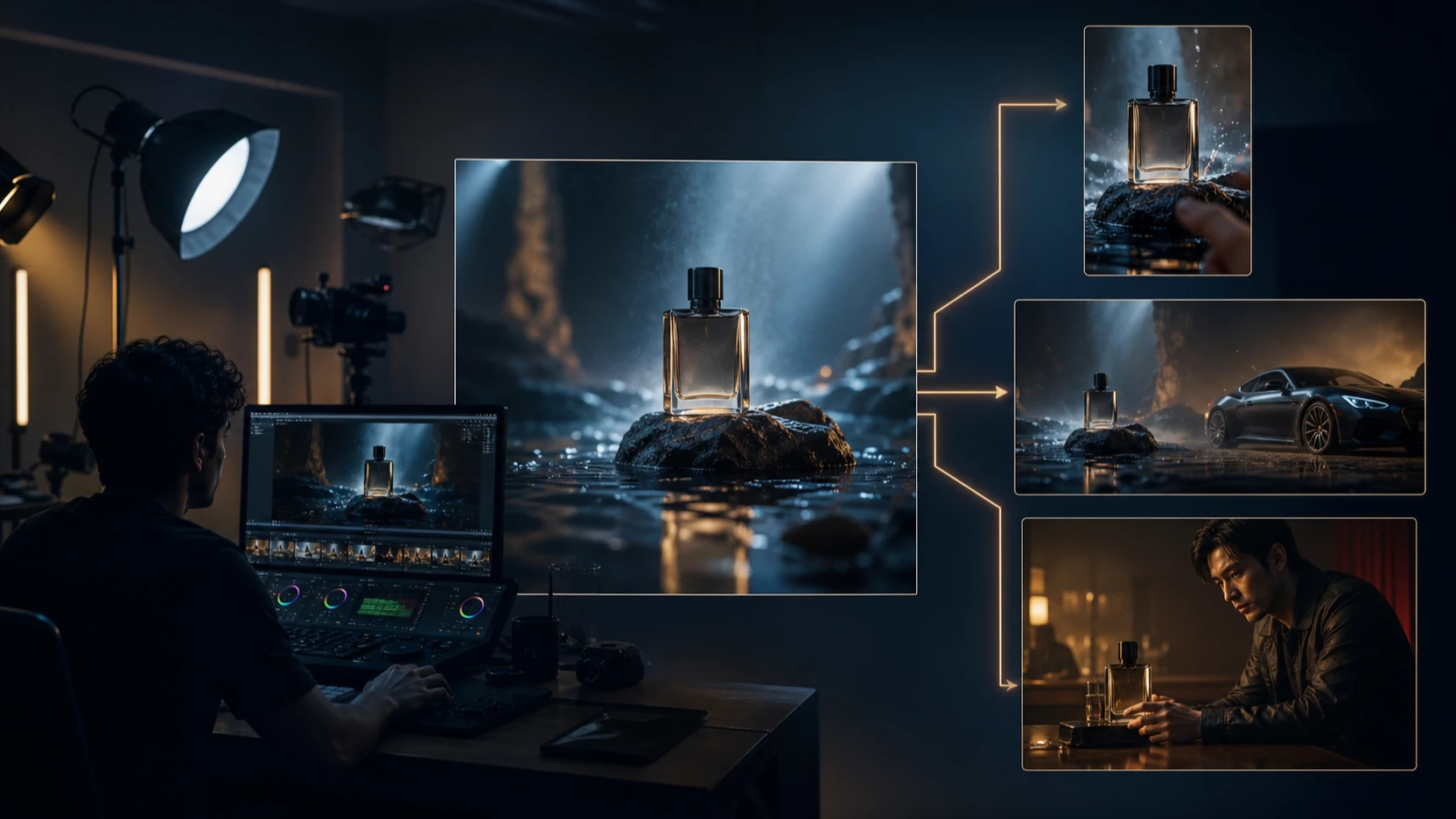
- Marketing: Animate product images for eye-catching ads and e-commerce promos.
- Storytelling: Craft unique intros or dramatic moments for personal slideshows, vlogs, or documentaries.
- Education: Liven up lessons with visual explainers or animated timelines.
FAQs & Troubleshooting
What image types are supported?
- JPG, PNG, and WebP files work perfectly.
How is privacy handled?
- Uploaded images and prompts are processed securely. You can set videos to private for extra peace of mind.
What if the result isn’t perfect?
- Try tweaking your prompt, selecting a different motion model, or uploading a higher-quality image for improved results.
Conclusion & Call to Action
Higgsfield AI makes it easier than ever to bring your static images to life with animation. Whether you’re looking to wow your followers, upgrade your marketing, or just explore your creativity, image to video with Higgsfield AI is a must-try solution.
Ready to bring your images to life? Get started with image to video with Higgsfield AI and see the difference.