Hailuo 02 is one of the more practical AI video models for creators who want to turn still images or text prompts into short motion clips. The original article presents it as a beginner-friendly way to create cinematic videos without editing experience. That angle is useful, but a stronger review should be more balanced: Hailuo 02 can be fast, expressive, and accessible, but it still needs careful prompting, strong inputs, and review before anything is used in a serious project.
For Fylia AI users, the most relevant starting point is the Hailuo 2.0 model page, which supports prompt input, image upload, video version settings, duration selection, and generation controls. Creators who want a broader MiniMax workflow can also compare it with Hailuo AI and newer Hailuo-related guides such as Create Videos with MiniMax Hailuo AI.
This review explains where Hailuo 02 works well, where it is weaker, how to use it without overcomplicating the workflow, and what kind of prompts are most likely to produce usable results.
Quick Verdict
Best for: image-to-video clips, expressive portraits, short social videos, fantasy scenes, product-motion drafts, and cinematic concept tests Less ideal for: long narrative videos, exact product demonstrations, dialogue-heavy scenes, precise brand visuals, and complex multi-subject action Best workflow: start with a strong image, write a motion-focused prompt, generate short clips first, then refine only the weakest part
Hailuo 02 is useful when your goal is to add motion, mood, and camera rhythm to a still idea. It is not a full video production replacement. The best results usually come from simple scenes with one clear subject, controlled motion, and specific camera or lighting instructions.
What Hailuo 02 Does Well
Hailuo 02 is strongest when the scene has a clear visual anchor. A portrait, product shot, fantasy character, landscape, or animal image can become more engaging when the model adds subtle motion: blinking, hair movement, camera drift, water movement, fog, light changes, or rotating product effects.
The model is especially useful for short-form content because it does not require a complicated editing pipeline. A creator can upload an image, write a prompt, choose a duration, and generate a short clip for TikTok, Instagram Reels, Shorts, product teasers, or moodboard videos.
The biggest advantage is speed of exploration. Instead of manually animating a still image, creators can test several directions quickly and choose the one with the cleanest motion.
Where Hailuo 02 Still Needs Review
The main weakness is predictability. AI video can look impressive at first glance, but small problems may appear after repeated viewing. A face may subtly drift. A product may change shape. A camera move may feel too artificial. Hands, hair, eyes, and reflective surfaces can become unstable.
For casual social content, these flaws may be acceptable. For client work, ecommerce visuals, ads, or brand campaigns, every output should be reviewed carefully.
Creators should be especially cautious with:
- Product labels and packaging details
- Human faces in close-up shots
- Hands and full-body motion
- Fast camera moves
- Complex action scenes
- Text or logo elements inside the image
- Long clips that require consistent identity
A realistic review is this: Hailuo 02 is a strong creative accelerator, but it is not a one-click guarantee of publish-ready video.
Hailuo 02 vs Hailuo AI and Hailuo 2.3
Fylia AI presents several Hailuo-related options, so it helps to understand the difference in workflow terms.
Hailuo 2.0 is useful for motion-first creation: short clips, rhythm, camera movement, and image-to-video tests. It is a good choice when you want to animate a still image or quickly test a scene.
Hailuo AI is better framed as a broader MiniMax video generator for text-to-video and image-to-video workflows. It is useful when you want a general Hailuo entry point for expressive character motion and cinematic storytelling.
Hailuo 2.3 is positioned as a newer model for more realistic, cinematic video generation, with stronger scene complexity and motion control. It may be the better direction when you need richer environments, more complex prompts, or more polished cinematic output.
For most creators, the simple rule is:
- Use Hailuo 02 / Hailuo 2.0 for fast image-to-video and motion tests.
- Use Hailuo AI when you want a broader MiniMax video workflow.
- Use Hailuo 2.3 when realism, complex scenes, and cinematic polish matter more.
Best Use Cases
1. Portrait Animation
Hailuo 02 works well for portraits when the movement is subtle. A face blinking, smiling softly, turning slightly, or reacting to light can make a still image feel alive without forcing the model into complex action.
Best for:
- Profile videos
- Character teasers
- Avatar clips
- Fashion portraits
- Fantasy character motion
Recommended approach: keep the prompt focused on the face, hair, lighting, and small camera movement. Avoid asking for big gestures or dramatic expression changes in the first generation.
2. Product Showcase Clips
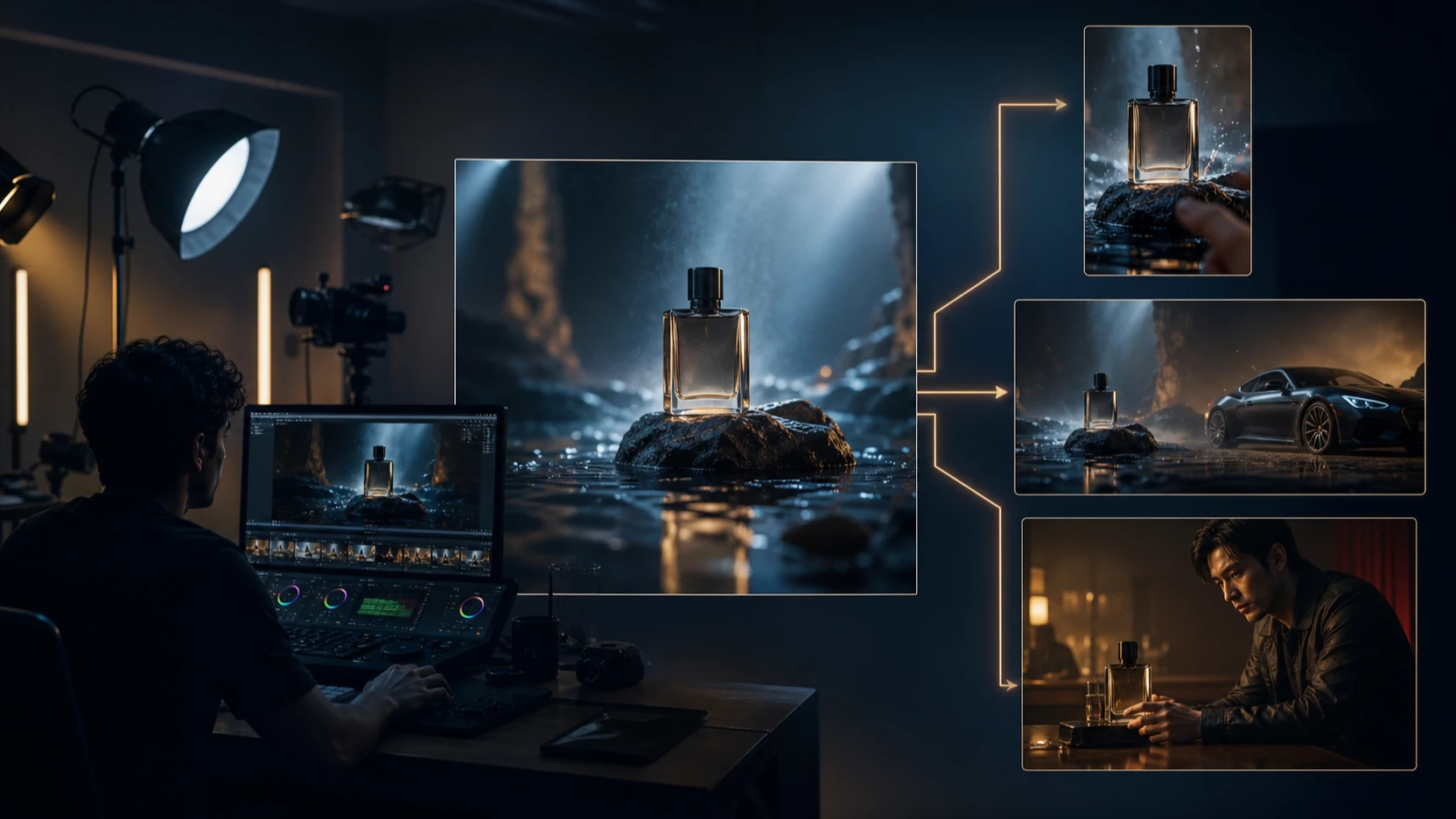
Hailuo 02 can be useful for product-motion drafts, especially when the product is already clean and centered in the input image. A slow rotation, soft light sweep, or camera push-in can make a product visual more engaging.
Best for:
- Sneaker concepts
- Watch close-ups
- Perfume bottles
- Tech product teasers
- Social ad drafts
The caution is detail accuracy. If the product has exact labels, logos, or packaging rules, inspect the output before publishing.
3. Fantasy and Sci-Fi Visuals
Fantasy and sci-fi prompts often work well because the model can lean into atmosphere rather than exact realism. Dragons, neon cities, magical forests, spaceships, and glowing effects are all visually forgiving enough for AI video experimentation.
Best for:
- Concept art animation
- Moodboard clips
- Book or game teasers
- Short fantasy reels
- Cinematic scene previews
The key is to define the motion clearly: wings spreading, fog drifting, camera panning, lights flickering, or stars rotating.
4. Nature and Wildlife Motion
Hailuo 02 can create appealing nature clips when the motion is obvious and contained: waves, waterfalls, snow, leaves, mist, clouds, animals walking, or butterflies landing.
Best for:
- Relaxing loop videos
- Travel-style visuals
- Nature moodboards
- Background clips
- Slow cinematic reels
Avoid overloading the prompt with too many subjects. One fox in a snowy forest is easier to control than several animals running through a crowded scene.
5. Looping Social Videos
Short loops are one of the strongest practical uses. A smooth loop does not need a complex story. It just needs stable, repeated motion.
Best for:
- Abstract neon tunnels
- Rotating galaxies
- Waterfalls
- Glowing cityscapes
- Animated poster backgrounds
For loops, ask for seamless or subtle repeating motion and avoid dramatic changes that make the reset obvious.
How to Use Hailuo 02 Without Overcomplicating It
Step 1: Start With a Strong Input Image
Image-to-video works best when the input image already has a clear subject, readable composition, and stable lighting. Do not expect the model to fix a weak image and animate it perfectly at the same time.
A good input image should have:
- One main subject
- Clear lighting direction
- Minimal clutter
- No unreadable text
- No distorted hands or cropped limbs
- A composition that fits the target platform
Step 2: Write for Motion, Not Just Style
Many prompts fail because they only describe the look. “Cinematic fantasy portrait” may produce a nice mood, but it does not tell the model how the image should move.
A stronger Hailuo prompt includes:
- Subject
- Environment
- Motion
- Camera direction
- Lighting change
- Mood
- Things to avoid
Example:
A medieval knight standing in torchlight, slight head turn, cape moving gently, camera slowly pushing in, warm firelight flickering across the armor, solemn cinematic mood, stable face and armor details.
Step 3: Keep the First Clip Short
Start with a short duration. Shorter clips are easier to control and easier to review. Once the motion is stable, you can test longer versions or more ambitious camera movement.
Step 4: Review the Output Frame by Frame
Watch the clip more than once. The first impression may be strong, but the second viewing reveals whether the motion actually works.
Check for:
- Face drift
- Product distortion
- Background flicker
- Odd camera jumps
- Hand artifacts
- Lighting mismatch
- Unwanted extra objects
- Text-like visual noise
Step 5: Refine One Variable at a Time
If the clip is close but not right, do not rewrite the entire prompt. Adjust only one issue: slower motion, less camera movement, cleaner background, more stable face, softer lighting, or shorter duration.
Better Prompt Examples for Hailuo 02
Cinematic Portrait
A young woman in soft window light, natural blinking, slight smile, hair moving gently in the breeze, slow camera push-in, realistic skin texture, calm emotional mood, no face distortion.
Fantasy Scene
A glowing crystal dragon flying slowly above snowy mountains, wings moving smoothly, camera tracking from below, soft blue morning light, drifting clouds, cinematic fantasy atmosphere.
Product Showcase
A luxury wristwatch on a dark reflective surface, slow camera orbit, metallic highlights shifting under studio lights, realistic shadows, premium commercial style, stable product shape, no text distortion.
Nature Loop
A waterfall flowing in slow motion, mist rising at the base, soft sunlight through trees, gentle camera drift, seamless calming loop, natural colors, no sudden cuts.
Social Clip
A cyberpunk street at night, neon signs reflected in wet pavement, rain falling lightly, people walking in the background, slow handheld camera drift, cinematic urban mood, no readable text.
Prompt Mistakes to Avoid
Mistake 1: Asking for Too Much Action
A prompt like “a warrior fighting ten enemies in a storm with explosions and camera spins” is likely to create instability. Start with one character and one motion.
Mistake 2: Ignoring Camera Direction
If you do not specify the camera, the model may choose movement that does not fit your goal. Add simple cues such as slow push-in, slight pan, static camera, close-up, or orbit.
Mistake 3: Using Text-Heavy Images
AI video models may warp text during motion. If your image includes logos, product labels, or poster typography, review carefully or add final text after generation.
Mistake 4: Treating Every Output as Final
Hailuo 02 is best used as an iteration tool. Generate several versions, compare them, and choose the most stable one.
Review Scorecard
| Category | Rating | Review Notes |
|---|---|---|
| Ease of Use | 8.5/10 | Simple enough for beginners, especially with image upload workflows. |
| Image-to-Video Value | 8/10 | Strong for short clips when the source image is clean. |
| Motion Realism | 7.5/10 | Good for controlled movement, weaker for complex action. |
| Prompt Control | 7/10 | Responds well to clear motion prompts but can drift with vague instructions. |
| Product Accuracy | 6/10 | Useful for drafts, but labels and shapes need review. |
| Social Content Fit | 8.5/10 | Very practical for short-form videos, loops, and concept clips. |
| Production Reliability | 6.5/10 | Useful as a creative accelerator, not a final-output guarantee. |
Pros and Cons
Pros
- Good for turning still images into short motion clips.
- Strong fit for social videos, portrait animation, and fantasy concepts.
- Easy workflow for beginners and solo creators.
- Supports fast visual experimentation.
- Works well when prompts include clear motion and camera direction.
- Pairs naturally with Fylia AI’s broader video workflow pages.
Cons
- Complex action can cause artifacts or identity drift.
- Product labels, logos, and text need careful review.
- Long videos are harder to keep consistent.
- Results can feel generic if prompts rely only on words like “cinematic” or “epic.”
- Commercial use requires checking the platform’s current usage terms.
- Final videos may still need editing, captions, music, or manual polish.
Final Recommendation
Hailuo 02 is worth using if your goal is to create short, expressive video clips from images or simple prompts. It is especially practical for creators who need fast portrait animation, social content, fantasy motion, product drafts, or looping visuals.
The best way to use it is not to chase the most complicated scene first. Start with one clean image, one clear motion idea, and one short clip. If the result is stable, then test more ambitious camera movement, longer duration, or richer scene detail.
For Fylia AI users, start with Hailuo 2.0 when you want direct Hailuo 02-style motion testing. Compare it with Hailuo AI for broader MiniMax video workflows and Hailuo 2.3 when you need more cinematic scene complexity.
The most honest conclusion is this: Hailuo 02 is not a full production studio, but it is a useful image-to-video tool for creators who know how to keep prompts focused and review outputs carefully.
Related Articles
- How to Use Hailuo 02 for Video Generation with Prompts
- Create Videos with MiniMax Hailuo AI: Hailuo 02 and 2.3 Guide
- Hailuo 2.3 Video Generator: Next-Level AI Video Creation
- Hailuo 2.3 and Cinematic AI Motion
- Best AI Video Generator Models and Workflow Guide
- Flow AI Video Review: Why VEO 3.1 Wins for Creators