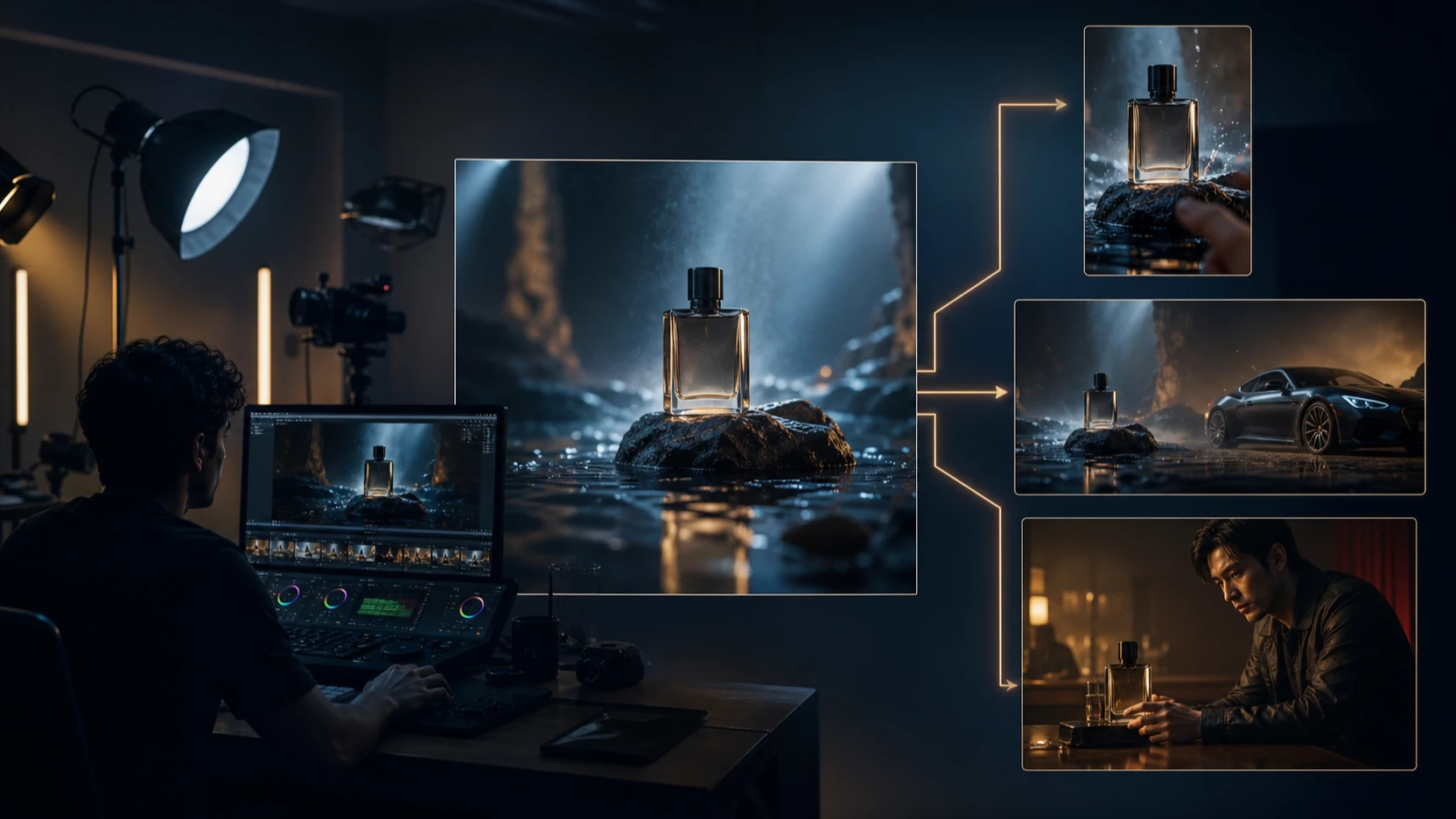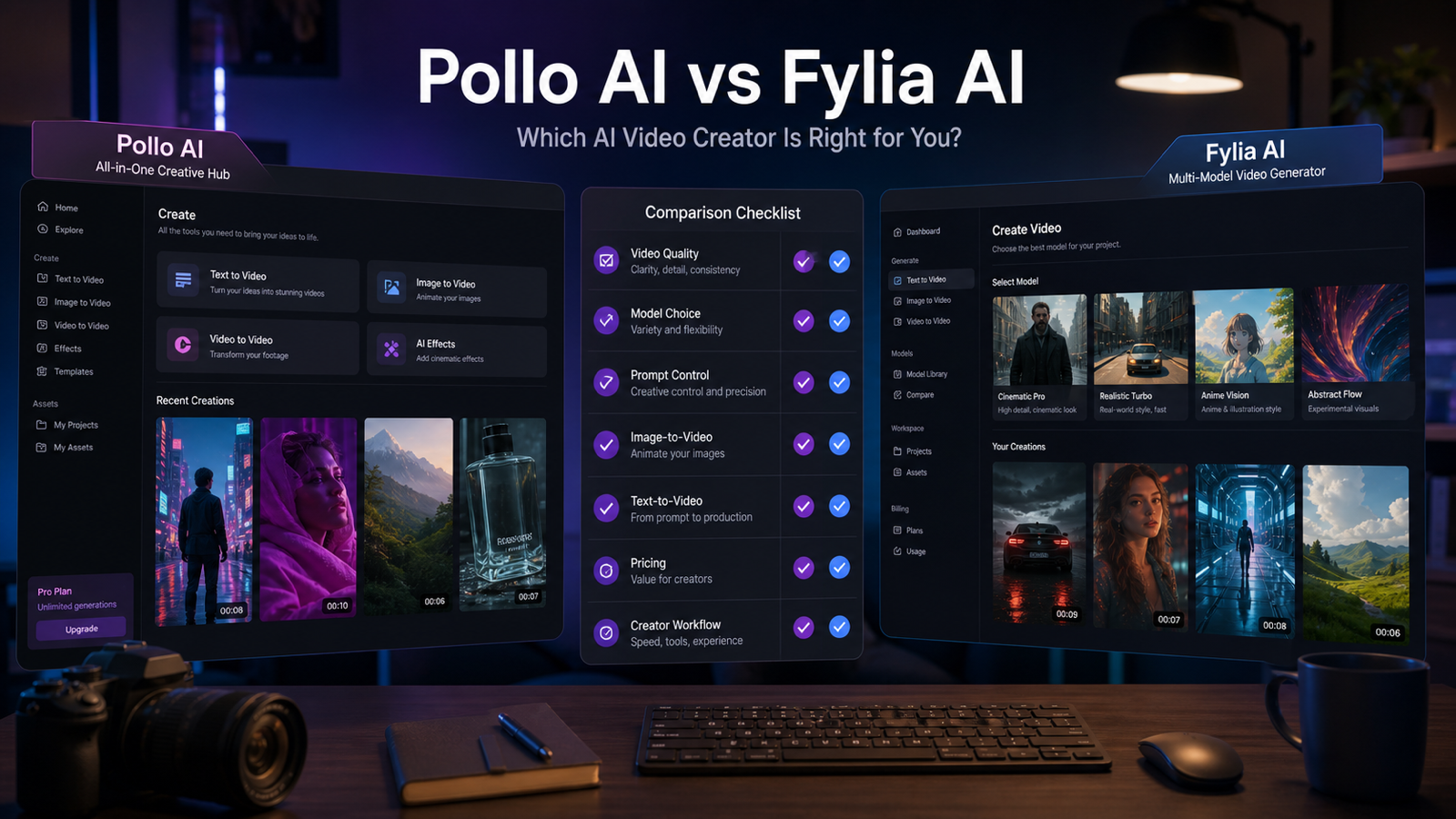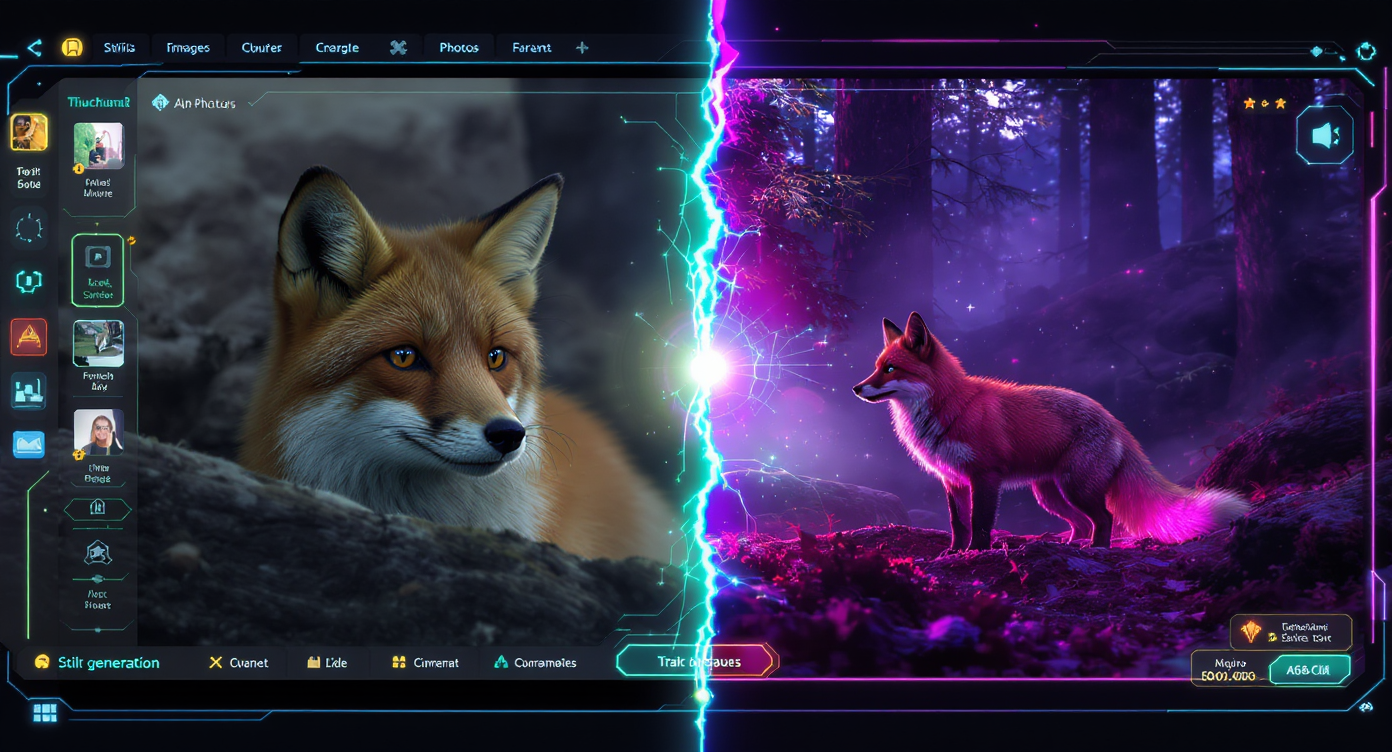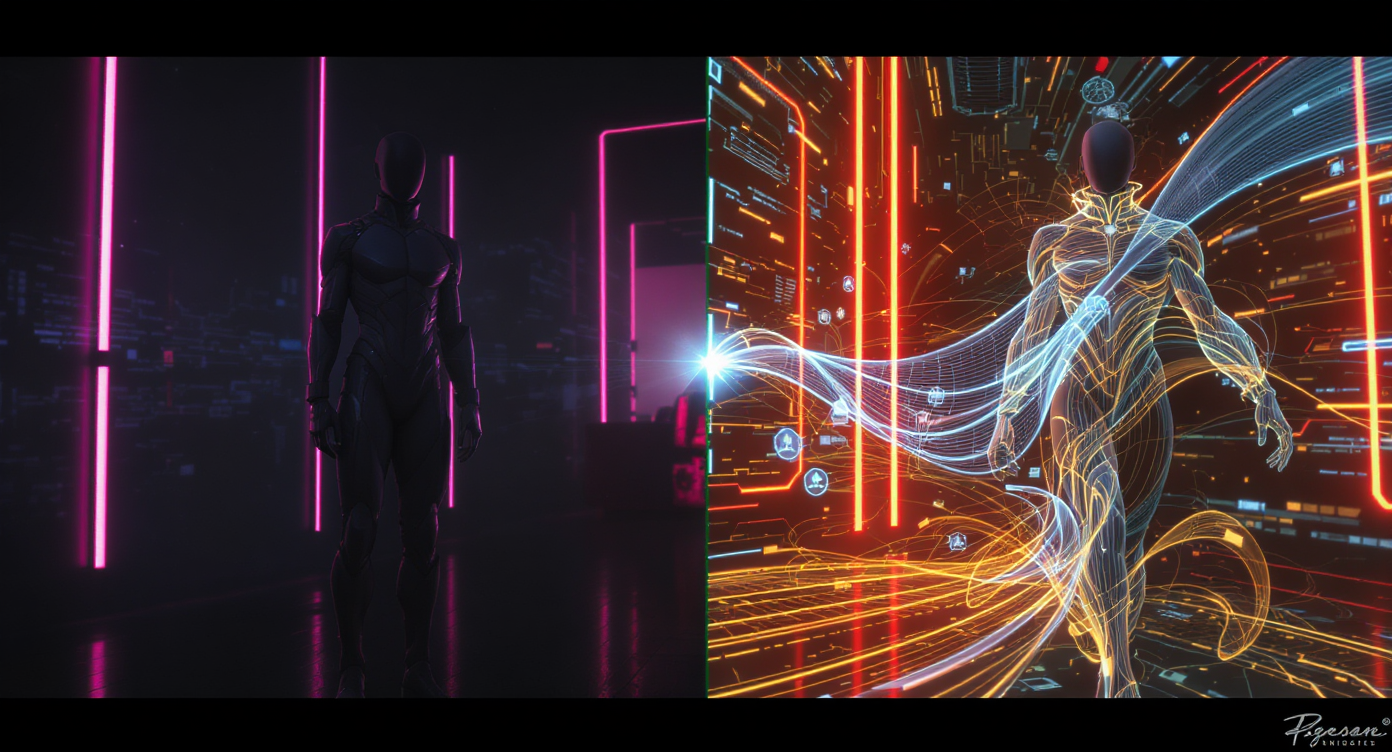
Character animation is one of the places where AI video looks most exciting and most fragile at the same time. A still character can look polished, but the moment it starts moving, small problems becme obvious: the face shifts, the eyes lose focus, the lighting no longer matches, the hands melt for a few frames, or the outfit changes shape during motion.
That is why Wan-style character animation has become such an interesting direction for AI video creators. The core idea is simple: start with a character image, use AI to generate motion, and create a short animated result without a traditional rigging or motion-capture pipeline. That promise is attractive for avatar creators, animation testers, agencies, developers, and short-form video teams.
This review looks at that workflow from a practical point of view. Instead of treating character animation AI as a perfect shortcut, it evaluates where Wan-style image-to-video can help, where it still needs review, and how creators can test the workflow through current Flaq AI routes such as Wan 2.7 Image-to-Video API, Wan 2.7 Text-to-Video API, Wan 2.6 Image-to-Video API, and Wan 2.6 Text-to-Video API.
This is not a generic tutorial that simply tells users to upload an image and generate a clip. It is a third-party-style review of whether Wan-style character animation and image-to-video workflows are useful, where Flaq AI fits, and what creators should test before relying on this kind of tool for real production.
Review Verdict
Wan-style character animation is useful, especially for short avatar clips, character motion tests, image-to-video experiments, and previsualization. It is not yet something I would describe as a full replacement for rigging, motion capture, compositing, or manual animation cleanup.
The most realistic verdict is this:
Use it when you need fast motion drafts, short character clips, avatar experiments, or API-based video testing. Be careful when you need exact character identity, actor replacement, complex body movement, brand-safe commercial footage, or long consistent scenes.
For Flaq AI users, the most relevant route is the Wan 2.7 Image-to-Video API if you already have a strong character image. The text-to-video versions are still useful, but for character consistency, image-to-video usually gives the model a clearer visual anchor.
What Wan-Style Character Animation Is Trying to Solve
The appeal of Wan-style character animation is easy to understand: creators want to take a character image and make it move naturally. In traditional production, that might require rigging, keyframe animation, facial capture, motion capture, relighting, and compositing. That is expensive and slow.
A modern AI character animation workflow tries to make that process more direct:
- Start with a character image.
- Use a prompt or reference direction to define motion.
- Animate the character into a short clip.
- In some workflows, test character replacement or motion transfer.
- Use lighting, style, and camera instructions to make the result feel more integrated.
As a concept, this is genuinely valuable. The problem is that “valuable” does not automatically mean “production-safe.” Character animation is one of the easiest AI outputs to overpraise because a short demo can look impressive, while a full production clip reveals instability.
A good review should separate the promise from the practical result. Wan-style animation is promising because it lowers the cost of testing motion. It is risky because identity, lighting, and body structure must remain stable across time, not just in one beautiful frame.
How Flaq AI Fits This Review
Flaq AI is best framed as an API access and testing platform rather than as a one-click character animation studio. That matters because the user intent is different.
A casual creator may want to upload a character and instantly get a polished animation. A developer, agency, or production team may want to test multiple API routes, compare results, measure failure cases, and decide whether a model is stable enough to integrate into a product or workflow.
For a Flaq AI workflow, these are the most relevant Wan routes:
- Wan 2.7 Image-to-Video API for animating an existing image.
- Wan 2.7 Text-to-Video API for prompt-first video generation.
- Wan 2.6 Image-to-Video API for comparing a previous-generation Wan image-to-video route.
- Wan 2.6 Text-to-Video API for text-to-video comparison.
This gives readers practical routes for testing Wan-style video generation through Flaq AI while keeping the review focused on real workflow value rather than platform marketing.
What I Would Test First
If I were evaluating Wan-style character animation for a real project, I would not begin with a dramatic dance, fight scene, or complex actor replacement. I would start with boring tests, because boring tests reveal whether the model is stable.
The first test would be a clean portrait animation: one character, visible face, simple background, subtle movement. I would look for blinking, breathing, head movement, face stability, and whether the outfit changes unexpectedly.
The second test would be a half-body motion clip: a small turn, a wave, or a simple gesture. This reveals whether arms, hands, shoulders, and clothing remain coherent.
The third test would be a style test: realistic human, illustrated character, anime-style avatar, and product mascot. Some models handle realistic faces well but struggle with illustration; others are more forgiving with stylized characters.
Only after those tests would I try anything like replacement, full-body motion, or longer sequences.
Strengths: Where Wan-Style Animation Feels Useful
Strong for Short Image-to-Video Tests
The clearest strength is short image-to-video animation. If you already have a strong character image, a Wan-style image-to-video route can help you create motion without rebuilding the character from text.
This is where Wan 2.7 Image-to-Video API makes the most sense as the main Flaq AI anchor. It matches the most common creator need: turn a visual character input into a moving clip.
The best results are likely to come from controlled movement: subtle breathing, blinking, slight head turns, hair movement, fabric motion, or a slow camera push-in. These motions are visually useful but do not push the model too hard.
Useful for Avatar and Virtual Influencer Experiments
Wan-style animation can be useful for virtual influencers, mascots, VTuber-style characters, and social avatars. The output does not always need to be perfect to be valuable. Sometimes the goal is to test whether a character has enough visual presence in motion.
For example, a brand mascot can wave, turn slightly, or react to a product reveal. An illustrated character can become a short social clip. A creator portrait can become a moving profile asset. These are realistic use cases because they do not demand long, complex performances.
Helpful for Previsualization
Previsualization is one of the strongest use cases. A filmmaker, game designer, or creative director can test motion ideas quickly before committing to manual animation. The clip may not be final, but it can answer important questions:
- Does this character design work in motion?
- Does the camera angle feel right?
- Is the emotional beat readable?
- Does the gesture match the scene?
- Is this worth animating properly later?
For teams, that can save time even if the AI output never appears in the final project.
Good for API Benchmarking
Flaq AI becomes especially relevant when the user cares about API workflows. Developers may want to compare Wan against Veo, Kling, Seedance, or other image-to-video APIs. That kind of testing is less about making one pretty clip and more about reliability.
A serious API review should measure:
- Output consistency across repeated calls
- Generation time
- Prompt adherence
- Failure rate
- Cost per usable output
- How often manual cleanup is needed
- Whether the model handles different character styles reliably
That is where Flaq AI’s API positioning is more useful than a simple front-end tool review.
Weaknesses: Where the Model Can Disappoint
Character Replacement Is the Riskiest Claim
Character replacement is the part I would treat most cautiously. Replacing a person or character in a video is much harder than animating a still image. The model has to preserve the target character, match the intended motion, understand occlusion, adapt lighting, and avoid breaking the scene.
Even if the first few seconds look good, problems can appear when the character turns, raises a hand, crosses another object, or moves through changing light.
For that reason, I would not market this workflow as effortless actor replacement. It is better described as an experimental or early-production character replacement tool that can be useful after testing.
Facial Identity Still Needs Review
AI character animation often struggles with identity drift. The face may stay broadly similar but change in small ways frame by frame. This is especially noticeable in close-ups.
For avatars or fictional characters, small drift may be acceptable. For branded characters, influencer faces, or actor-like replacements, it becomes a serious issue.
A useful review question is not “does the first frame look good?” It is “does the face still look like the same character after five or ten seconds?”
Hands and Full-Body Motion Remain Hard
Simple head and shoulder motion is much easier than full-body action. Walking, dancing, fighting, turning around, or interacting with props can quickly expose problems.
Hands are especially risky. They may distort, merge with clothing, change finger count, or move unnaturally. If the project depends on hand gestures, product holding, or precise action, plan for extra review.
Relighting Can Look Plausible but Still Wrong
Relighting is often praised in character replacement workflows, but it is easy to overstate. A generated clip may look coherent at a glance, but shadows, skin tones, rim light, or clothing highlights may not match the original scene.
That matters for professional work. A social clip may tolerate small errors; a commercial or film shot usually cannot.
Best Use Cases
Avatar Motion Tests
This is one of the best fits. Upload a strong avatar image and test subtle movement. The goal is not a full acting performance. The goal is to see whether the character feels alive.
Best Flaq route: Wan 2.7 Image-to-Video API.
Illustrated Character Animation
Stylized characters can be more forgiving than realistic humans. If the line art, silhouette, and costume remain stable, the output can be useful for social clips, motion comics, or early animation tests.
Best Flaq route: Wan 2.7 Image-to-Video API or Wan 2.6 Image-to-Video API for comparison.
Brand Mascot Clips
Mascots are often simpler than human characters, which can make them easier to animate. A small wave, bounce, or product reaction can be enough for a social post or ad draft.
The important caution is brand consistency. If the mascot has exact colors, proportions, or logo-like details, inspect every output carefully.
Short Narrative Previsualization
For story teams, Wan-style animation can help test a beat: a character turns toward a door, looks worried, reacts to a sound, or enters a frame. This is useful for planning, even if the final animation is rebuilt later.
API Integration Testing
Developers can use Flaq AI routes to test whether Wan-style outputs fit their product. This is especially relevant for apps involving avatar clips, image-to-video tools, UGC workflows, storyboard generation, or automated creative previews.
Use Cases I Would Avoid or Treat Carefully
Exact Actor Replacement
Avoid promising exact replacement unless you have tested the specific footage, face angle, lighting, and motion type. This is a high-risk use case.
Long Dialogue Scenes
Wan-style animation may not be the best first choice for dialogue-heavy clips. If lip sync and speech are central, compare it with models built specifically for talking-head or avatar narration.
Complex Dance or Fight Motion
These scenes require body consistency, fast motion, and accurate limb behavior. They are more likely to show artifacts.
Product-in-Hand Demonstrations
If a character must hold, rotate, or demonstrate a real product, hand and object consistency become critical. These clips need careful inspection and may require manual editing.
Flaq AI Workflow Recommendation
1. Start With Image-to-Video
For character animation, begin with Wan 2.7 Image-to-Video API. A strong input image gives the model more control over identity than a text-only prompt.
Use Wan 2.7 Text-to-Video API when the scene does not depend on preserving one exact character design.
2. Prepare a Better Character Image Than You Think You Need
The input image should be clean, centered, and readable. Avoid clutter, heavy shadows, cropped limbs, and tiny faces. If the character is full-body, make sure the body is visible. If the focus is facial animation, use a clear portrait.
A weak image will not become a strong animation just because the model is advanced.
3. Keep the First Motion Simple
The first test should use restrained movement. A good first test might be: slight head turn, natural blinking, subtle breathing, gentle hair movement, and a slow camera push-in.
If that works, increase movement gradually.
4. Compare Wan 2.7 and Wan 2.6
Do not assume the newest route is always best for every input. Test Wan 2.7 Image-to-Video API against Wan 2.6 Image-to-Video API using the same image and instruction. Compare identity stability, motion smoothness, artifact rate, and output style.
5. Benchmark Against Other Flaq AI Video APIs
If the goal is production reliability, compare Wan with other routes too:
- Veo 3.1 Image-to-Video API for cinematic image animation.
- Veo 3.1 Fast Image-to-Video API for faster Google-style image animation.
- Kling O3 Standard Image-to-Video API for short image animation with flexible duration.
- Seedance 1.5 Pro Image-to-Video API for short-form motion testing.
- Qwen Image 2.0 Edit API for preparing or correcting still images before animation.
The best model is the one that gives you the highest percentage of usable clips for your specific input type.
Review Scorecard
| Category | Rating | Review Notes |
|---|---|---|
| Character Image Animation | 8/10 | Strong for short, controlled motion when the input image is clean. |
| Character Replacement | 5.5/10 | Promising, but risky for exact swaps and professional compositing. |
| Facial Stability | 6.5/10 | Good enough for tests, but close-ups need careful review. |
| Full-Body Motion | 6/10 | Works better with simple movement than complex action. |
| API Workflow Value | 8/10 | Flaq AI links are useful for testing, comparison, and integration. |
| Production Readiness | 6.5/10 | Best as a production-assist tool, not a final-output guarantee. |
Pros and Cons
Pros
- Useful for turning still character images into short motion clips.
- Good fit for avatars, mascots, virtual influencers, and story tests.
- Flaq AI provides practical Wan API routes for image-to-video and text-to-video testing.
- Image-to-video workflows offer more identity control than pure text-to-video.
- Strong value for previsualization and creative direction.
- Good API comparison potential for developers and agencies.
Cons
- Character replacement remains much riskier than simple image animation.
- Facial drift and body artifacts still need review.
- Full-body action, hands, and product interaction can fail.
- Longer clips require stricter review for identity and motion consistency.
- Commercial usage requires checking current platform and API terms.
- Outputs may still require editing, compositing, captions, and manual cleanup.
Final Recommendation
Wan-style character animation is valuable, but the article should not oversell it as a perfect shortcut to finished animation. The more authentic review is that this workflow is best for short tests, avatar motion, image-to-video clips, and previsualization. It can save time, but it does not remove the need for review.
For a Flaq AI-focused workflow, the best primary anchor is Wan 2.7 Image-to-Video API because it closely matches the character-image-to-motion intent. Add Wan 2.7 Text-to-Video API for prompt-first scenes, and include Wan 2.6 Image-to-Video API plus Wan 2.6 Text-to-Video API for comparison.
The practical advice is this: use Wan-style animation to test motion quickly, not to bypass every part of animation production. If the output is for social content, it may already be useful. If it is for commercial, branded, or character-sensitive work, treat it as a draft that needs human review.
Related Articles
- Flaq AI Video Models Review: Which Video API Should You Use?
- Wan 2.7 API Guide: How to Use It on Flaq AI
- Is Wan 2.7 Open-Source, API-Only, or Platform-First?
- Veo 3.1 Text-to-Video API on Flaq AI
- Kling 3 API Guide: Standard vs Pro, Pricing, and Flaq AI
- Seedance 2.0 API Guide: Faster Text-to-Video Workflows
People Also Read
- Wan 2.2 Animate Character Animation Guide
- Kling Motion Control vs Wan Animate
- Wan 2.7 vs Wan 2.6: How Big Is the Upgrade?
- Wan 2.7 Review and Comparison
- Wan 2.7 Is Here: What Changed from Wan 2.6 and Wan 2.5
- Kling 3.0 AI Video Generator Guide for Creators
- VideoWeb AI Video Generator 2026: One Hub, Every AI Video Workflow