In a world where visuals speak louder than words, the ability to generate stunning images with minimal effort is no longer a luxury—it’s a necessity. Whether you’re a digital artist, content creator, designer, or marketer, learning how to use the right AI tools can save time and boost creativity.
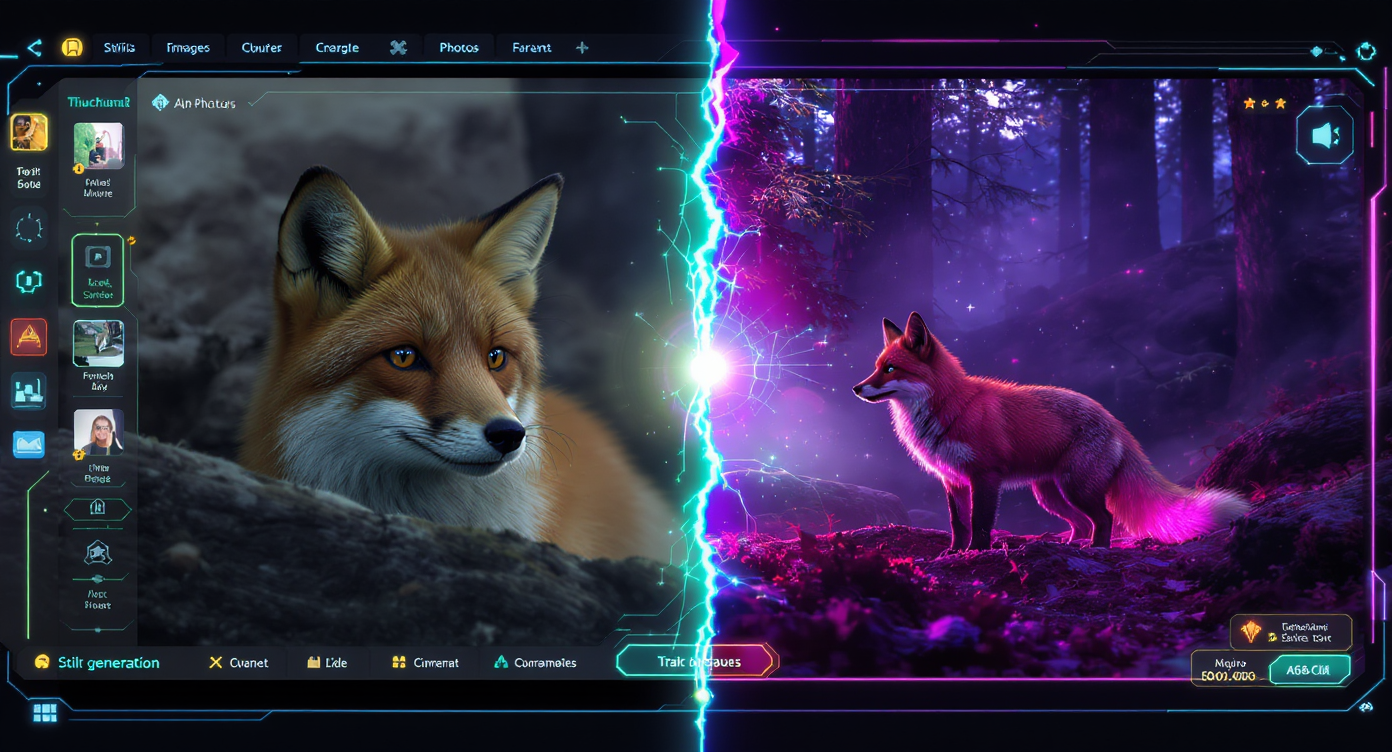
That’s where the Flux AI Image Generator steps in. Built into the powerful Flux Pro ecosystem, this intuitive tool lets you generate high-quality visuals from both prompts and reference images—merging control and creativity in one seamless process.
1. Why the Flux AI Image Generator Is Changing the Way We Create Visuals
AI image generators aren’t new—but Flux Pro has taken the concept to another level. At its core, an AI image generator transforms text prompts (or input images) into entirely new artwork or visuals, using deep-learning models trained on thousands of image styles and compositions.
But the Flux AI Image Generator stands out because of how it prioritizes simplicity without sacrificing control. It allows users to create professional-level graphics in just a few clicks, regardless of their design background. Its advanced AI delivers stylistic diversity, intuitive controls, and smart rendering—all from a clean, accessible interface.
👉 Explore the Flux AI Image Generator to create professional visuals with just a few clicks.
Whether you’re prototyping a logo, experimenting with concept art, or refreshing your brand’s aesthetic, Flux Pro streamlines your creative workflow with ease.
2. How the AI Image Generator from Image Feature Works in Flux Pro
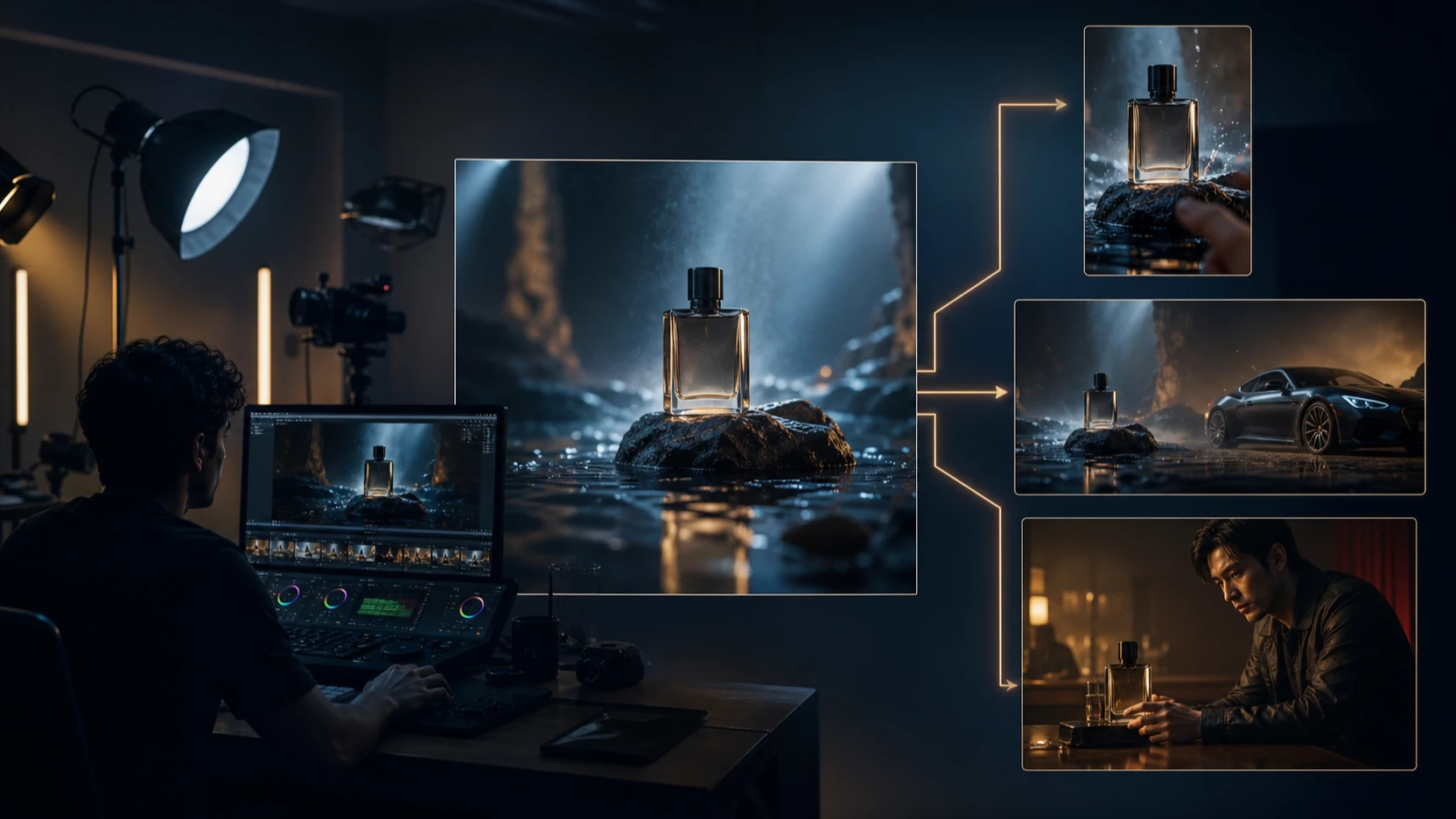
One of Flux Pro’s most powerful functions is the AI image generator from image feature. Instead of starting from scratch with text alone, you can upload an existing image as a reference.
This gives you:
- Style control: The AI can mimic the style, color palette, or composition of your reference.
- Creative remixing: Reimagine a scene, enhance an original sketch, or create alternate versions of an image.
- Continuity: Perfect for developing consistent character designs, product images, or storyboards.
This feature is especially useful when you're working with visual consistency or reinterpreting hand-drawn concepts. It bridges the gap between pure AI generation and artist-guided creativity.
So when should you use this instead of just a text prompt? Anytime you want:
- A specific layout or style reproduced
- A visual starting point to improve or transform
- More control over composition, character, or structure
3. Step-by-Step Guide: Creating Unique Visuals with the Flux AI Image Generator
Getting started with the Flux AI Image Generator is as easy as it gets. Here’s a quick walkthrough:
Step 1: Open the Generator
Visit the FluxPro AI Photo Maker and choose whether you want to start with a text prompt, image, or both.
Step 2: Upload Your Reference Image
Select an existing photo, drawing, or screenshot to guide the AI in understanding your visual intent.
Step 3: Add a Text Prompt (Optional)
Enhance your results by describing the mood, style, or specific objects you want. Example: “A dreamy forest in Ghibli style, glowing lights, soft shadows.”
Step 4: Choose Style and Format
Adjust settings like image size, stylization level, or art type (e.g., realistic, abstract, anime).
Step 5: Generate and Refine
Click generate. Once the result is ready, you can download it or regenerate with adjustments until it meets your vision.
4. Creative Use Cases for the AI Image Generator from Image Functionality
Need ideas for what you can do with this feature? Here are just a few creative applications:
- Mockups & branding: Visualize a product line with consistent styling or turn packaging concepts into promo-ready graphics.
- Comic & sketch redraws: Upload hand-drawn panels and reimagine them in vivid digital color or a completely new aesthetic.
- Fantasy reworks: Turn everyday photos into surreal, dreamy, or futuristic landscapes.
- Character development: Build a visual identity for your OC (original character) across poses or scenarios.
- Marketing & social design: Create cohesive campaigns using generated assets based on your original theme.
From visual artists to indie game designers and content marketers—there’s room for every creator here.
5. Why Flux Pro Is More Than Just an AI Image Generator
While the Flux AI Image Generator is a powerful standalone tool, it’s also part of something bigger: the Flux Pro creative suite.
Flux Pro supports:
- Video tools like the AI Kiss Video Generator for short animated moments
- Style filters like the Ghibli-Style Generator for creating cinematic backgrounds
- Visual integration for use in presentations, slideshows, or website banners
- A creative community where users can share prompts, results, and remix ideas
The synergy between tools means you’re not just generating random visuals—you’re building entire creative ecosystems with a consistent aesthetic and workflow.
Final Thoughts
If you’ve ever felt limited by traditional design software or overwhelmed by blank canvases, the Flux AI Image Generator gives you a smarter, more accessible alternative. Especially with its AI image generator from image functionality, it empowers you to shape your vision with more control, consistency, and imagination.
👉 Start creating with the Flux AI Image Generator and turn your sketches, photos, or prompts into vivid works of art—your next masterpiece is just a few clicks away.
FAQs
Q1: What is the Flux AI Image Generator used for?
A1: The Flux AI Image Generator helps users create high-quality, AI-generated visuals based on text prompts, uploaded images, or a combination of both.
Q2: How does the AI image generator from image feature work?
A2: The AI image generator from image lets you upload a reference photo or sketch. Flux Pro’s AI then uses it to guide the style, composition, or layout of the generated image.
Q3: Can I combine text prompts with an uploaded image?
A3: Yes. You can pair an image with a detailed text prompt to influence both structure and style for more personalized, precise results.
Q4: Do I need design experience to use Flux Pro?
A4: No experience needed. Flux Pro is designed to be beginner-friendly, offering guided controls and presets to make AI image creation intuitive for all users.
Q5: What formats can I export my AI-generated images in?
A5: You can download your visuals in standard image formats suitable for social media, presentations, design projects, or print.
Recommended Reading
Explore more creative guides and inspiration using Flux Pro:
-
Designing Your Dream AI Doll: How to Use an AI Doll Generator with FluxPro
Discover how to build stylized characters using AI-generated dolls. -
How FluxPro Transforms Digital Creativity: The Ultimate Guide to FluxPro Art
Learn how FluxPro integrates AI into design, animation, and visual storytelling. -
How to Use an AI Kissing Video Generator Free with Flux Pro: A Creative Guide to Romantic Animation
A playful guide to using AI for emotional and animated video scenes.
More AI Tools to Try with Flux Pro
Enhance your creative process by combining tools within the FluxPro suite:
-
Flux Image-to-Image Generator
Transform one image into another while maintaining style or structure—perfect for evolving your AI artworks. -
Ghibli-Style Generator
Create dreamy, hand-drawn visuals reminiscent of Studio Ghibli to pair with your AI-generated characters or scenes. -
AI Action Figure Generator
Bring characters to life as collectible, stylized 3D figures powered by AI.