The world of AI video generation is changing fast—and Wan AI is leading the open-source charge.
From the groundbreaking release of Wan 2.1, the first truly open and bilingual text-to-video (T2V) diffusion model, to the highly anticipated arrival of Wan 2.2, this evolution gives creators cinematic control, blazing efficiency, and powerful animation—all without vendor lock-in. Whether you’re a short-form content creator, a game designer, or an AI artist, both models are available through FluxProWeb’s Wan AI Video generator, a user-friendly platform designed for instant video creation from text or image prompts.
Let’s dive into what Wan 2.2 brings, how it builds on the success of Wan 2.1, and why FluxProWeb is the ideal place to try both.
🚀 From Wan 2.1 to Wan 2.2: A Rapid Evolution
Wan 2.1, released in February 2025 by Alibaba Cloud, made headlines as the first open-source video model that could generate realistic motion and render Chinese and English text accurately inside frames. It launched with two main checkpoints:
- A 14B parameter flagship for high-quality diffusion
- A 1.3B lightweight version optimized for 8 GB VRAM GPUs—ideal for individual creators
Available today on FluxProWeb’s Wan AI Video tool, Wan 2.1 lets users create up to 720p clips with either text prompts or input images. It also supports advanced features like FLF2V (first and last frame interpolation) and VACE 1.0 (Video Animation Control Engine), allowing for basic camera path control and smoother transitions.
But Wan didn't stop there.
At ModelScope DevCon 2025, the developers revealed Wan 2.2, a rebuilt model with significant improvements:
- Higher native output resolution (1080p)
- Greater motion control through VACE 2.0
- Integrated special effects like fire, smoke, and global illumination
- A smarter, faster LoRA training workflow
- And all of this—again—fully open-source
Wan 2.2 is now available on Flux ProWeb in addition to the Wan AI Video generator, giving creators the power to upgrade seamlessly.
🔍 Wan 2.1 vs Wan 2.2 – Feature Comparison
| Feature | Wan 2.1 on FluxProWeb | Wan 2.2 |
|---|---|---|
| Parameters | 14B / 1.3B | ~10B (leaner backbone) |
| Output Resolution | 480p, 720p | Native 1080p |
| Camera Control | VACE 1.0 | VACE 2.0 with trajectory, subject lock, BG stabilization |
| Special Effects | None native | Volumetric FX, global lighting, particles |
| LoRA Workflow | Basic, full-data | Few-shot (10–20 imgs), visual fusion sliders |
| Prompt Support | Bilingual (EN / ZH) | Bilingual (EN / ZH) |
| Licensing | Apache-2.0 (commercial use allowed) | Same (fully open) |
Both models share the same foundation: Wan-VAE, a custom video autoencoder capable of compact, temporally-aware latent representations. This is key to generating realistic motion and scene coherence with fewer artifacts—even at higher frame rates.
And both models can be tried directly through FluxProWeb’s intuitive interface, no installation needed.
🎬 Real-World Use Cases
1. YouTubers & Short Video Creators
Use Wan 2.1 to create motion-filled 5–10 second videos from text descriptions or stylized image frames. When Wan 2.2 arrives, get cinematic camera sweeps, stylized lighting, and particle effects—all without touching Blender.
2. Digital Artists & Illustrators
Create concept videos using the same LoRA styles you use for stills. FluxProWeb’s Wan AI Video tool lets you maintain visual consistency across media.
3. Indie Game / Animation Studios
Storyboard key scenes with Wan 2.1's FLF2V or VACE options. When Wan 2.2 goes live, leverage the full VACE 2.0 suite for smoother transitions and object tracking—all from the same FluxProWeb workflow.
4. Marketing & Branding
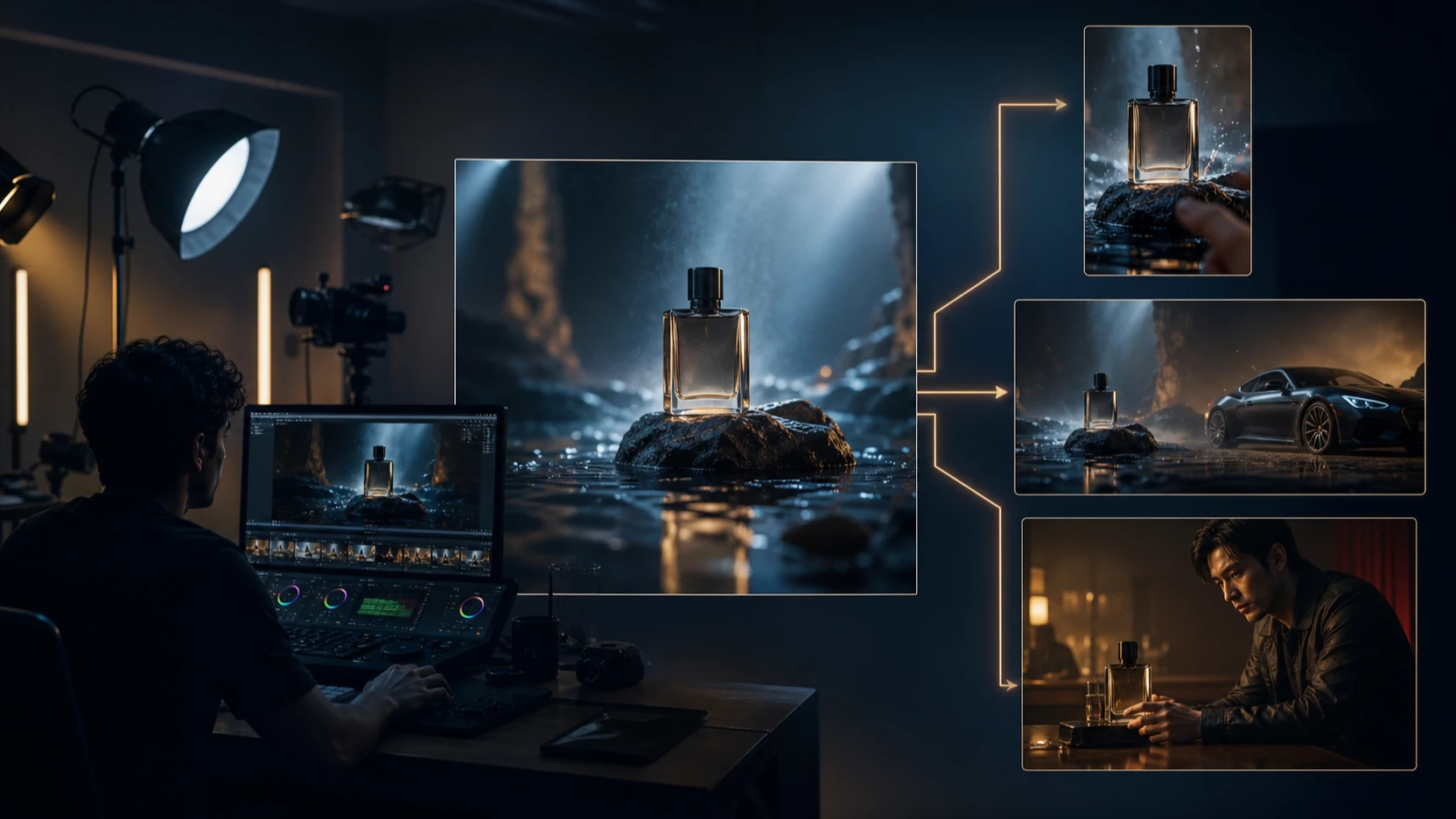
Product shots, reels, explainer videos—generated in minutes. Build a branded LoRA and reuse it to animate in either model. Start building with FluxProWeb's tool here.
💻 How to Use Wan AI Video on FluxProWeb
Using either Wan 2.1 or soon Wan 2.2 through FluxProWeb’s Wan AI Video tool is as easy as:
- Choose input type: Text-to-video or image-to-video
- Select resolution: 480p or 720p (1080p available with Wan 2.2)
- Upload prompt or image: No coding required
- Click "Generate": Wait for processing, then preview
- Download: Instantly save your video
No technical setup. No model training. Just creativity and results.
⚠️ Limitations to Keep in Mind
- Wan 2.1 caps native resolution at 720p, though upscaling is possible.
- Wan 2.2, while targeting 1080p, may still require a two-stage pipeline for 4K.
- NSFW content is filtered by default in all versions on FluxProWeb.
- Longer videos (>10s) may exhibit slight drift; best to work in shorter, storyboarded segments.
But the good news? You can experiment with Wan 2.1 today and prepare for Wan 2.2—all in one place:
👉 Start generating with FluxProWeb’s Wan AI Video platform
✅ Final Thoughts
In a sea of closed, costly AI video platforms, Wan 2.1 and Wan 2.2 stand out as open, flexible, and creator-friendly. Whether you’re a solo artist or a growing team, these models deliver powerful, controllable results with commercial licensing and minimal hardware needs.
And thanks to FluxProWeb’s Wan AI Video platform, you don’t need to install code or set up pipelines—just prompt, create, and download.
Try Wan 2.1 and Wan 2.2 launches NOW!