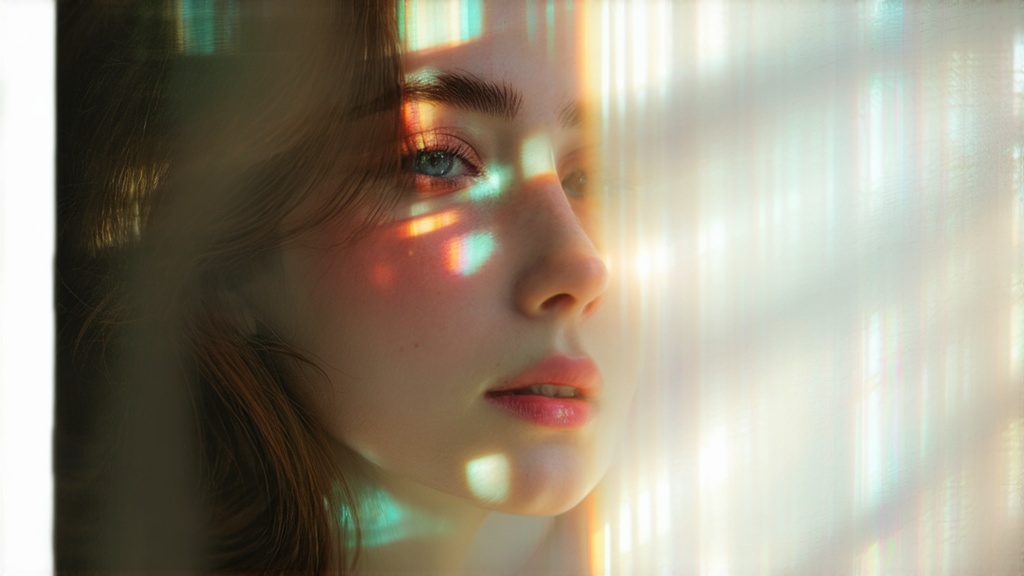
Animating your photos to video can bring them to life in exciting and creative ways. If you're looking to add subtle movements like flowing water or create eye-catching effects for social media, flux pro photo to video offers an easy way to transform static images into dynamic visuals. This tool leverages advanced AI technology to animate photos, making the video creation process both simple and efficient. Allowing users to make impressive videos based on your photos with precision, making it ideal for both casual users and professionals.
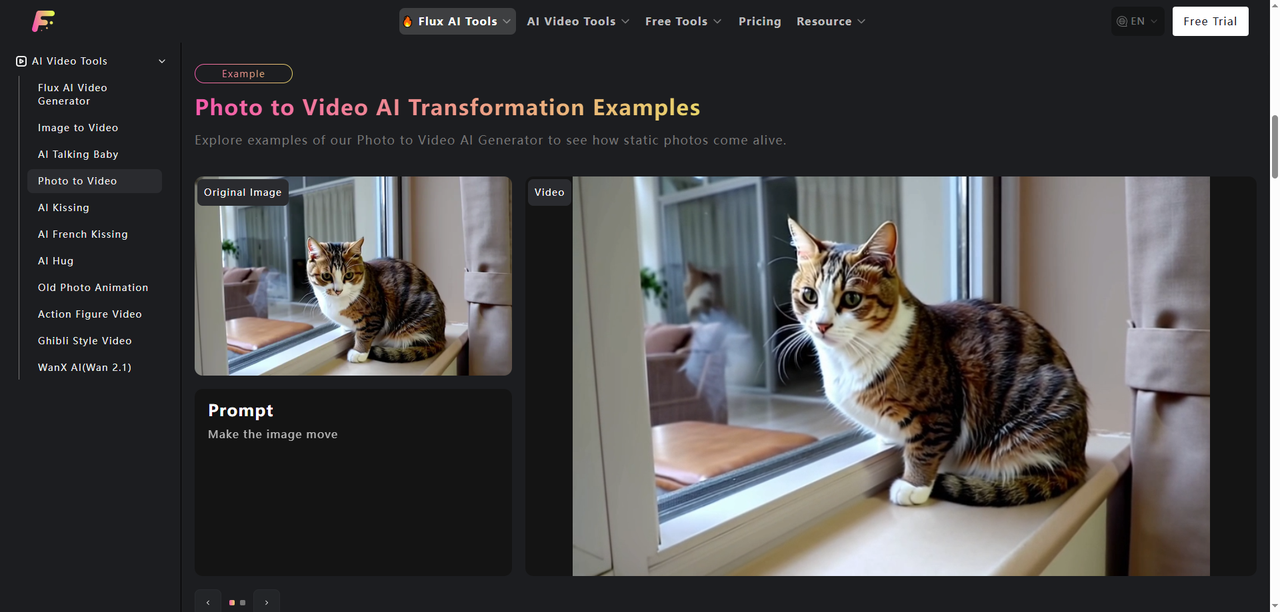
What makes the best AI video generators?
The leading photo-to-video generators have transformed into robust, multifaceted platforms, far surpassing their original purpose of creating brief motion clips from text or images. Most now boast an array of sophisticated features, such as intuitive motion brushes for precise animation control, lip-syncing for seamless audio-visual integration, diverse model options tailored to various creative needs, and advanced functionalities like keyframing for intricate motion design. A high-quality AI photo-to-video platform must deliver professional-grade, high-resolution clips with crisp, vivid visuals, minimal artifacts, and convincingly lifelike motion. It should faithfully interpret and execute user prompts, whether provided as detailed text descriptions or reference images, ensuring the output aligns closely with the creator’s vision. Additionally, it should offer rapid generation times to streamline workflows, all while maintaining affordability to remain accessible to a wide range of users, regardless of the platform’s expanded feature set.
Why photo to video by flux pro one of them?
As an architect who has been using AI-assisted design for a long time, I have always paid attention to the generation efficiency, dynamic effect quality and spatial expression between images and videos. In my work, I have also tested and used multiple online AI video production platforms: Runway has strong video editing capabilities, but the generation quality is unstable; Seedance is more suitable for conceptual styles; Kling and Hailuo 02 have always had problems with structural distortion or stiff dynamic effects in terms of architectural expression. Flux Pro has launched the Video feature, a revolutionary AI video production tool that allows users to directly generate short videos from static images. As a mainstream video generation function, it provides designers with a brand new image-to-video solution. This is the first professional video function launched by the image generation model team after a number of AI video production software such as Runway, Pika, Kling, and Hailuo.
How to use Flux Pro Photo to Video?
- Visit the Website: Go to fluxproweb.com to access the Flux AI Video Generator
- Choose the input type: Image Input: Upload a high-quality image to serve as the starting frame. This sets the visual tone for your video. Text Input: Provide a clear, detailed text prompt describing the video’s content, style, and motion. For example, describe the scene, actions, or atmosphere.
- Customize Model: There are Video STD 1.0, 1.5, 1.6, 2.1 you can choose.
- Generate the Video: Click the “Generate” button to start the process. Processing typically takes 3-5 minutes, depending on complexity.
Tips for animating photo to video by Flux Pro
Creating video content with Flux Pro and creating AI images are not very different. You need to describe the picture with words and provide a description. The biggest difference is that after uploading the image, you also need to specify the actions and describe how the objects in the scene should move. The best way to use these tools, especially the more advanced Flux Pro photo to video that can create 10-second or longer videos with a single prompt, is to employ the language of cinematography. Describe the camera's position and movement, outline the lighting, and explain scene changes when necessary. For instance, you could create a video of a couple dining together, describing how the camera pans slowly from a wide shot of the room to close-ups of their smiles and gestures. Add some details, such as the warm candlelight, the blurred cityscape outside the window, and natural actions, like one pouring wine and the other laughing.
Alternatives for Flux Pro Photo to Video
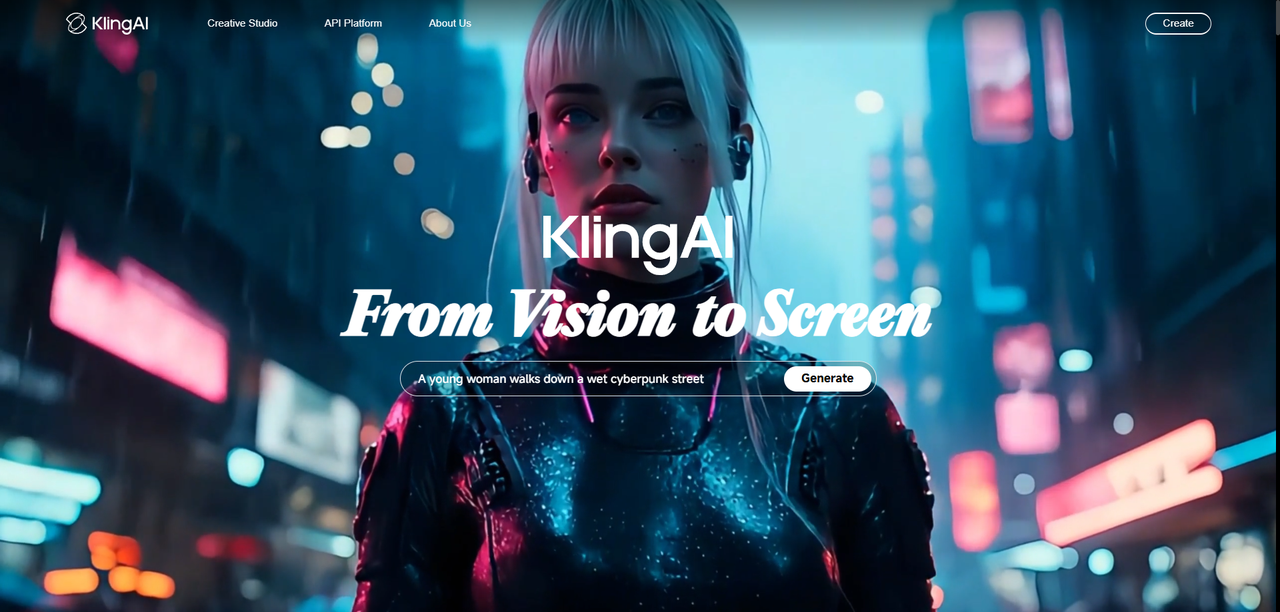
Kling
Kling stands out as a top AI video model, delivering impressive visual realism and fluid motion. It includes advanced features like lip-syncing for dialogue, virtual try-on tools for fashion, and, in earlier versions, the option to extend video clips.
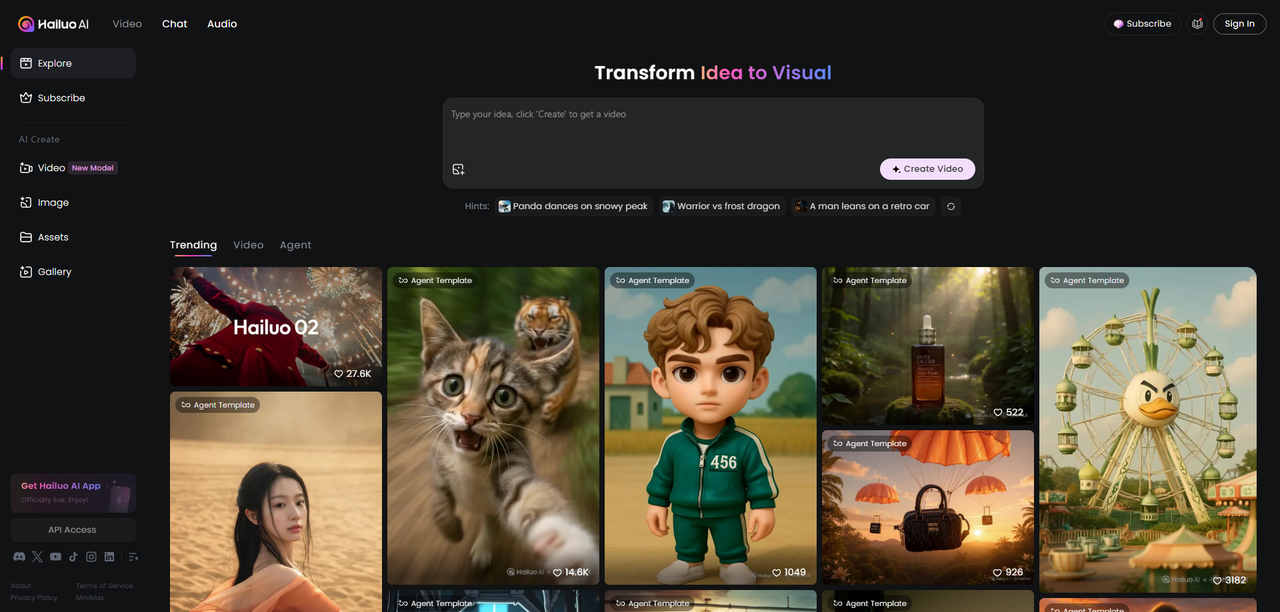
Hailuo
Hailuo ranks among my top AI video platforms to use. Launched in early 2024, it excels in accurately following prompts. Its visual quality rivals that of Kling. Initially, it was primarily in Chinese and just a simple interface. Now, it’s a comprehensive AI platform featuring a chatbot, AI voice cloning, and a robust video generation model.
Sora
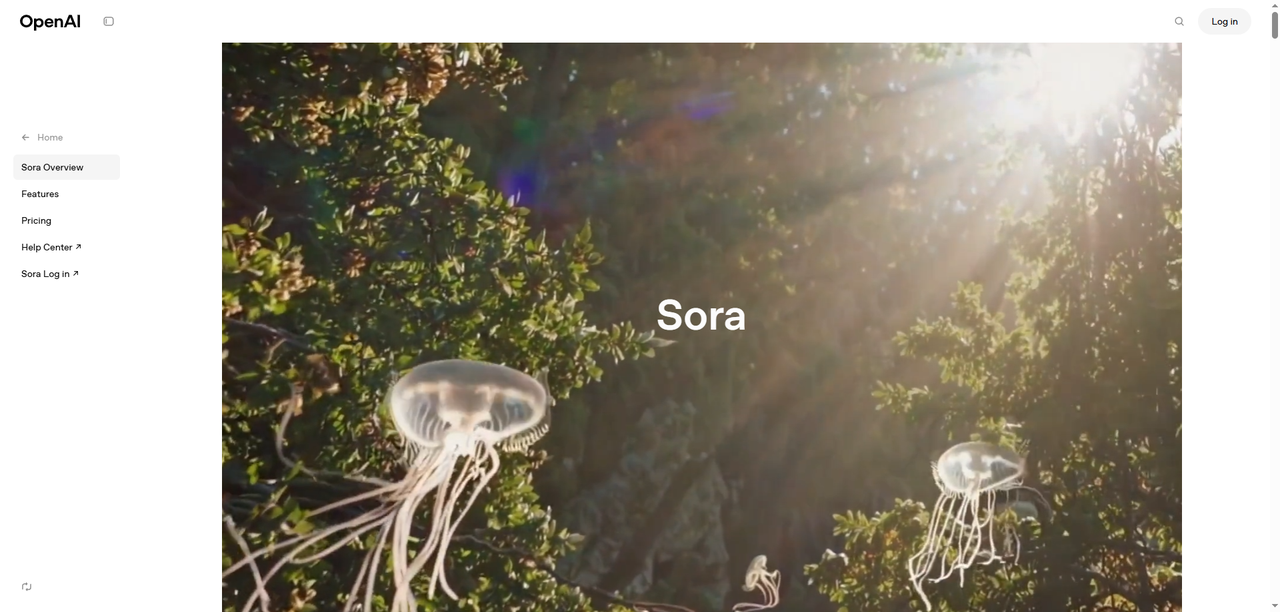
OpenAI’s Sora enables users to create short videos from text prompts. Although the current version may not entirely align with the initial previews, it is available in both text and image-to-video formats, transforming your prompt into 5 to 15 seconds of engaging video content.
Luma Labs
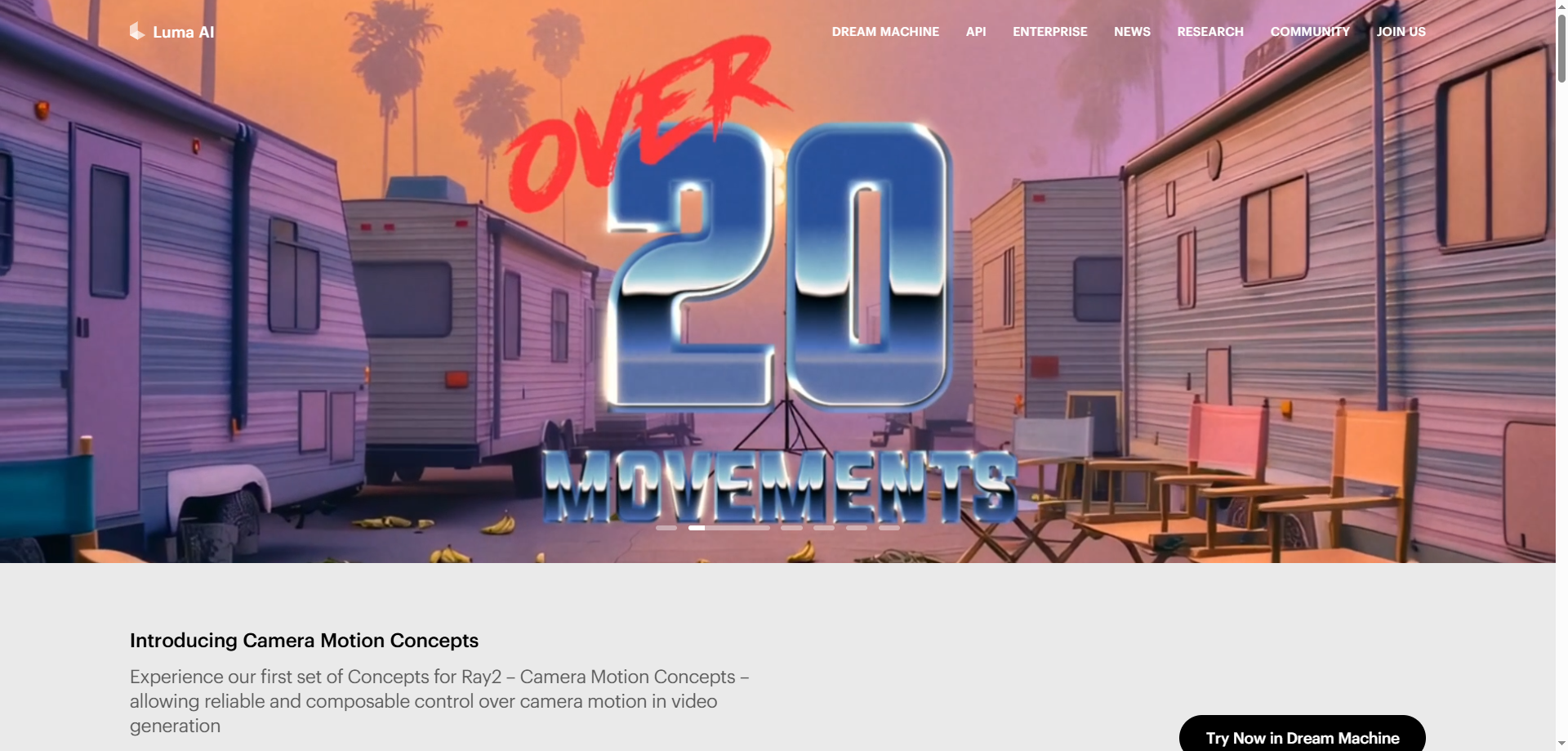
Luma Labs Dream Machine stands out as one of the top interfaces for engaging with AI video and image platforms. It enables the creation of high-quality, lifelike videos from text or images. The platform can generate videos in mere seconds, allowing you to refine and iterate on your original concept just as swiftly.
Runway
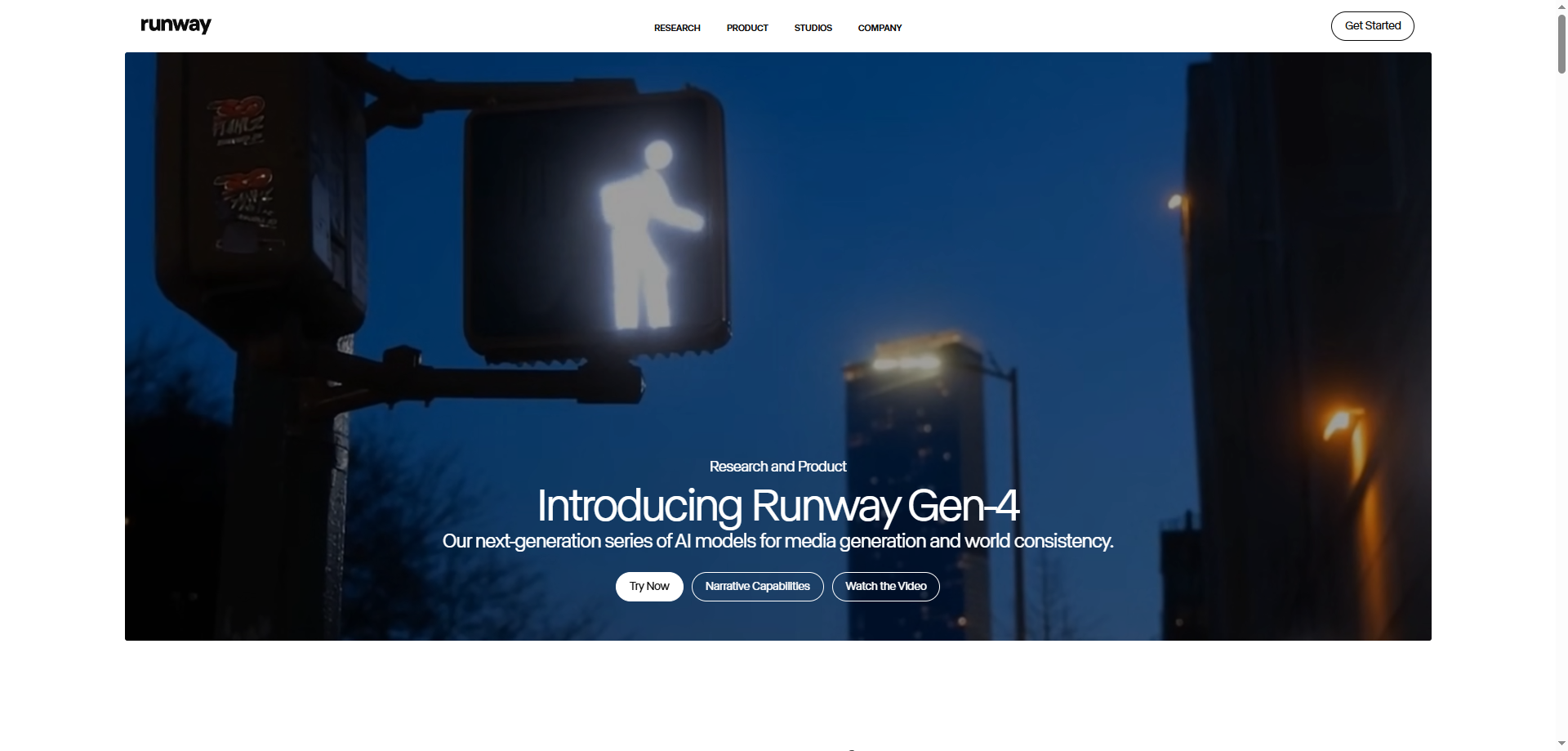
Runway pioneered the first AI video model. Now on its Gen-3 version, it has advanced significantly from its initial release. This includes enhanced control over the precise motion in the final video output. Users can designate the input image as the starting, middle, or ending point of the video, allowing greater precision in shaping its final appearance.
Conclusion
With the right tools, especially Flux Pro, animating your photos to video can be both fun and easy. Be it for adding a creative touch to your social media posts or creating professional-grade animations, there’s an tool out there to fit your needs. Explore these options, and start bringing your photos to life today! By combining image inputs with detailed prompts and selecting from advanced video options, the Flux Pro generator enables anyone to create professional-grade, AI-powered video content quickly and easily


