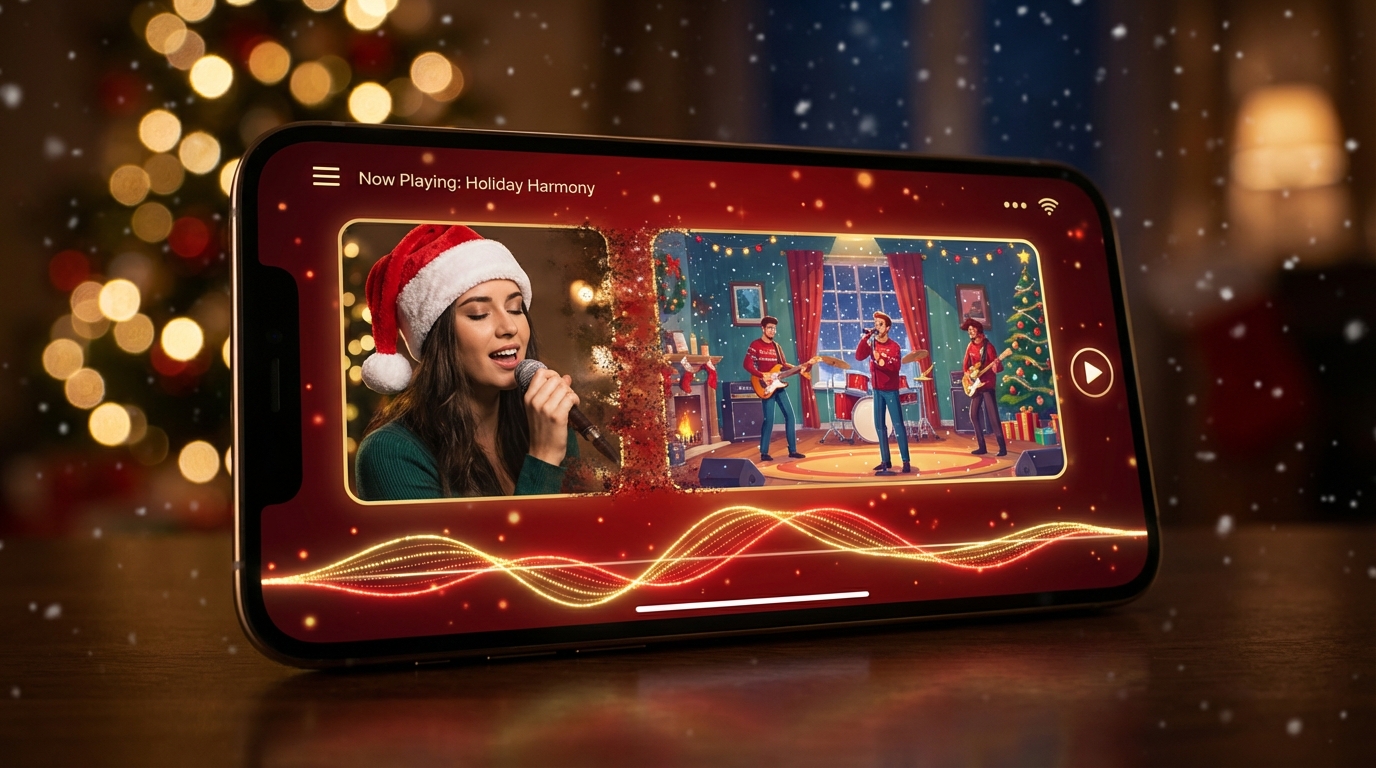
Christmas is the one time of year when people actually want to watch, share, and comment on videos that feel warm, playful, and slightly magical. The problem? Traditional video editing takes time—time most people don’t have in December.
That’s where an AI music video generator for Christmas creation comes in. With the right tools, a single photo and a short music clip can turn into a festive, share-ready video in minutes—no editing skills required.
In this guide, we’ll walk through how to create Christmas AI music videos using two purpose-built tools from VideoWeb AI: one for music-synced holiday videos, and one for one-click Christmas transformations that are as simple as “upload and generate.”
What Is an AI Music Video Generator for Christmas Creation?
At its core, an AI Christmas music video generator takes three ingredients:
- A photo (portrait, selfie, family picture, or character image)
- Music (uploaded MP3 or AI-generated audio)
- A Christmas-style visual engine (snow, lights, Santa outfits, cozy interiors)
The AI animates the image, syncs motion to music, and applies holiday aesthetics automatically. Instead of editing timelines and layers, you guide the result with simple prompts or preset styles.
This makes AI video especially effective for Christmas content, where speed, emotion, and shareability matter more than technical perfection.
Choose Your Workflow: Music-Synced or One-Click Christmas
Not all Christmas videos need the same level of control. That’s why it helps to choose the right workflow first.
Music-Synced Christmas Videos (More Creative Control)
If you want visuals that move with the beat—soft sways, pulsing lights, cinematic camera motion—use VideoWeb AI’s Music Video Generator:
👉 https://videoweb.ai/ai-music-video-generator/
This is ideal for creating a polished merry christmas video that feels intentional and musical, whether it’s for social media, YouTube, or a holiday greeting page.
One-Click Christmas Videos (Fastest Option)
If your goal is speed—something fun to send to family, friends, or group chats—the ready-to-use Christmas generator is unbeatable:
👉 https://videoweb.ai/ai-christmas-video-generator/
You upload a portrait, pick a Christmas style, and generate instantly. It’s perfect for casual sharing and testing a free trial merry christmas experience without overthinking prompts.
Step-by-Step: Create a Christmas Music Video With VideoWeb AI
For music-driven holiday visuals, here’s a simple workflow using the Music Video Generator.
Start by opening:
👉 https://videoweb.ai/ai-music-video-generator/
Upload your music file (MP3) or generate audio directly. Christmas songs work best when trimmed to a strong 10–30 second section—chorus or instrumental hooks usually sync best.
Next, upload a portrait or character image. Clear lighting and a single subject produce the most stable results.
Choose your model and settings. Faster modes are great for social clips, while higher-quality modes are better for cinematic results. If available, enabling audio order helps keep motion aligned to rhythm.
Write a short Christmas-style prompt. Think: warm lights, snowfall, cozy interiors, Santa colors, or glowing night scenes.
Generate, preview, and refine. Many creators get their best result on the second run with a slightly adjusted prompt.
This approach also works beautifully for creating facebook christmas backgrounds with subtle motion and festive atmosphere.
Step-by-Step: One-Click Santa & Christmas Transformations
For instant results, use the Christmas Video Generator:
👉 https://videoweb.ai/ai-christmas-video-generator/
Upload a portrait photo—clear face, front-facing, minimal shadows.
Choose a Christmas style such as Santa transformation or festive outfit overlays.
Click generate, then download or share. That’s it.
This is the easiest way to experiment with santa claus videos free trial content without writing prompts or syncing music manually.
A Mini Prompt Guide for Christmas Styles That Work
When prompts are available, simple descriptions perform best.
A reliable formula is:
Subject + Outfit + Scene + Lighting + Motion + Mood
Examples that consistently work:
- Cozy living room, Christmas tree lights, gentle snowfall, warm cinematic lighting, slow sway
- Santa workshop, red and gold tones, soft bokeh lights, playful motion, cheerful mood
- Snowy night street, lantern glow, cinematic camera push, peaceful winter atmosphere
These prompts are perfect for turning messages into visual merry christmas wishes that feel personal rather than generic.
Make Meme-Ready Christmas Videos People Want to Share
Christmas memes perform best when they’re simple and expressive.
Keep the subject centered, leave space for text, and avoid overly complex backgrounds. Loopable motion—gentle nods, blinking lights, falling snow—helps videos replay naturally on social feeds.
This style works especially well for creating beautiful merry christmas memes that feel festive without needing explanation.
Background Styling for Facebook and Social Headers
Holiday backgrounds don’t need heavy animation.
Soft bokeh lights, candy-cane color palettes, blurred snow overlays, and subtle camera drift are usually enough. Create multiple versions quickly by swapping background keywords while keeping the subject unchanged.
These techniques are ideal for producing facebook christmas backgrounds that stand out without distracting from profile text or greetings.
How to Use Free Trials Without Wasting Time
If you’re testing tools for the first time, keep it focused.
Test one portrait, one short music clip, and two prompts. Compare subtle motion versus energetic motion. Export in both vertical (9:16) and square (1:1) formats.
This approach lets you evaluate a merry christmas free trial efficiently—and decide whether you want to scale up content afterward.
Common Issues and Quick Fixes
If faces look distorted, switch to a clearer photo and reduce motion intensity.
If backgrounds feel chaotic, add “simple background” or “soft bokeh lights” to your prompt.
If visuals feel off-beat, trim the music more tightly or enable audio order if the option exists.
If results feel overly artificial, request “natural skin texture” and “stable framing.”
Christmas Content Ideas for Every Type of Creator
Families can create digital Christmas cards, Santa surprises, or “then vs now” holiday montages.
Creators can make festive channel intros, giveaway announcements, or seasonal branding clips.
Brands can produce holiday product teasers, unboxing visuals, or countdown videos without hiring an editor.
All of these formats benefit from AI’s speed and consistency.
Final Thoughts: Pick the Right Tool and Ship Your Christmas Video
If you want creative control and music-driven visuals, use:
👉 https://videoweb.ai/ai-music-video-generator/
If you want instant, playful Christmas clips with zero setup, use:
👉 https://videoweb.ai/ai-christmas-video-generator/
Either way, you’ll be able to create a share-ready merry christmas video in minutes—just in time for the season when joyful content matters most.


