In today’s fast-paced digital world, video content reigns supreme. Whether you're a content creator, marketer, educator, or storyteller, the ability to generate visually captivating videos from static images is a creative superpower. Thanks to advancements in AI, it’s now possible to achieve this in just seconds. Enter the Veo 3 AI Video Generator—a powerful tool available on FluxProWeb that lets you effortlessly create image to video with audio by veo3 using a simple prompt and image upload.
Let’s dive into how it works and why it’s the perfect choice for quick, professional video creation.
What Is the Veo 3 AI Video Generator?
The Veo 3 AI video generator is a next-generation model designed to convert photos into dynamic video sequences using artificial intelligence. What sets Veo 3 apart is its audio integration, allowing users to generate fully animated, sound-enhanced videos without the need for post-editing or manual syncing.
Unlike earlier standard models like Video STD v1.0 to v2.1, Veo 3 Fast is optimized for realism, speed, and cinematic audio support—all in a lightweight, user-friendly package.
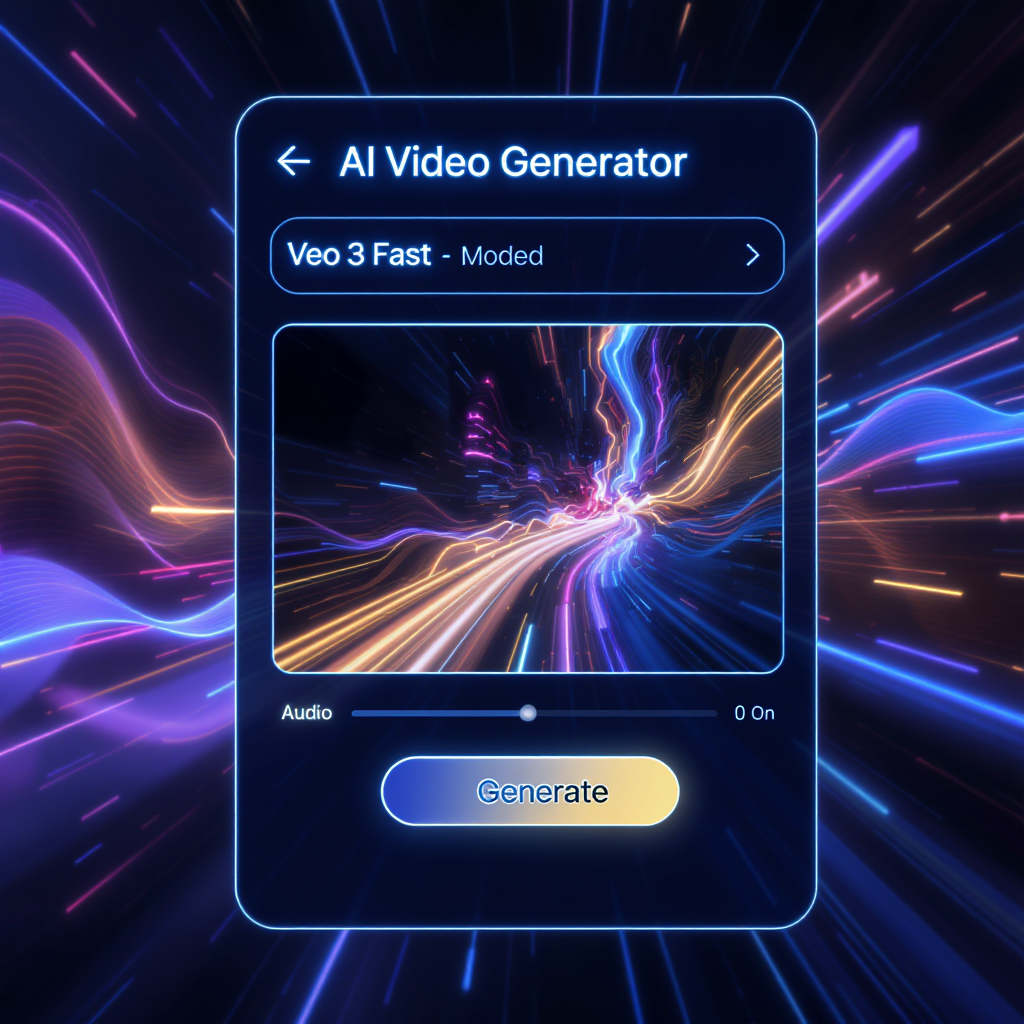
Interface Overview on FluxProWeb
When using the FluxProWeb video generator, you’ll find a clean, intuitive interface. Here's what you'll see:
- Video Version Toggle: Choose between
StandardandProfessional. - Audio Toggle: Only available when using
VEO 3 Fast. - Model Version Dropdown: Includes all STD versions plus the new
VEO 3 Fast. - Prompt Box: Enter up to 512 characters to describe your scene.
- Translate & Optimize Prompt Options
- Public Toggle: Choose whether your video is publicly viewable.
- Generate Button: Costs only
800credits for Veo 3 Fast.
This streamlined UI makes it simple to create high-quality videos in minutes—even for beginners.
How to Generate a Video with Audio Using Veo 3
Follow these steps to transform your image into a stunning video using the image to video with audio by Veo3 feature:
1. Visit the Tool
Head over to the official Veo 3 video generator on FluxProWeb.
2. Select Video Version
Choose Standard mode (or switch to Professional if you’re working with advanced features).
3. Choose the Right Model
From the Model Version dropdown, select VEO 3 Fast. This is required to enable the Audio toggle.
4. Enter Your Prompt
In the prompt box, describe your desired scene. Example:
“A futuristic cityscape at night with neon lights and ambient music.”
5. Upload an Image
Click the upload box or drag your image (supports jpg, jpeg, png, and webp).
6. Toggle Public Option
Decide if your video should be Public or Private.
7. Generate
Click the Generate button. The cost is 800 credits. Within seconds, your video with audio will be ready to preview or download.
Best Practices for Prompt Writing
To get the best results from the Veo 3 AI video generator, keep these tips in mind:
- Be Descriptive: Include adjectives, motion cues, and mood indicators.
- Use Sound-Related Terms: If you're adding audio, include sound elements like “wind blowing,” “waves crashing,” or “dramatic soundtrack.”
- Test and Iterate: Try different prompts with the same image to see how the AI interprets each.
Use Cases for Image to Video with Audio by Veo3
Here are a few ways users are leveraging this tool:
- 🎥 Social Media Clips — Instagram Reels, YouTube Shorts, TikTok
- 📚 Educational Explainers — Visual aids for lessons or tutorials
- 🛒 Product Promos — Animate product photos for digital ads
- 💌 Personalized Greetings — Birthdays, announcements, or holiday cards
- 🎨 Creative Portfolios — Showcase artwork or photography in motion
Why Use Veo 3 AI Video Generator on FluxProWeb?
The platform stands out for several reasons:
- User-Friendly UI: Even first-time users can generate pro-quality videos.
- Faster Results: Lightning-fast processing, especially with Veo 3 Fast.
- Realistic Audio Matching: Audio adds emotional depth to your visuals.
- Affordable: Just 800 credits per video—great value for high output.
- Safe & Private: Full control over public/private status for each video.
Frequently Asked Questions
Q: Can I use audio with all models?
No, only the VEO 3 Fast model supports audio.
Q: How long does it take to generate a video?
Most videos are ready in under 60 seconds.
Q: Can I customize or edit the video after generation?
Not within the tool, but you can download and edit externally if needed.
Q: Are free trials available?
FluxProWeb often offers credit bonuses for new users or daily check-ins.
Conclusion
If you’re looking for a quick, powerful, and intuitive way to transform images into animated videos with audio, the Veo 3 AI video generator is your best bet. Whether for business, education, or creativity, image to video with audio by Veo3 on FluxProWeb delivers exceptional results—fast.
👉 Ready to bring your visuals to life? Try it now on FluxProWeb.